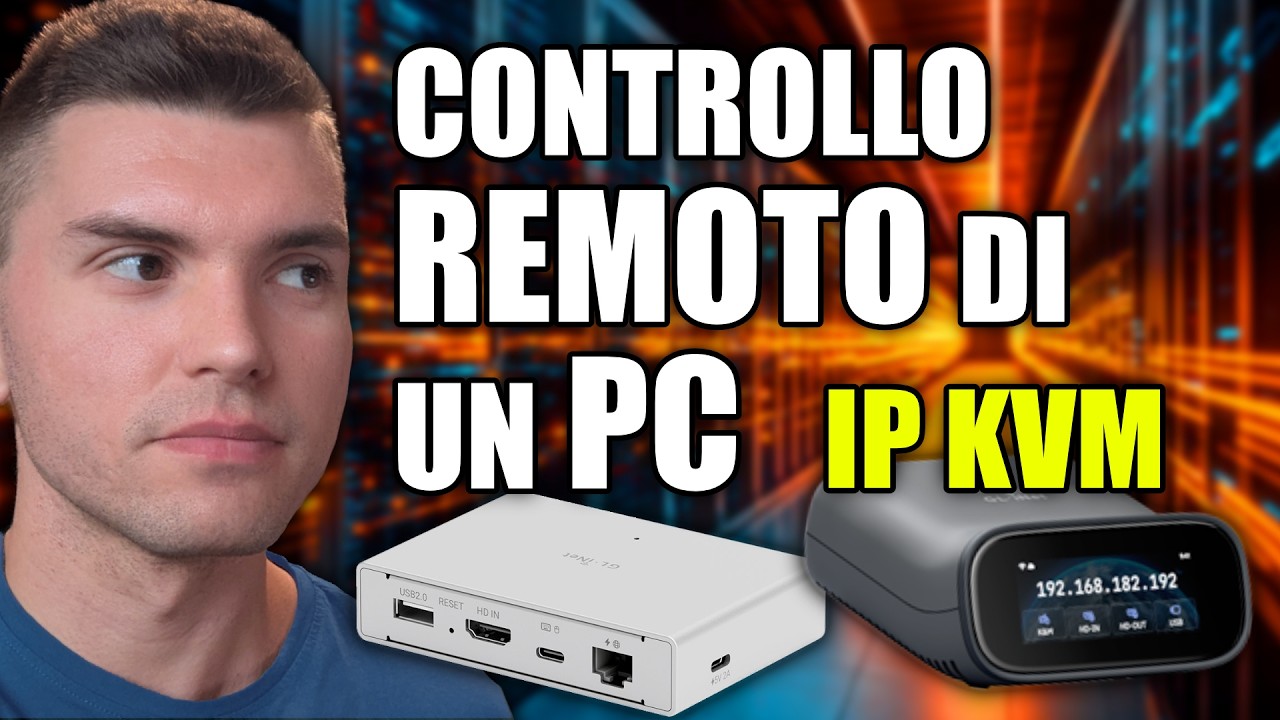
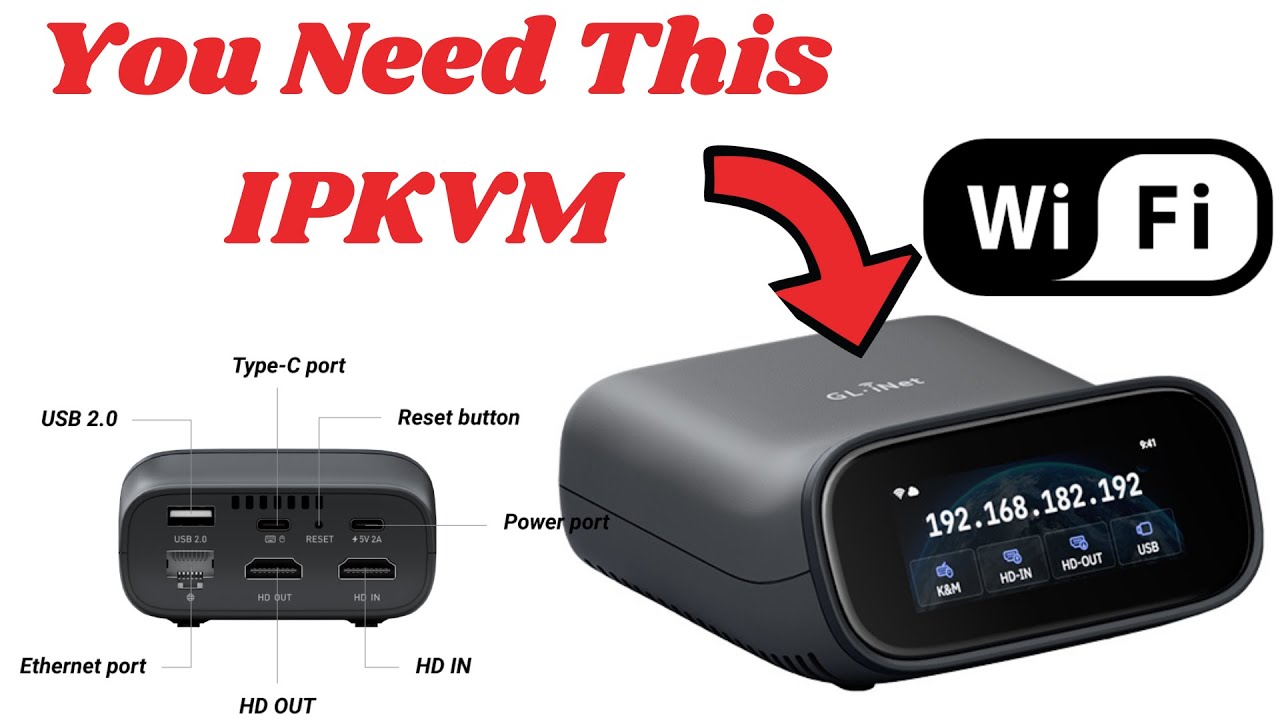
Comet Pro (GL-RM10) Remote KVM over Wi-Fi
*Pack discount excluded
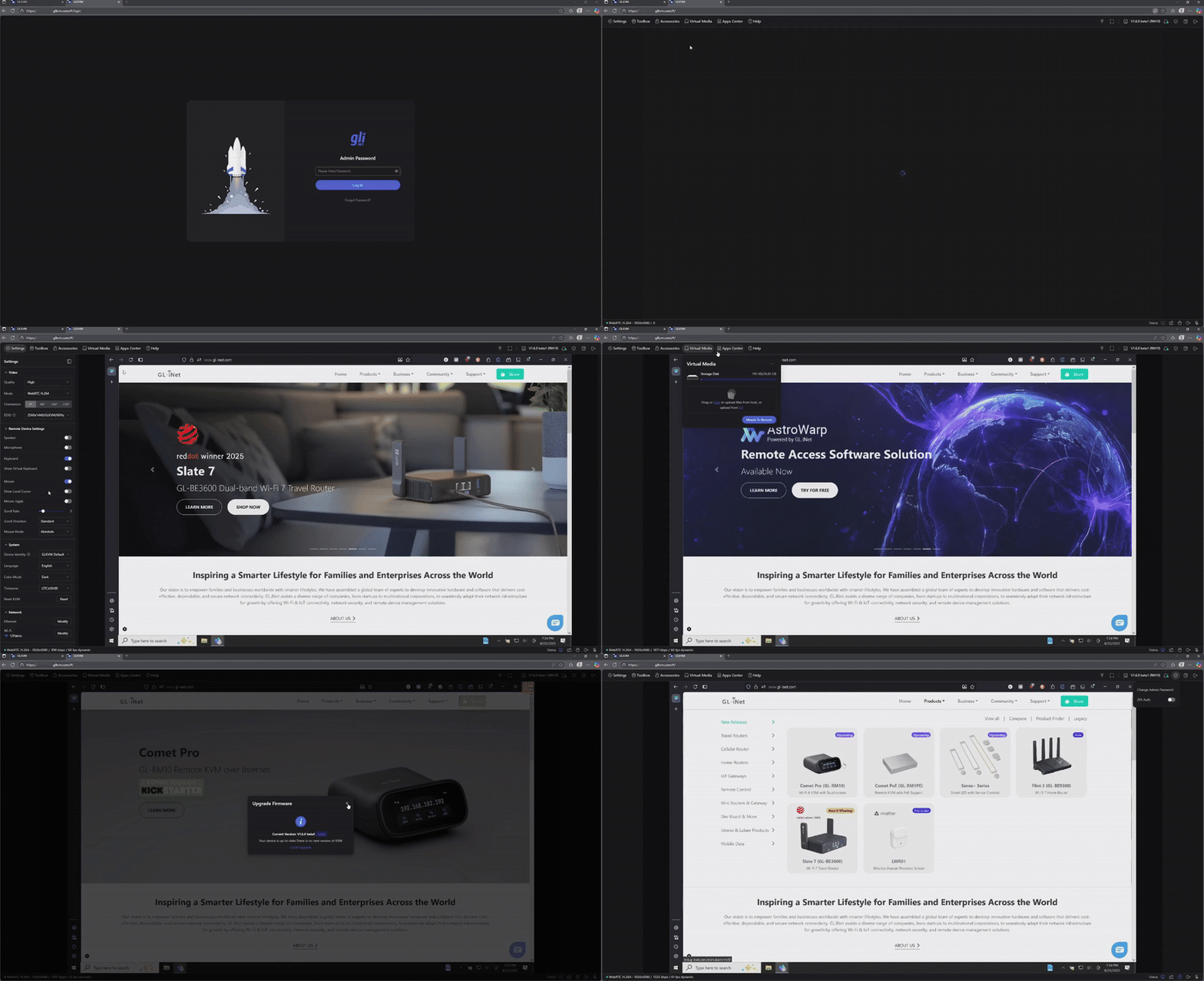
Here at GL.iNet, we know convenient and secure access is important. Introducing our Comet Pro Remote KVM over Wi-Fi, giving you remote access to your computer, workstation, or server anywhere. Our ultra-low latency KVM bridges performance, and simplicity at the touch of your fingertips
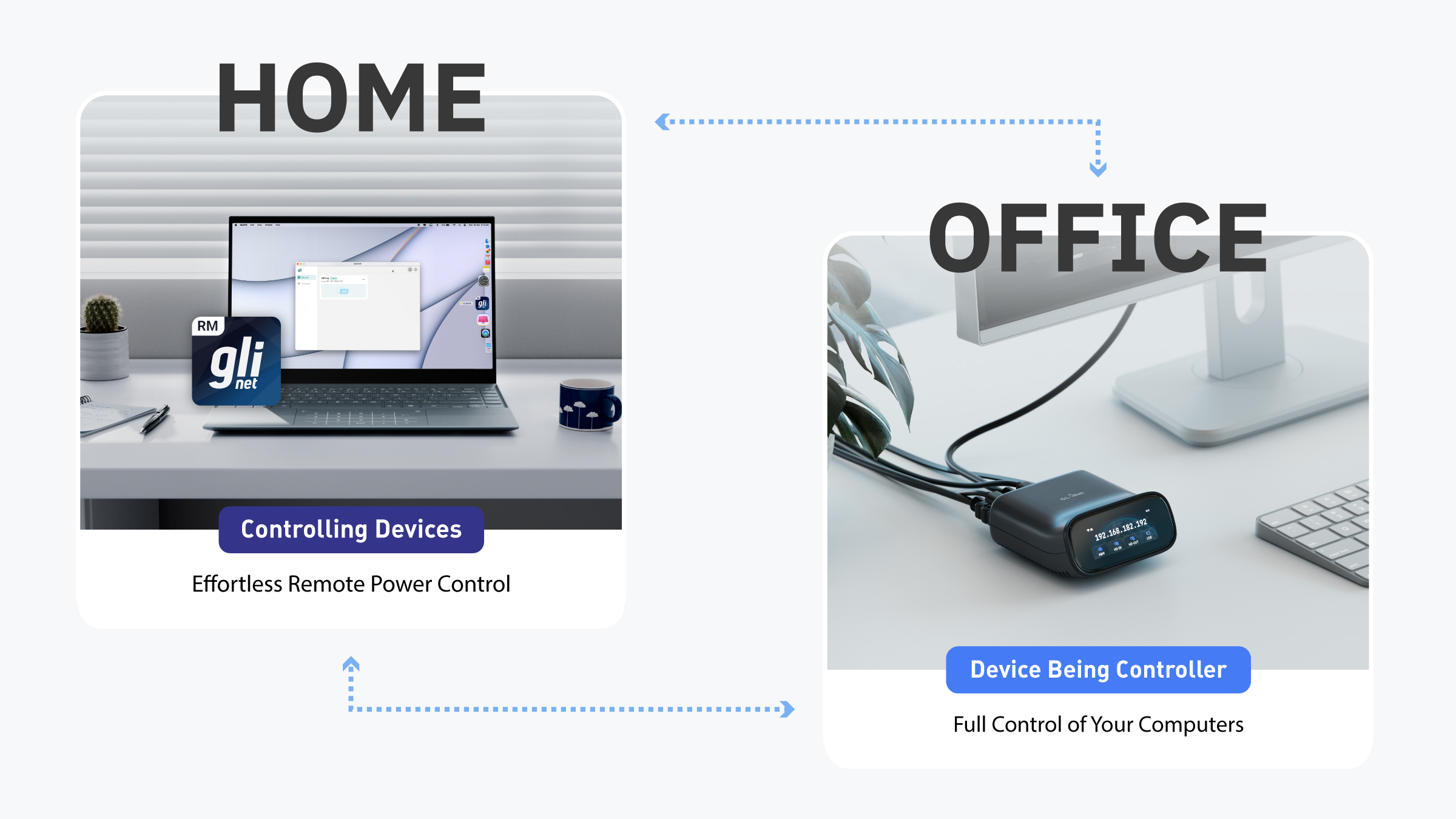
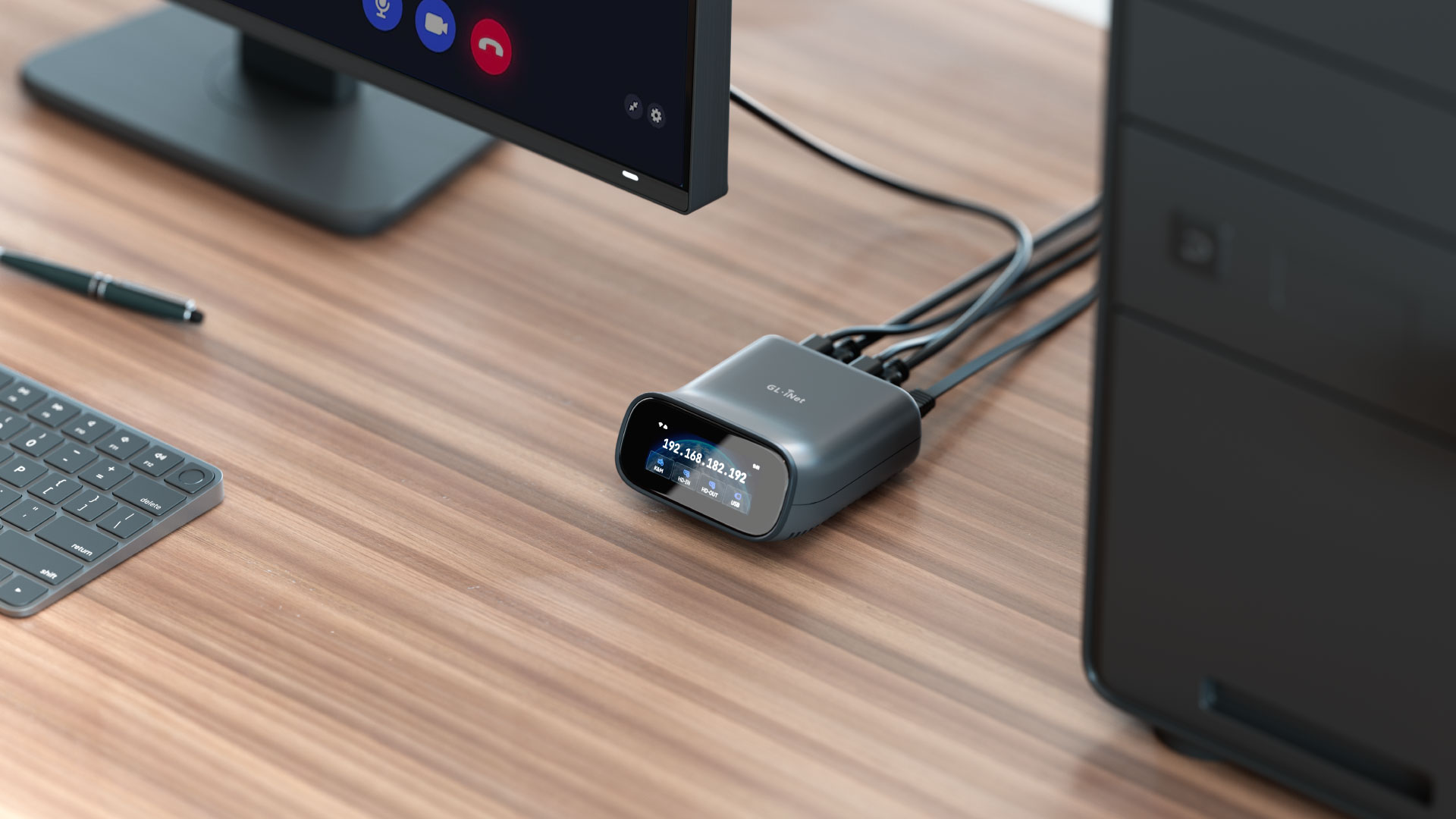
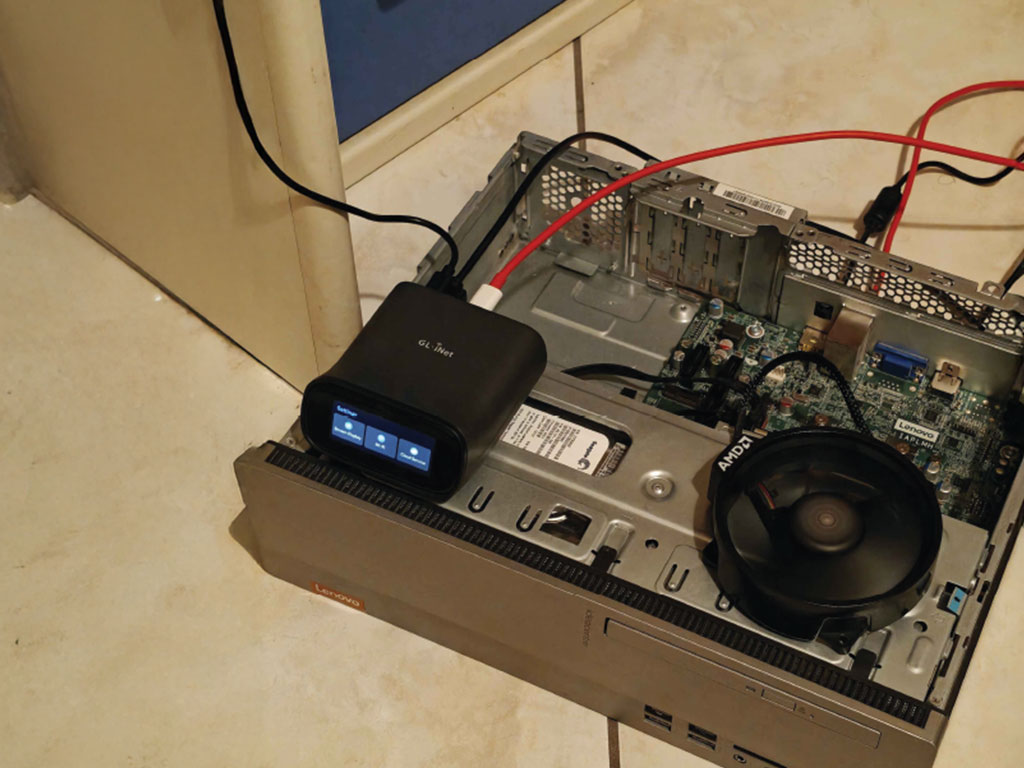
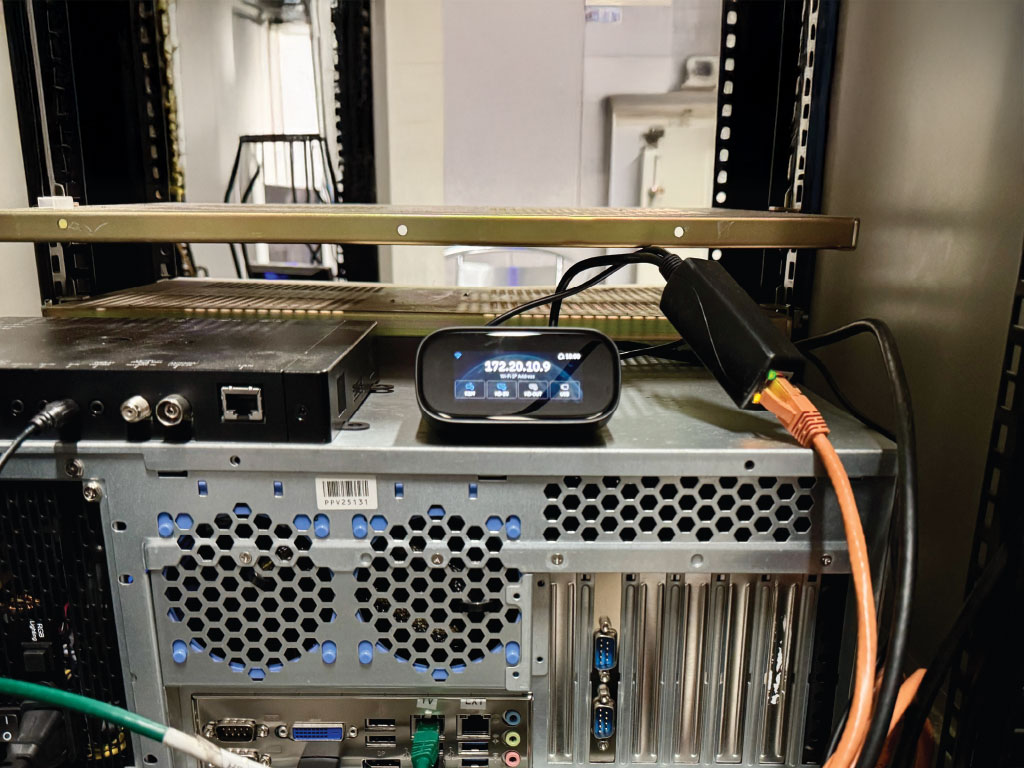
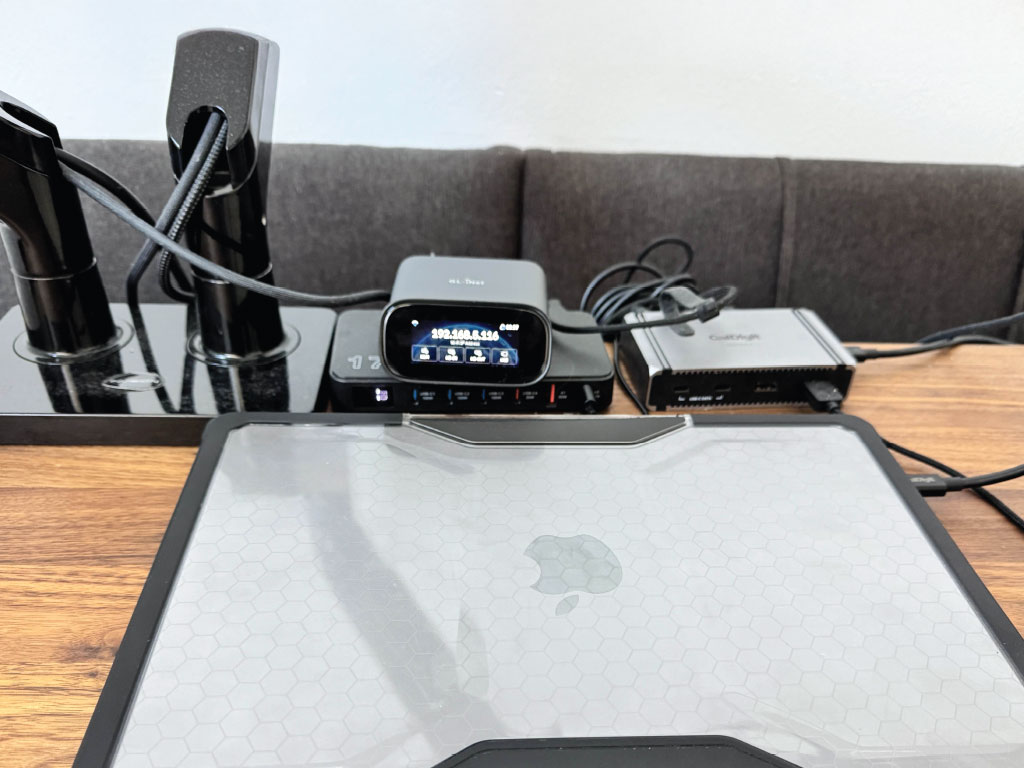
Comet Pro provides simplicity to your life. Whether you have a gaming PC, work laptop, media server, or home office setup, the Comet Pro lets you control your devices from one central location, and best of all, you can be anywhere with an internet connection.
Here at GL.iNet, we know convenient and secure access is important. Meet the Comet Pro Remote KVM over Wi-Fi 6, giving you remote access to your computer, workstation, or server anywhere. The Comet Pro delivers ultra-low latency, robust security, and plug-and-play simplicity. Bridge performance and freedom so you can work, manage, and troubleshoot without compromise from anywhere.
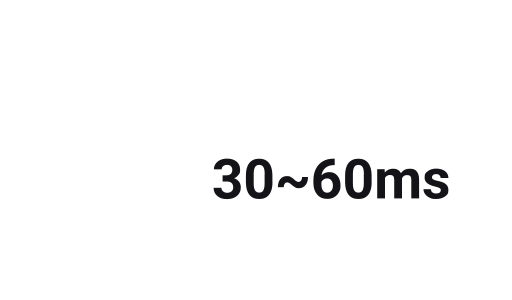
Allowing for native 4k@30FPS HD out passthrough, this gives users crystal clear video while also able to maintain a low latency feed of 30-60 ms with H.264 hardware encoding. Maintaining a fluid remote interaction without any compromises.
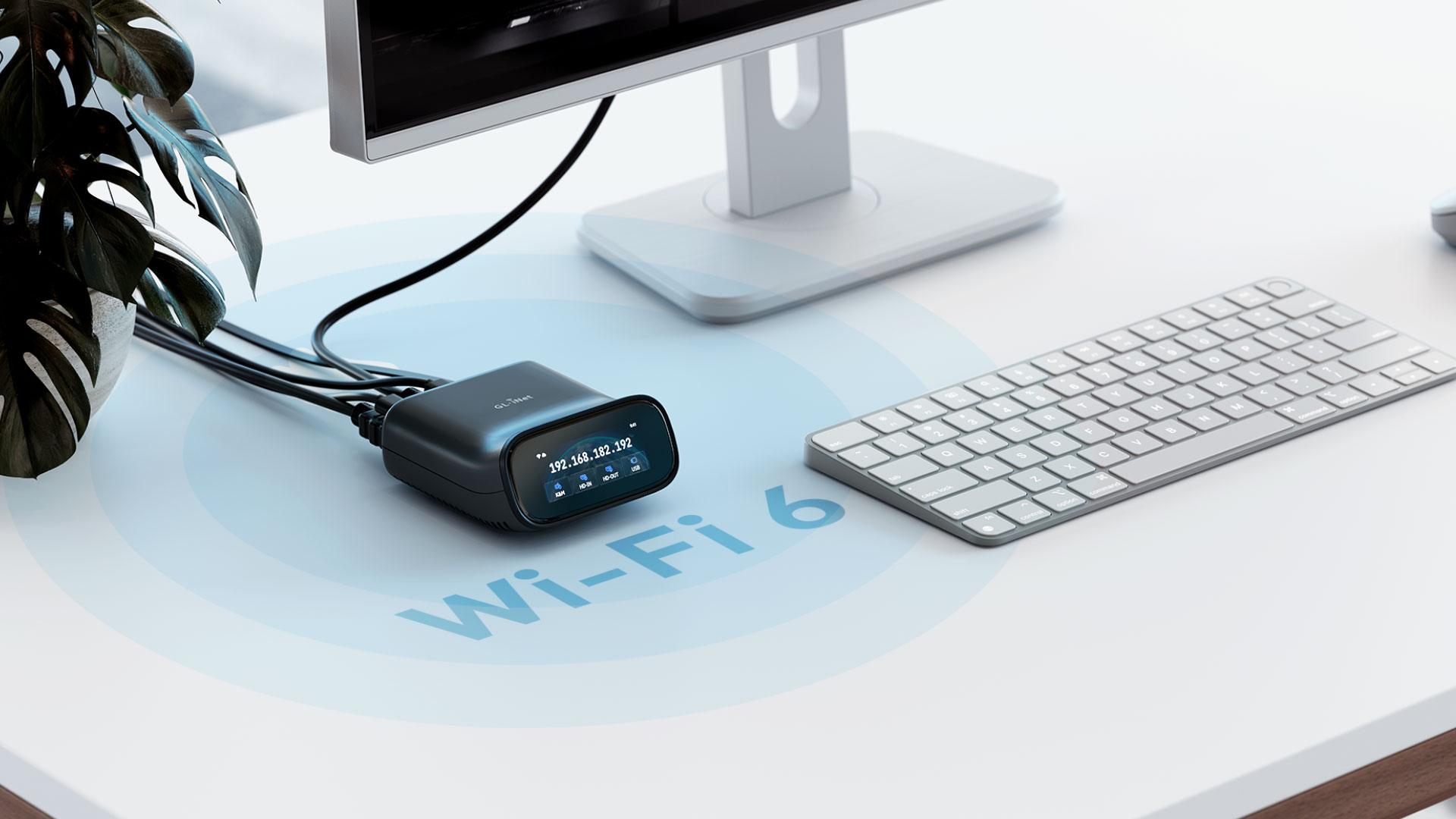
Comet Pro is the first desktop KVM device to support both 2.4GHz and 5GHz Wi-Fi bands. Connect your GL.iNet Comet Pro (GL-RM10) to your Wi-Fi network without needing a LAN connection, redefining flexibility in remote access. Users can now manage systems without the need to connect physical network cables, unlike traditional KVM solutions. Additionally, the Comet Pro allows for network failover with both Wi-Fi and ethernet capabilities to improve your uptime stability.
When working remotely, the ability to listen to and communicate is very important. Whether you're providing remote IT support or joining a conference call, the built-in audio channel over HD Out or USB allows for live voice communication between the local and remote ends.
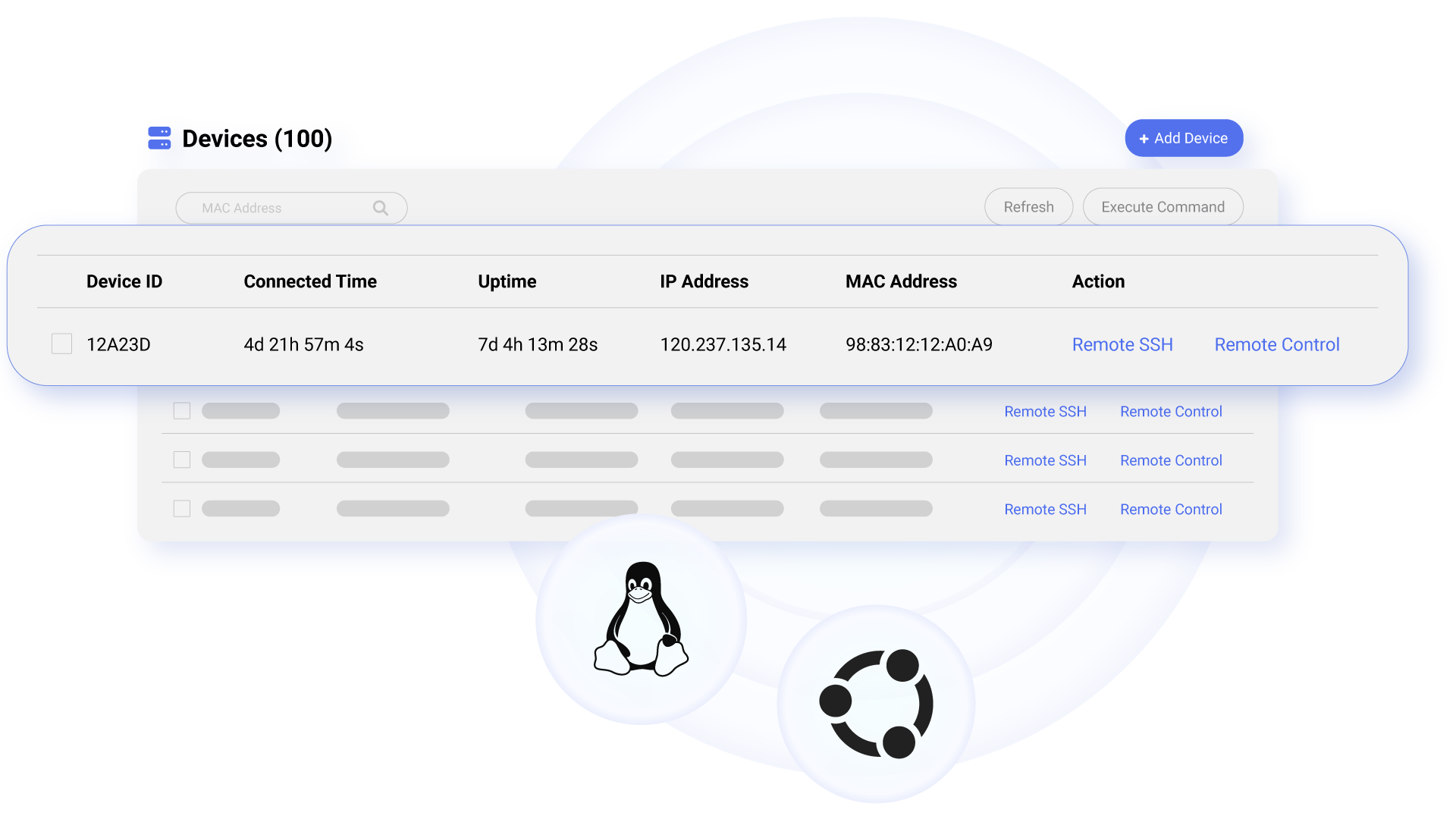
Comet Pro supports self-hosted deployment on mainstream operating systems such as Linux and Ubuntu, giving you full control over your remote access environment.
Get started with 2 cores and 2GB RAM cloud server, then deploy in one click-no complex setup required. No personal information is collected by GL.iNet, ensuring a private experience.
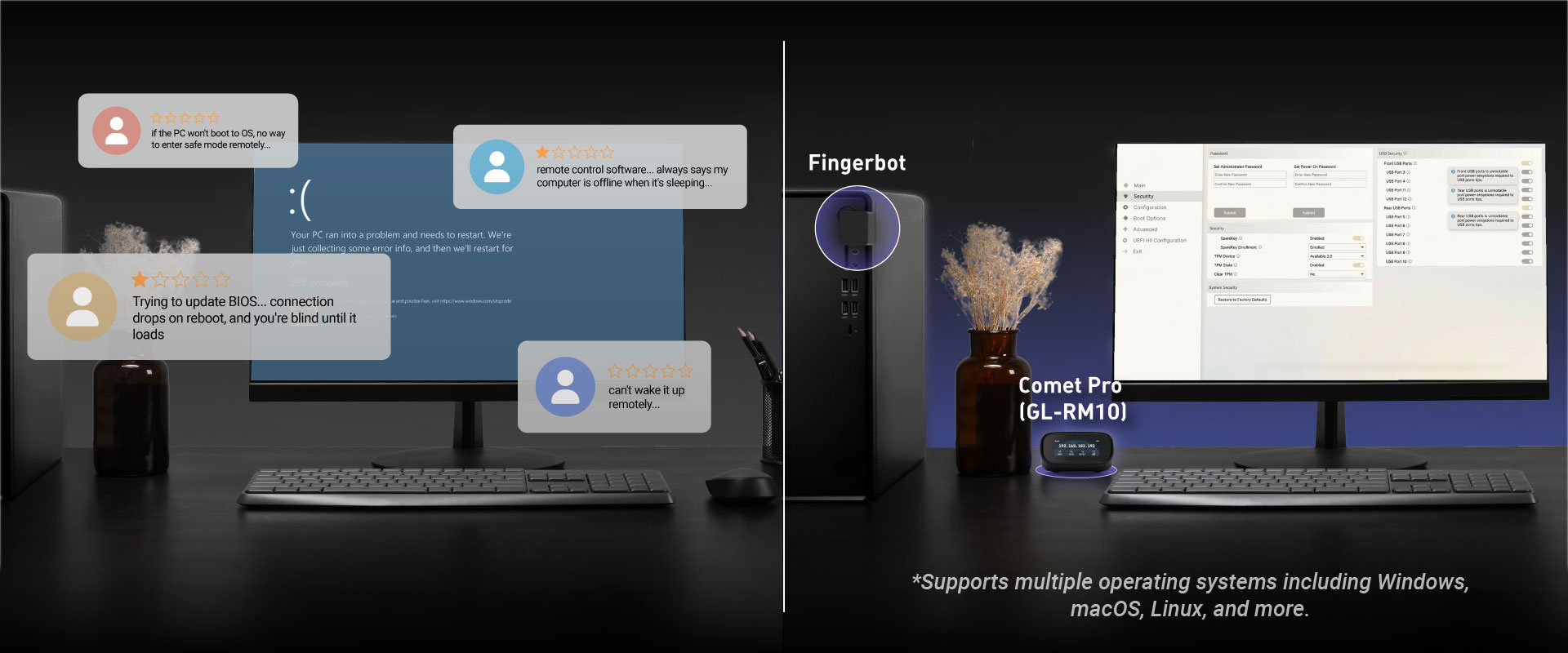
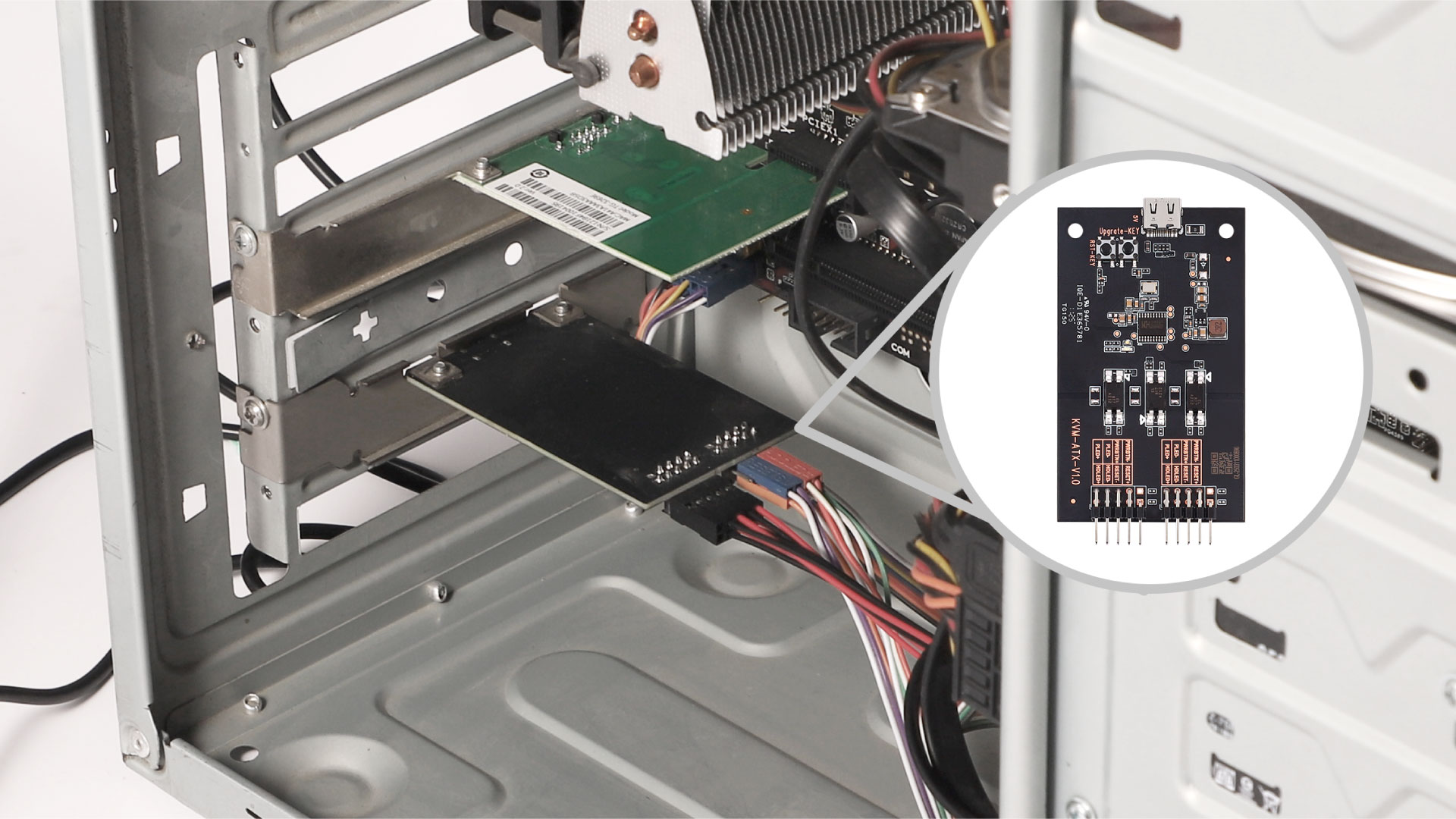
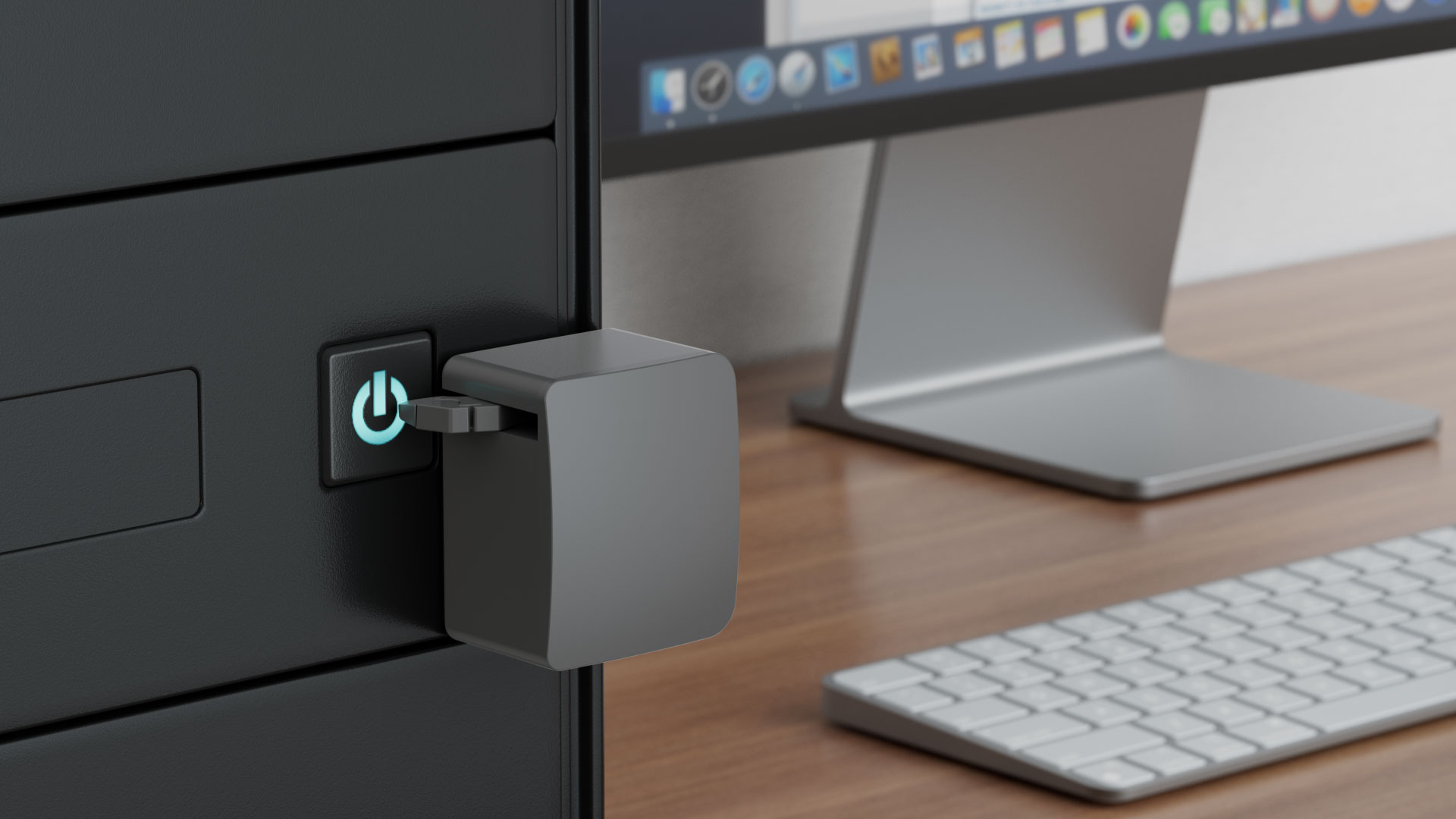
Comet Pro enables remote power management by connecting to extension devices such as ATX Boards and Fingerbot, allowing users to power on/off, or restart any device-even those without internet connectivity-from anywhere. By eliminating the need for physical access, Comet reduces downtime, ensures seamless operation, and enhances efficiency, reliability, and cost-effectiveness.
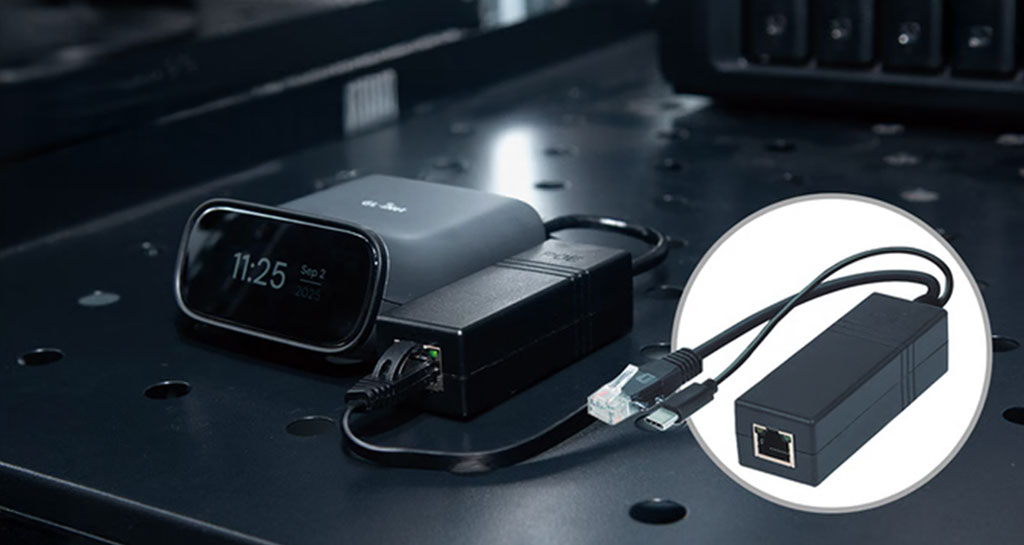
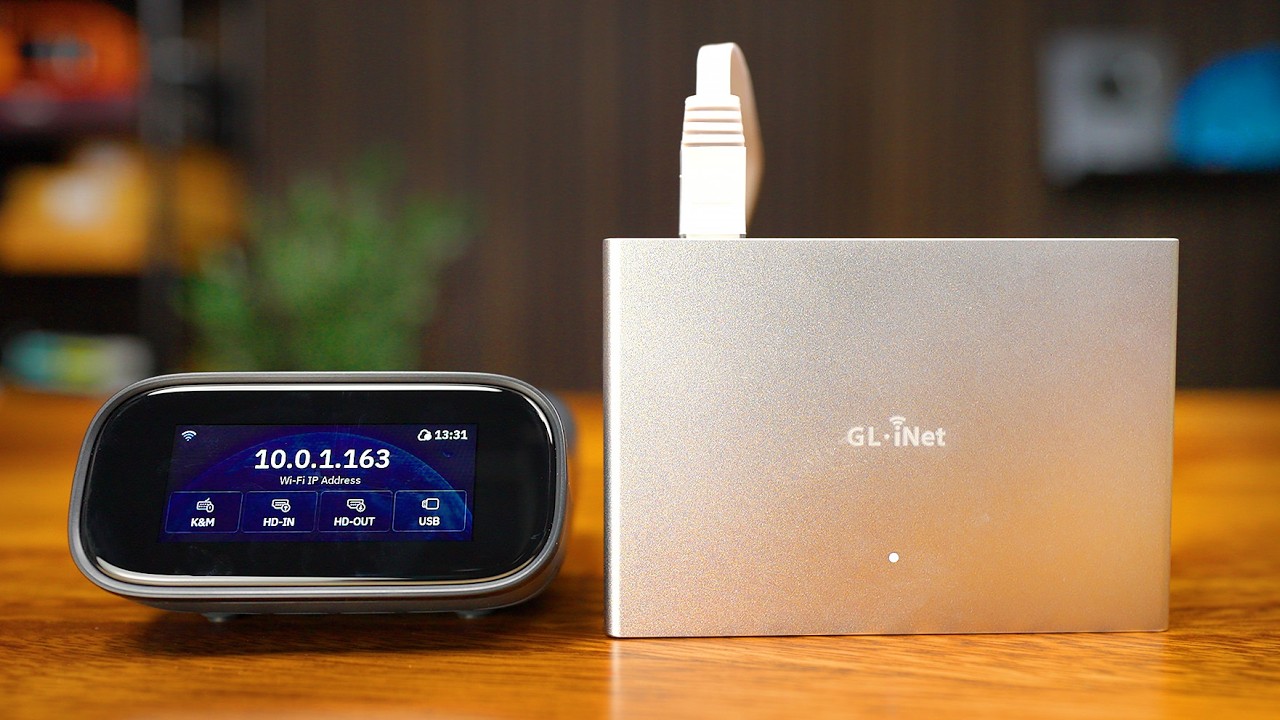
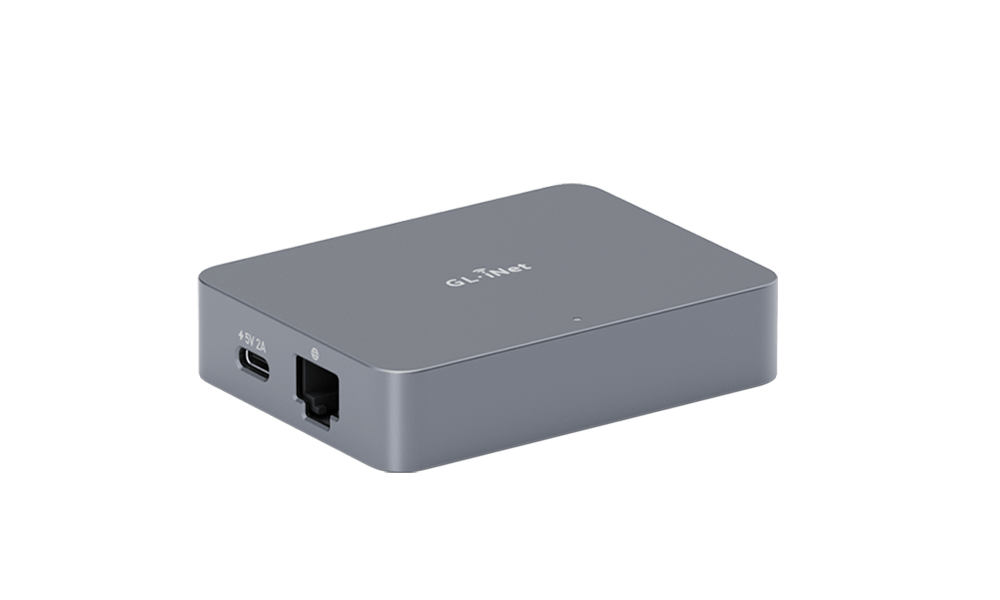
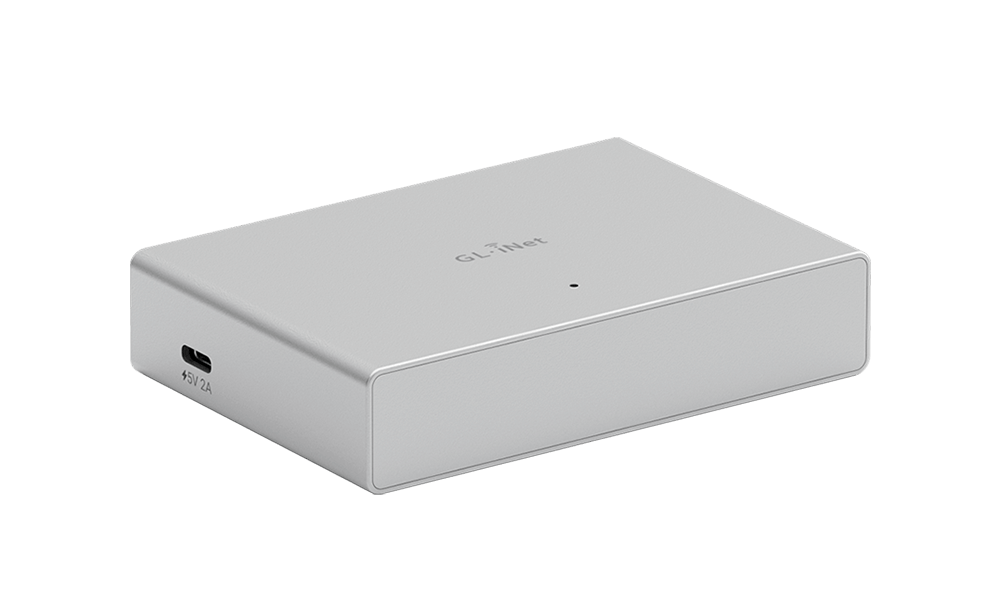
The PoE Splitter, featuring a USB Type-C output, is a compact device that allows you to power the Comet Pro using a PoE (Power over Ethernet) network. It separates the power and data from a single Ethernet cable, making it ideal for setups where traditional power outlets are limited or hard to access. It accepts a DC input of 36-57V and provides a 5V/2.5A output, compliant with IEEE 802.3af, while supporting data speeds up to 1Gbps.
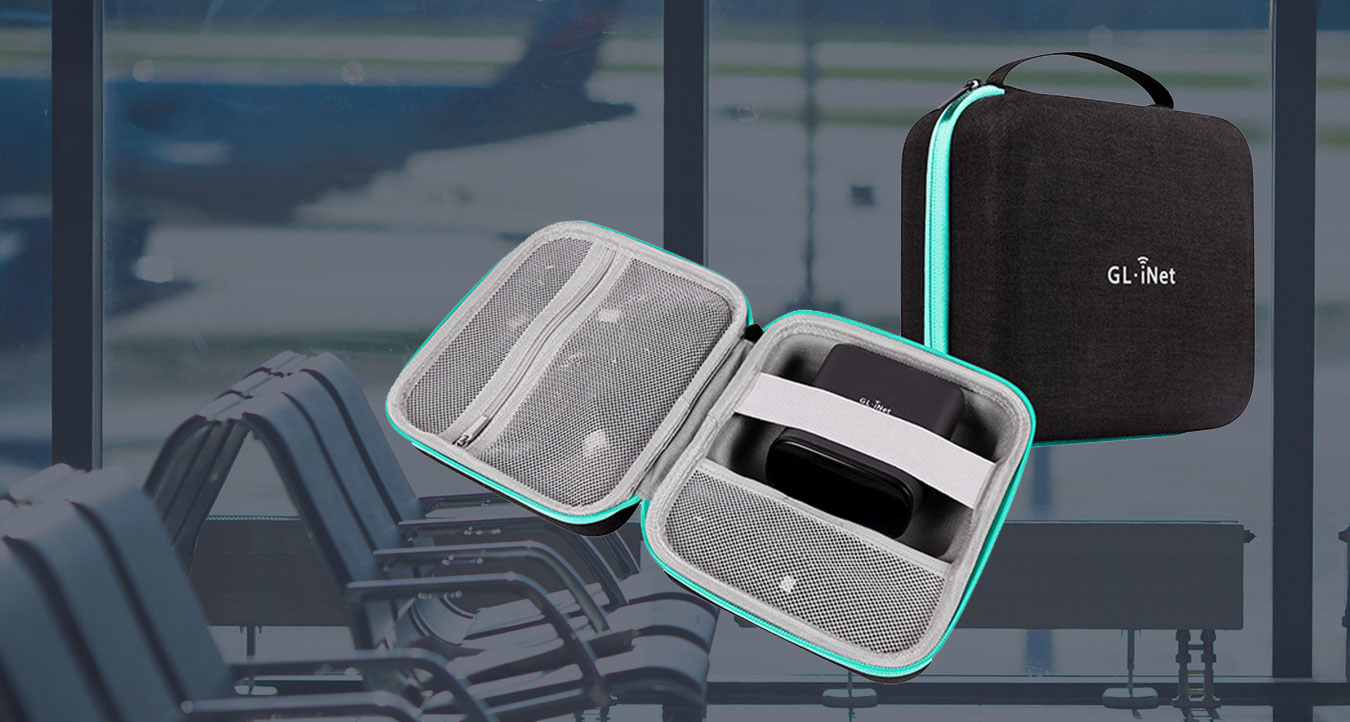
Taking your Comet Pro on the go? Now you can travel with this travel case! Whether you're planning a field visit, a lab demo, or just need a compact way to store your device and accessories - this sleek, durable travel case has you covered. The case weighs just 252g and features a compact design with dimensions of 190 × 175 × 85 mm.Designed to fit the Comet Pro and essential accessories snugly, it’s lightweight, protective, and perfect for travel or everyday carry. Stay organized. Stay mobile. Take Comet Pro wherever innovation calls.
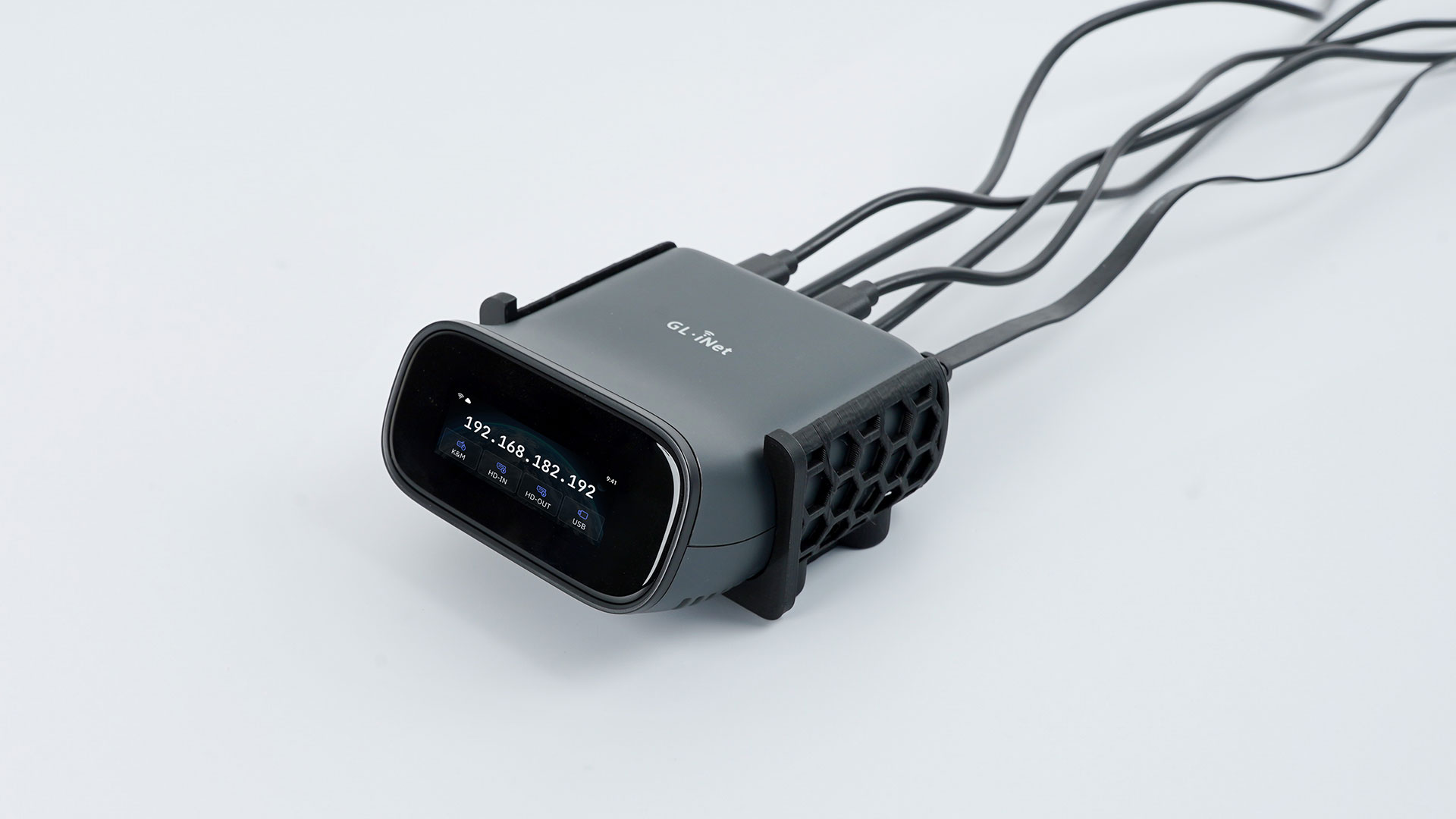
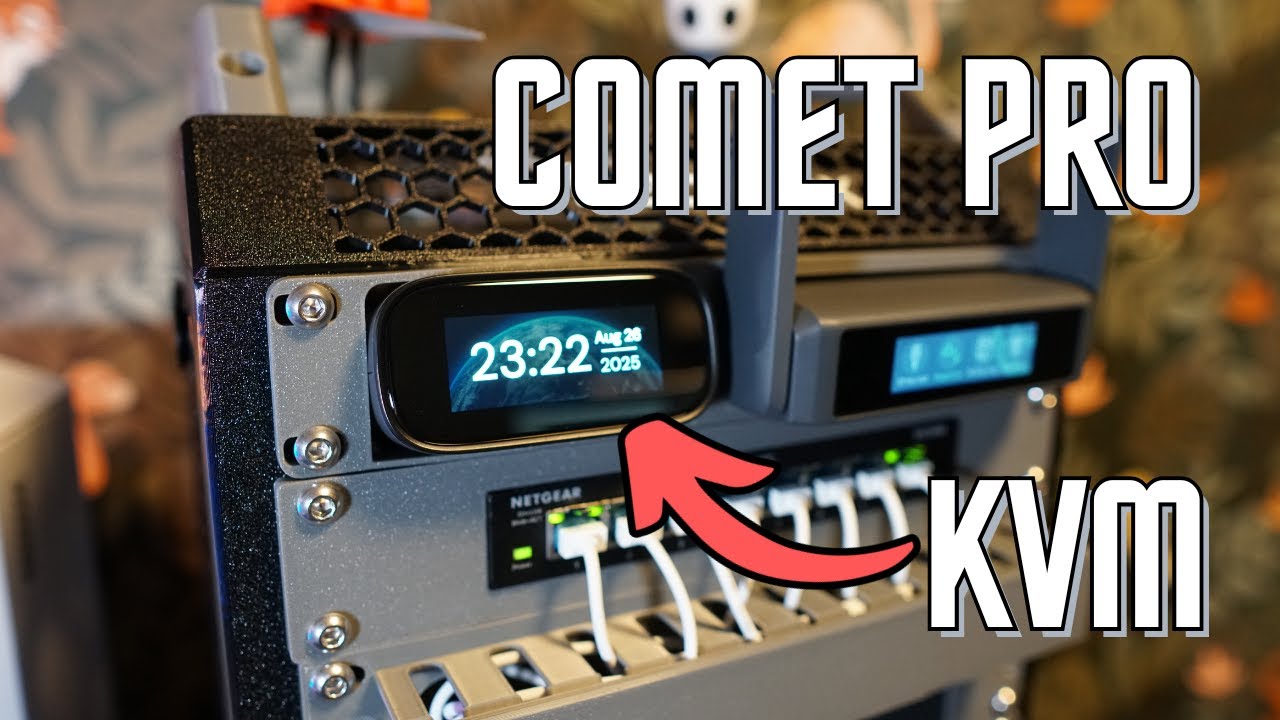
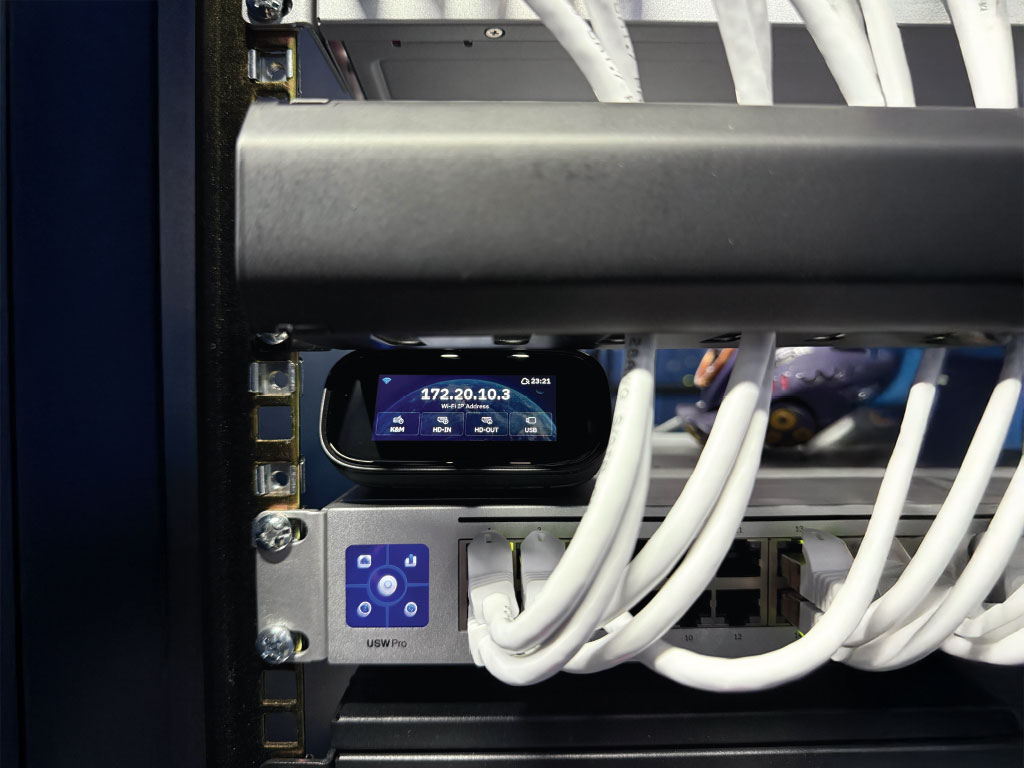
Download the 3D-printable rack mount and seamlessly integrate your device into your existing rack setup.
*Featured here is the magnetic rack mount. Additional 10-inch and 19-inch 3D printable files are available for download.
Gl.iNet Comet Pro KVM - SHOULD YOU BUY?
The BEST Budget KVM Over IP? GL.iNet Comet Series Reviewed
I've been waiting for these KVMs for a long time
GL.iNet Comet Pro KVM Review - The JetKVM Killer for $99?
I NEEDED to Fix her Internet!
This $99 GL.iNet Comet Pro device Replaces TeamViewer, Streams Netflix & Plays PS5 Remotely! GL-RM10
Control your PC remotely with low latency! Meet GL.iNet Comet Pro (KVM over IP)
GOODBYE PiKVM? I TRIED the BEST Low-Cost KVM
GL.iNet Comet Pro, The BEST KVM With Wi-Fi.
4K@30FPS
4K@30FPS
4K@30FPS
30-60ms*
30-60ms*
30-60ms*
2.22" touchscreen
Quad-core Cortex-A7
Quad-core Cortex-A53
DDR3L 1GB / 8GB eMMC
DDR3L 1GB / 32GB eMMC
2.4GHz: 286Mbps
5GHz: 286Mbps
1Gbps
1Gbps
1Gbps
Type-C, 5V/2A
Ethernet (PoE) / Type-C,
5V/2A, PD-compatible
Type-C, 5V/2A,
PD-compatible
80 x 60 x 17.5mm / 85g
102 x 70 x 22mm / 140g
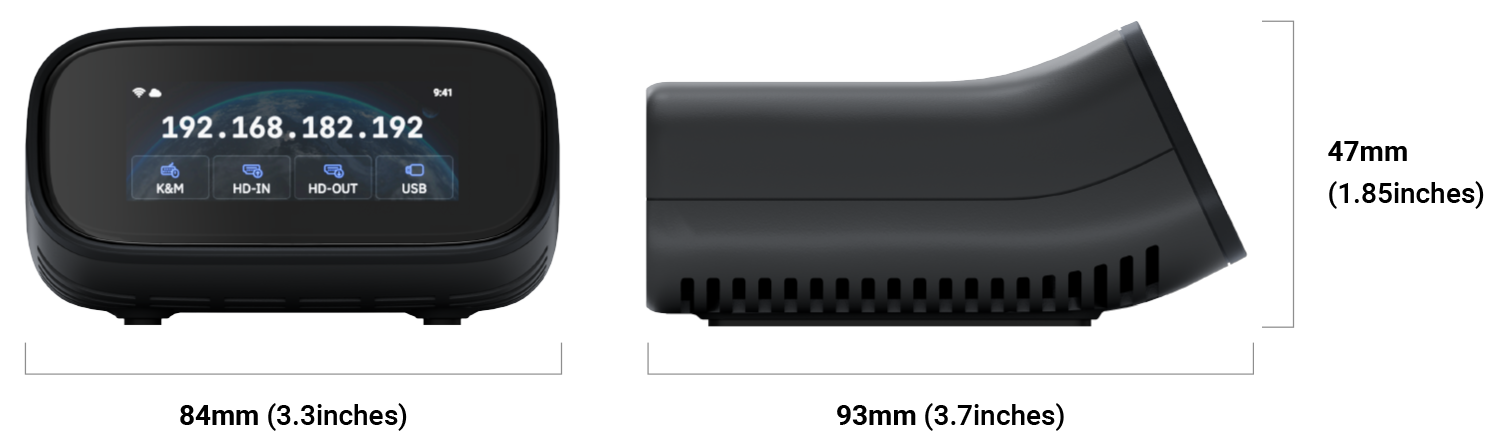
93 x 84 x 47mm / 170g
* Tests conducted on a local network. Real-world speeds may differ depending on your network configuration.


| Operating System | Linux 6.1 |
| CPU | Quad Core ARM Cortex-A53 |
| Memory / Storage | DDR3L 1GB / 32GB eMMC |
| Display Screen | 2.22 inch, Touchscreen |
| Wi-Fi Protocol | IEEE 802.11 a/b/g/n/ac/ax |
| Wi-Fi Speed | 286Mbps (2.4GHz), 286Mbps (5GHz) |
| Antennas | 1 x internal Wi-Fi antennas |
| Resolution | 4K@30FPS |
| Interface |
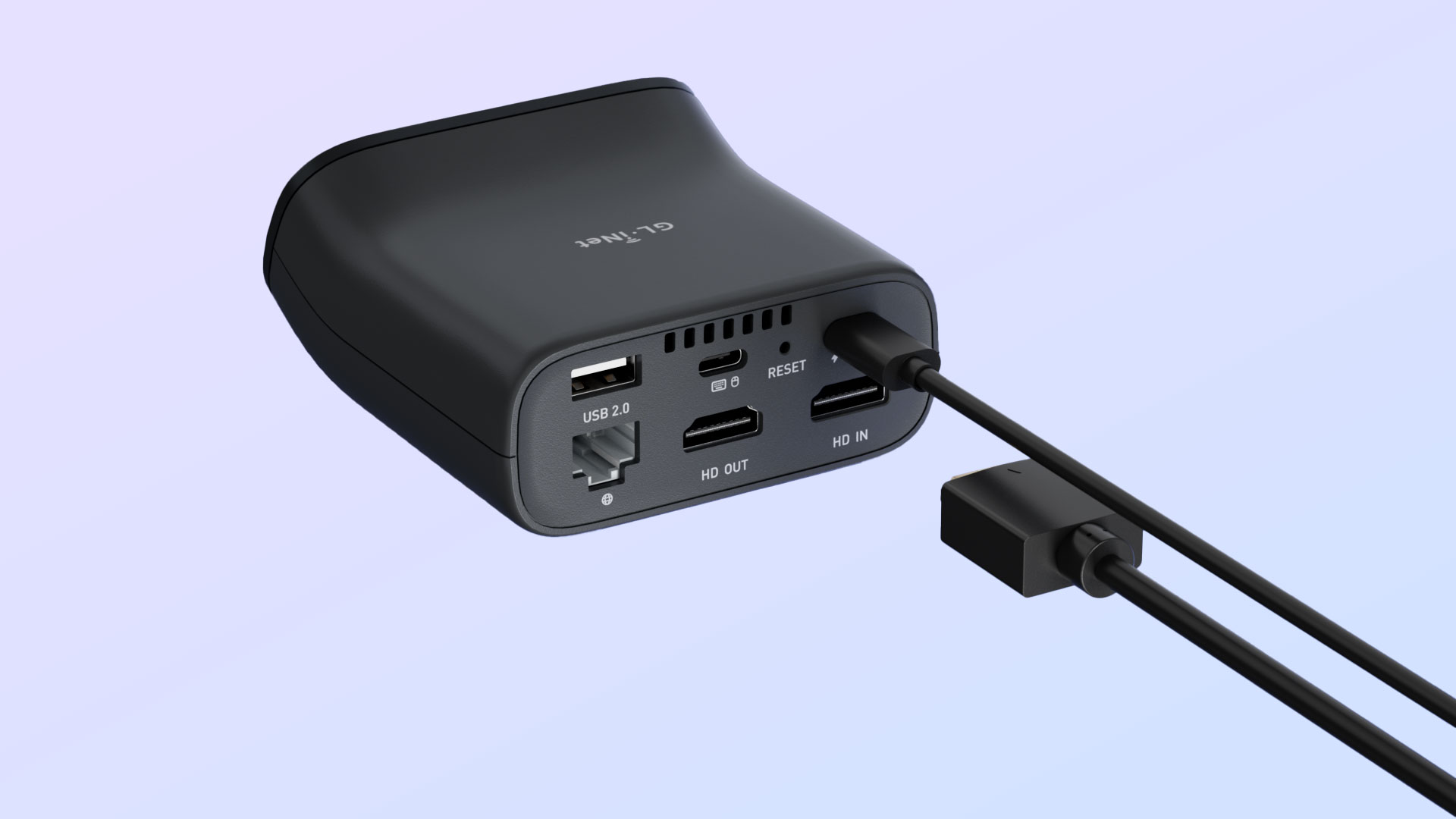
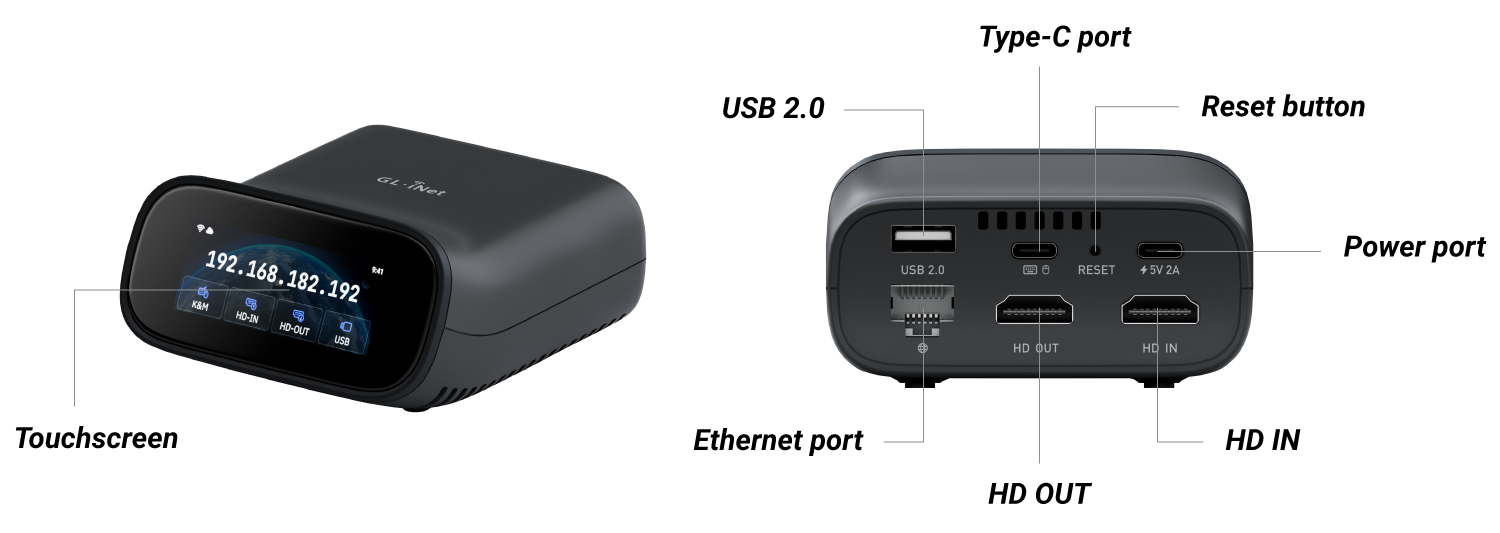
1x USB Type-C Keyboard, Mouse 1x Gigabit Ethernet port 1x HD In 1x HD Out 1x USB 2.0 Type-A |
| Power Input | 1x USB Type-C Input: 5V/2A with PD Compatible |
| Dimension / Weight | 93 x 84 x 47 mm / 170g (3.7 x 3.3 x 1.85 inch) |
| Tools & Downloadables | Datasheet | Firmware | App | Unboxing | Tutorials | Media Kit | Rack Mount |
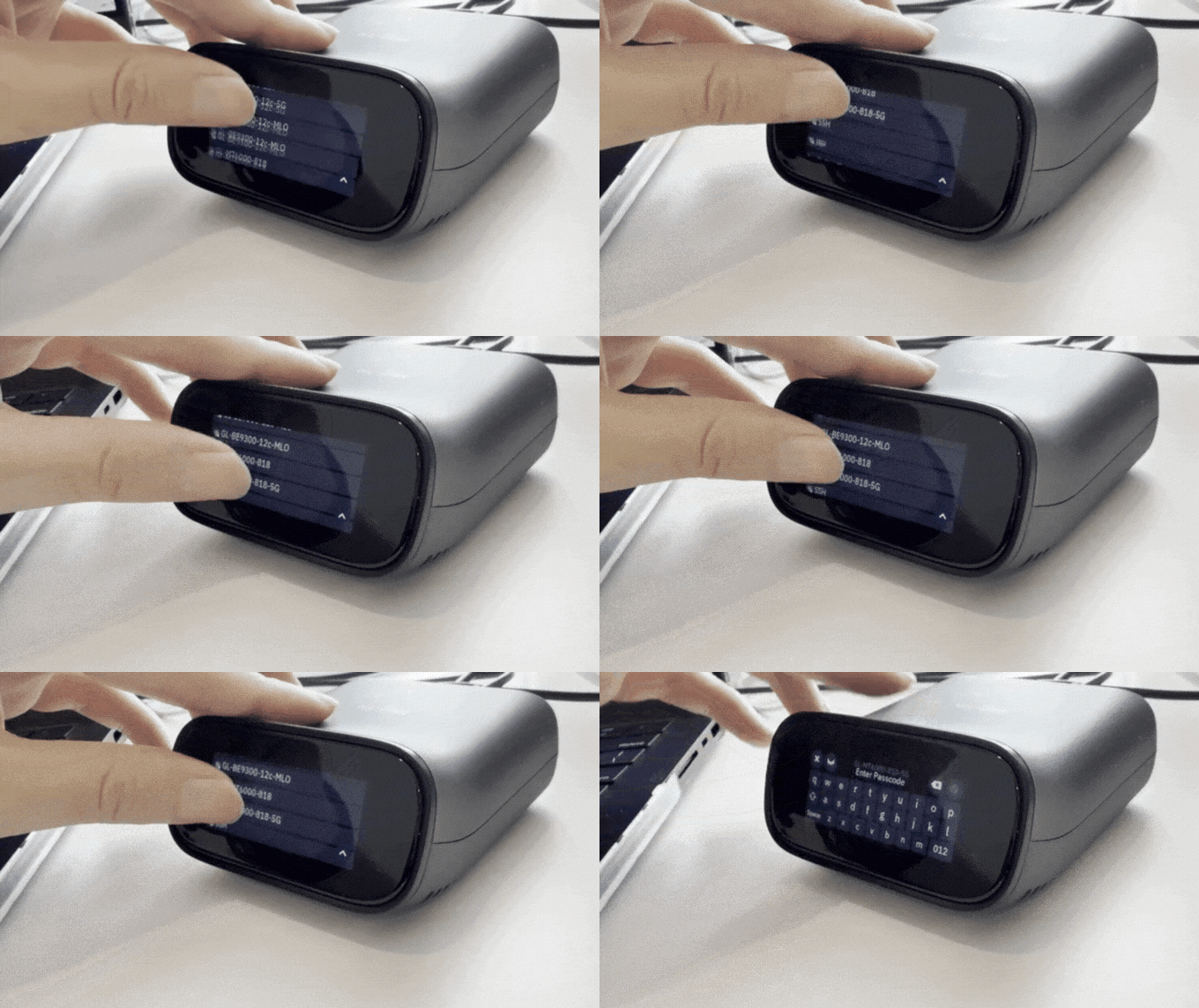
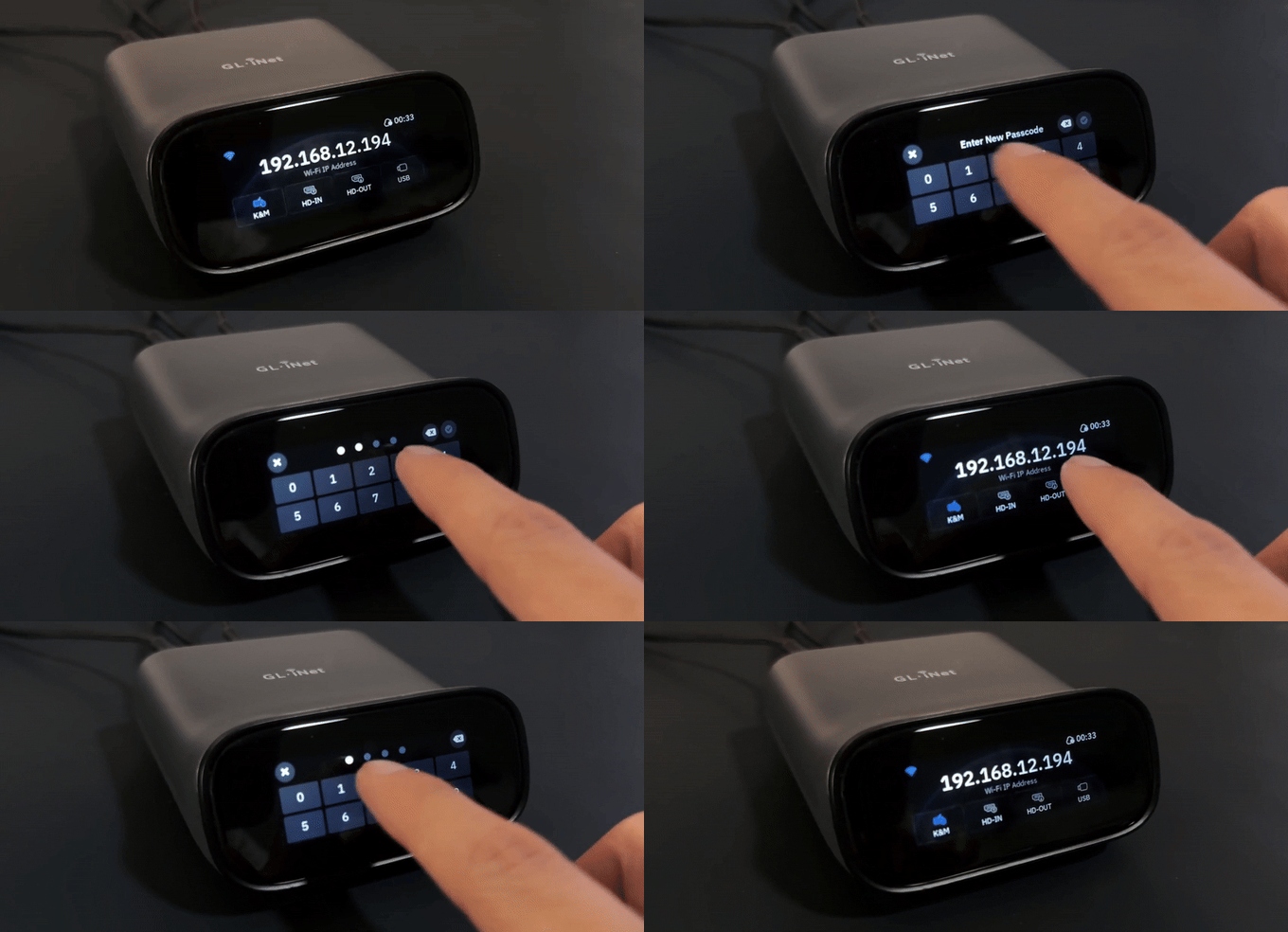
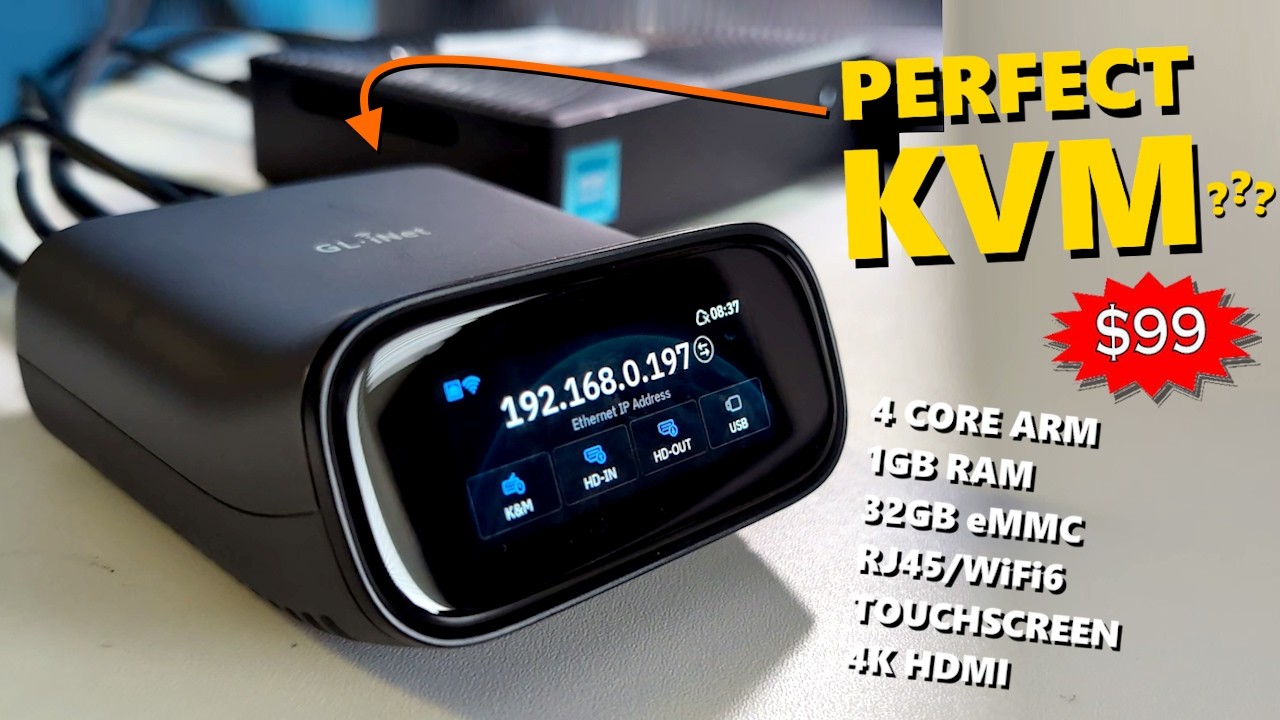
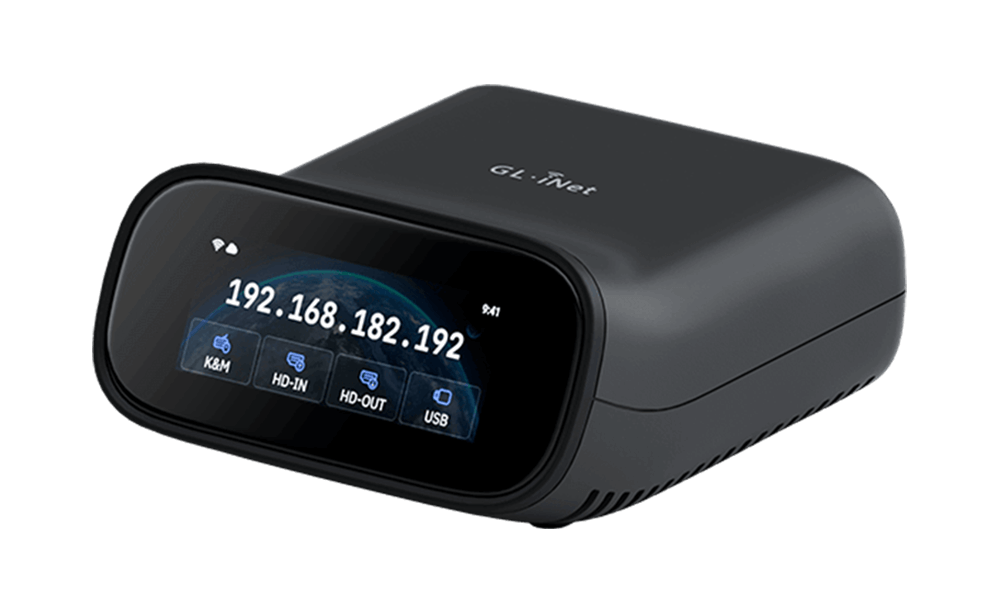
Comet Pro (GL-RM10) is a remote KVM over Wi-Fi solution. It is powered by a Quad-Core A53 CPU, with 1GB DDR3 memory and 32GB eMMC storage for smooth performance. Its touchscreen lets you check the device's IP address at a glance and perform basic tasks like Wi-Fi setup.
For connectivity, it supports Dual Band Wi-Fi 6 (stable, high-speed) and video passthrough (lossless signal transmission), plus 4K@30FPS video output for HD visuals during remote control. Whether for personal or professional use, Comet Pro is a top pick for efficient remote device management.
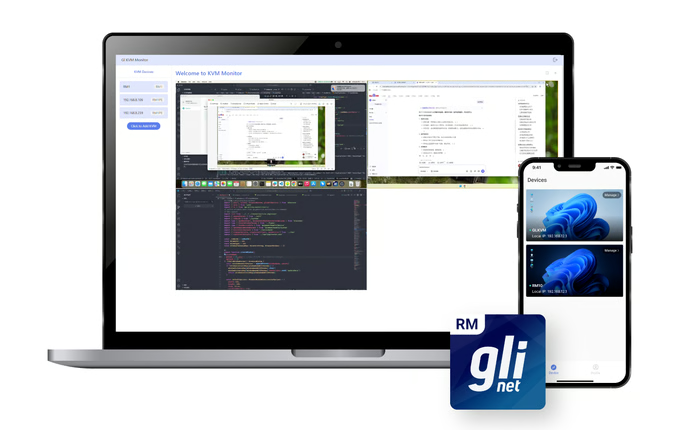
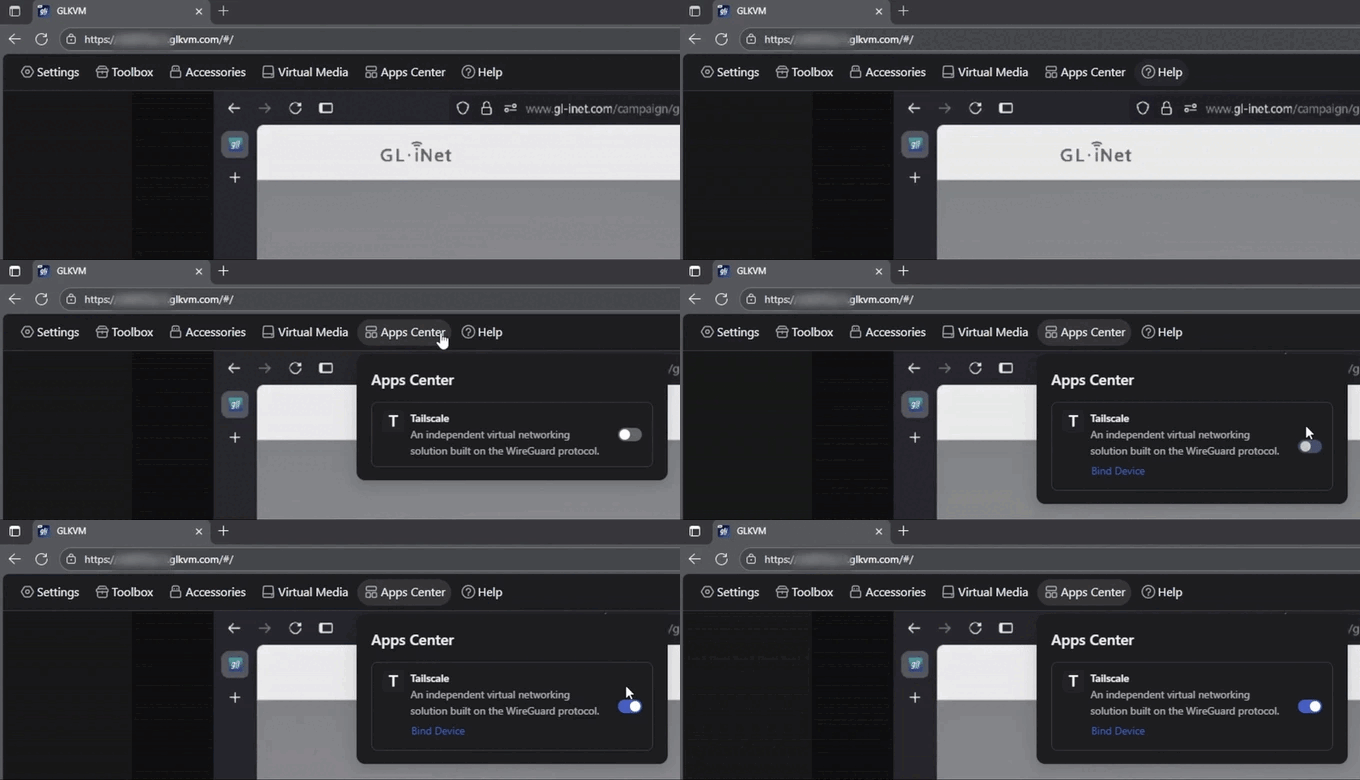
There are four ways to access the GL.iNet KVM and the controlled device:
Please refer to GL-ATX Board User Guide.
{"one"=>"Sélectionnez 2 ou 3 articles à comparer", "other"=>"{{ count }} éléments sélectionnés sur 3"}
Sélectionnez le premier élément à comparer
Sélectionnez le deuxième élément à comparer
Sélectionnez le troisième élément à comparer