Passer au contenu
Nouvelle année, nouvelles offres. Économisez jusqu'à 44 % 🎁Achetez maintenant↗

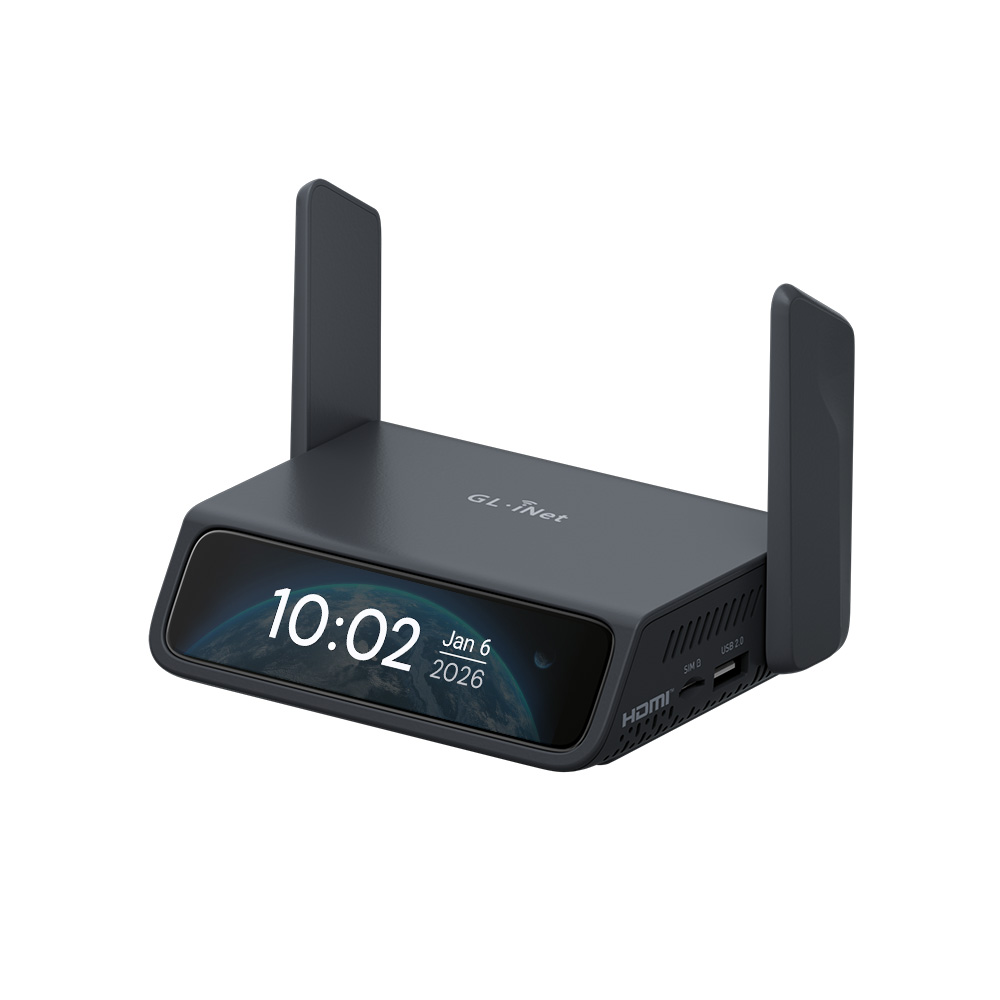
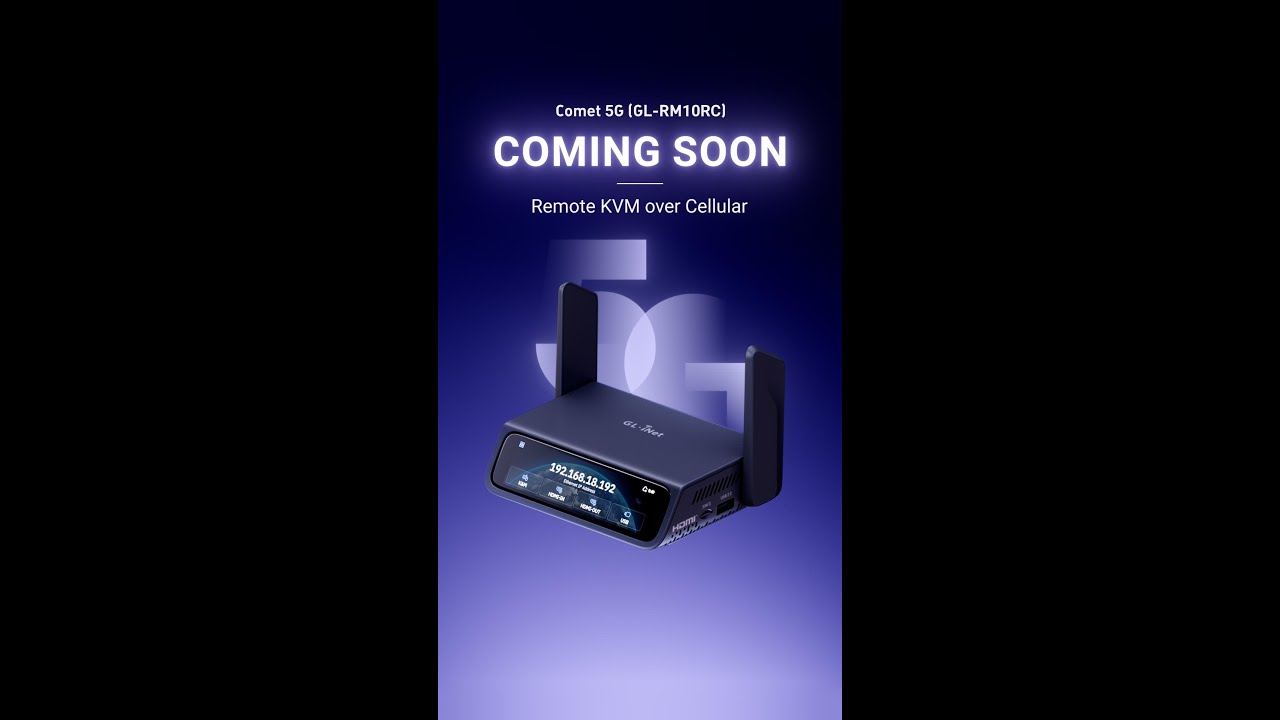
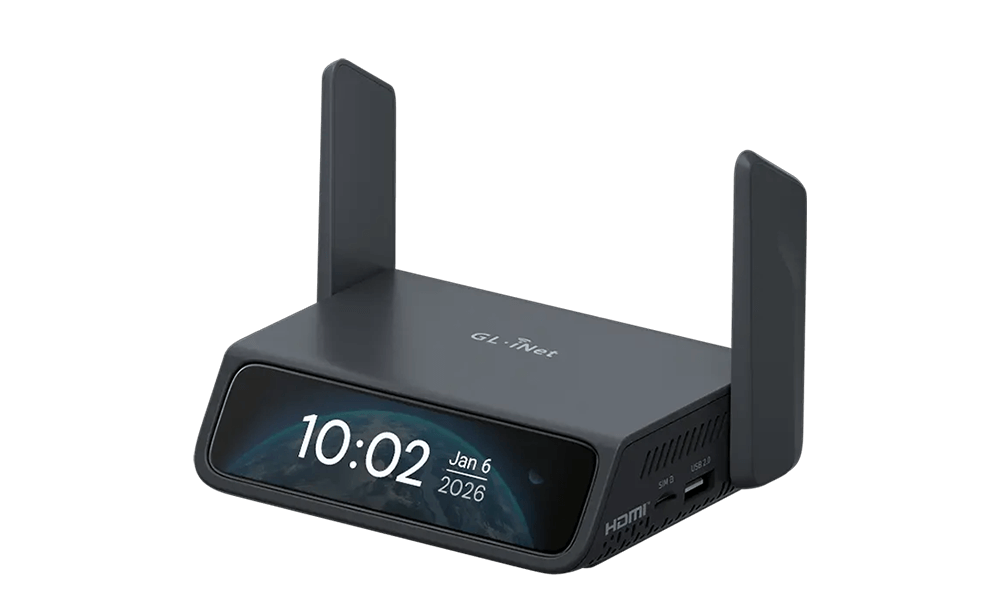
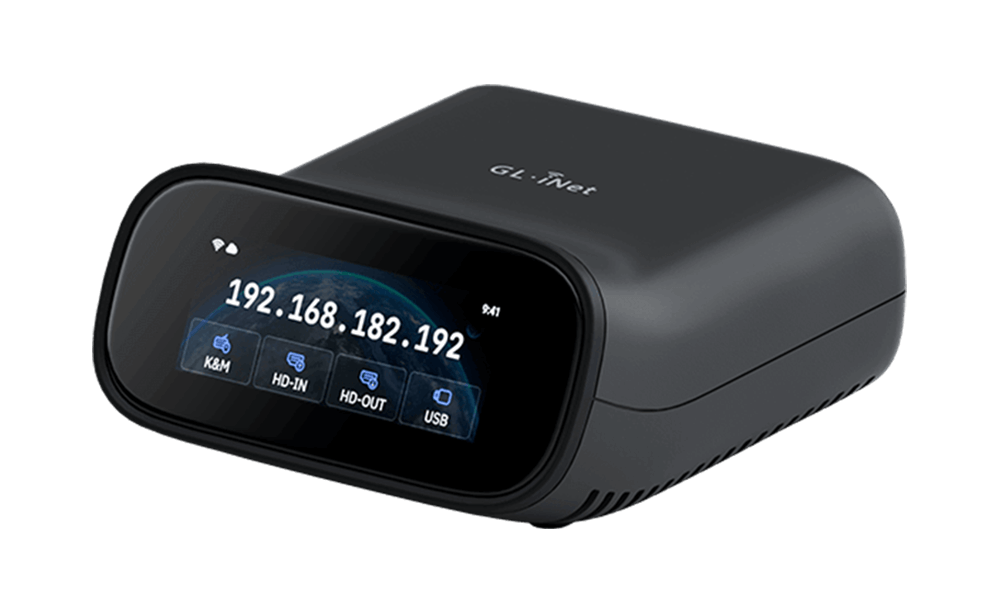
Comet 5G (GL-RM10RC) Wi-Fi 6 KVM over 5G RedCap

par GL.iNet
Pré-commander
Prix d'origine USD299.99 - Prix d'origine USD299.99
Prix d'origine USD299.99
USD199.00
USD199.00 - USD239.00
Prix actuel USD199.00

Super Early Bird--Earliest shipping time: Late February, 2026

Early Bird--Earliest shipping time: Early March, 2026

Pre-order--Earliest shipping time: Mid March, 2026

Choisissez une Style
Choisissez une Plug
⚠️BEFORE YOU BUY
  • The cellular feature is restricted in Russia, Belarus, Cuba, Iran, North Korea, Syria, and the Crimean Peninsula due to modem limitations.

Meet Comet 5G

World's First 5G RedCap Wi-Fi 6 Remote KVM

Remote KVM over 5G RedCap

5G RedCap Connectivity: Independent out-of-band access even when the LAN is misconfigured

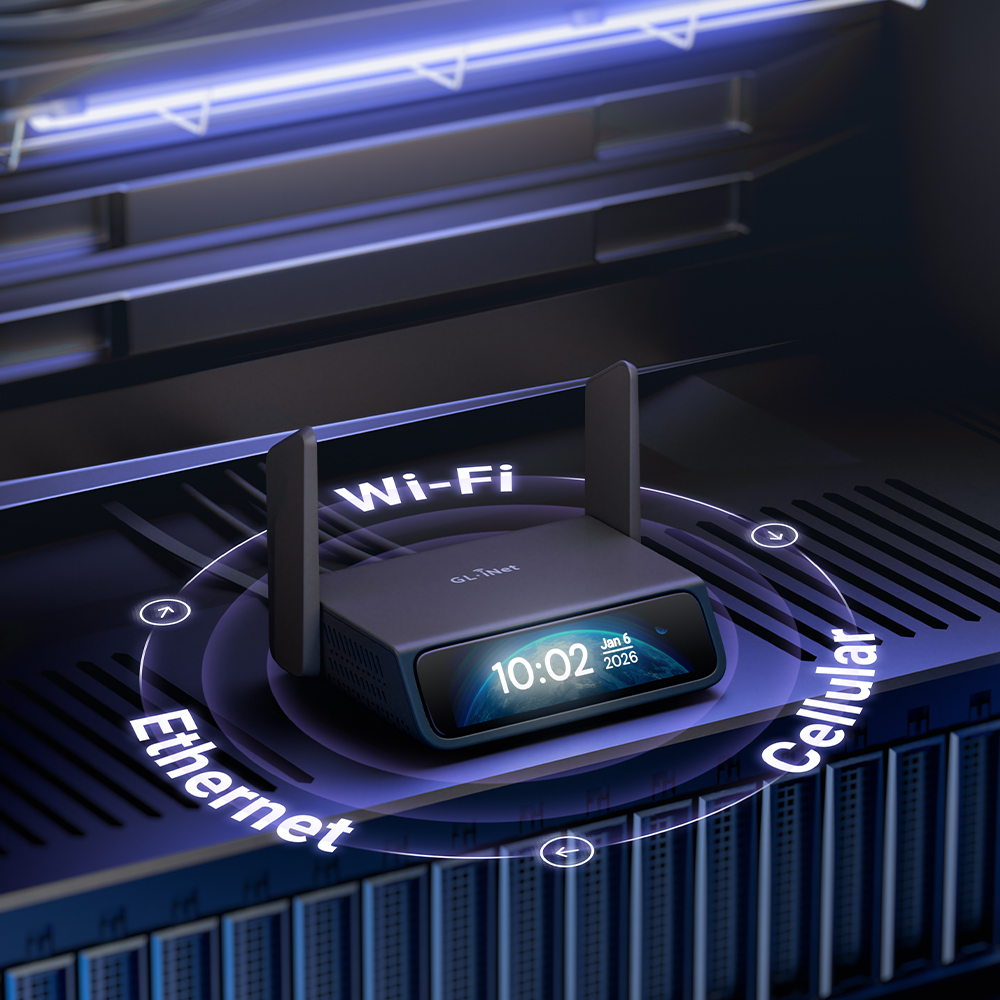
Multi-Network Auto-Failover: Switches from Ethernet/Wi-Fi to 5G/4G when the primary path goes down

Nearby Control: Self-contained wireless signal for instant local BIOS access, independent of site network

64GB eMMC Storage: Built-in image repository for remote OS and firmware deployment

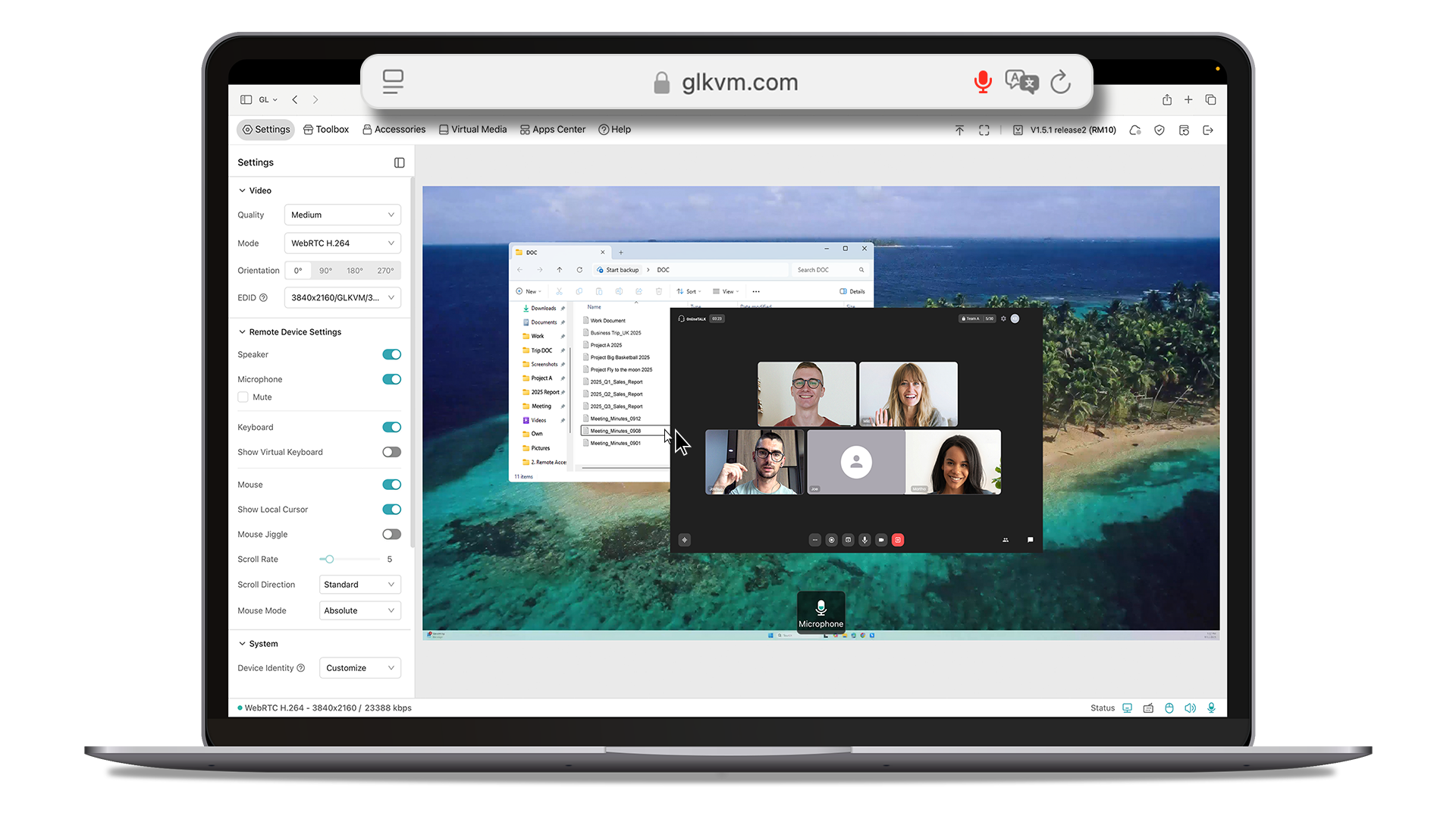
Browser-Based Access: Remote control from Windows, macOS or Linux, no app required

4K@30FPS Video: Crisp visuals with H.264 encoding

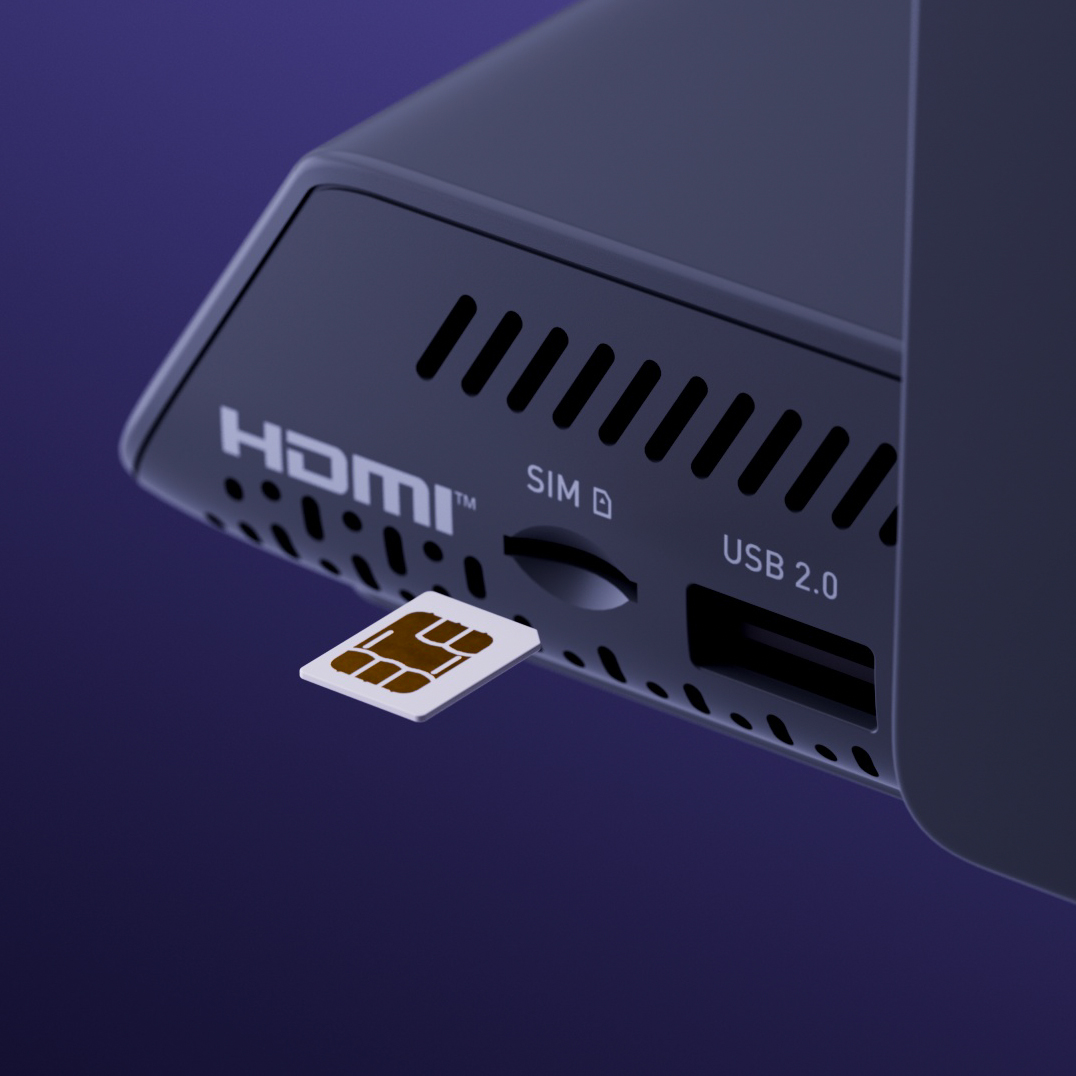
5G RedCap 
with SIM Support

4K HDMI 
Passthrough

Multi-Network Failover

Nearby Control

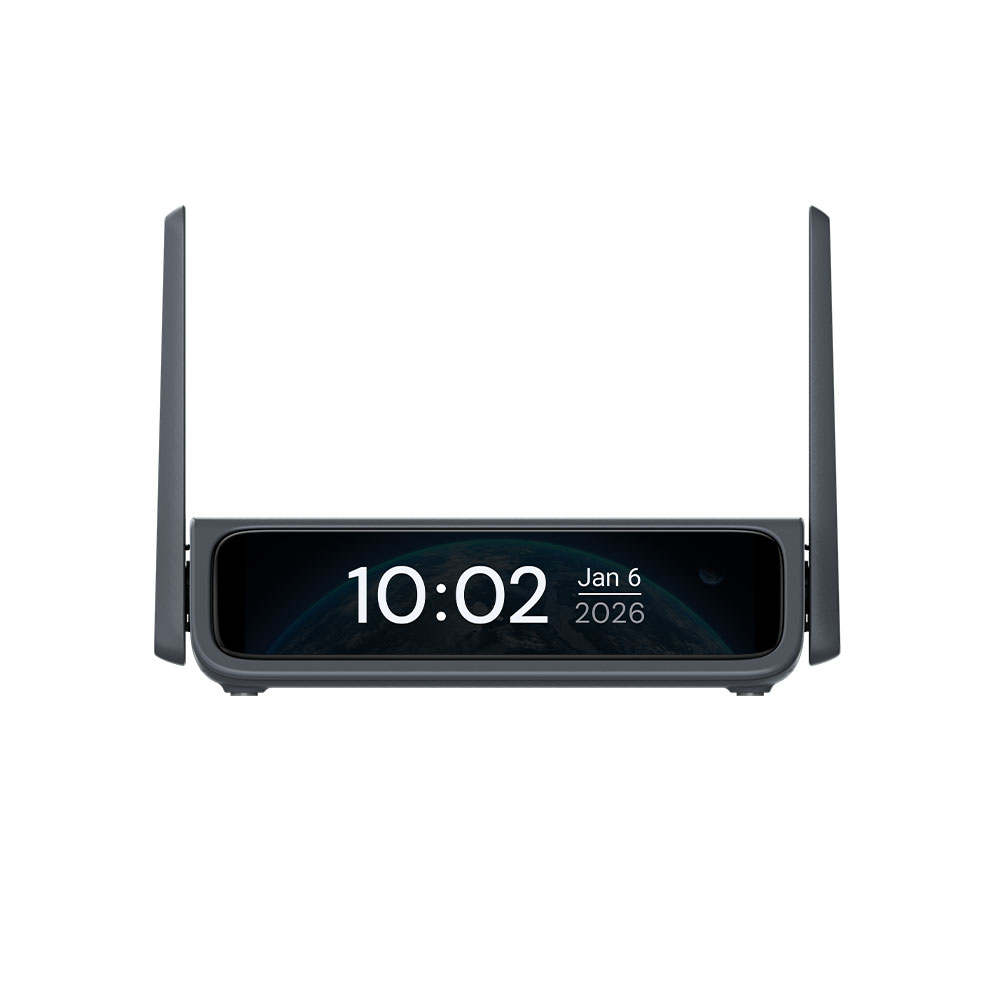
3.69" Touchscreen

64GB eMMC Storage / DDR3L 1GB

Browser-based Access

Tailscale Support

Self-hosted Option

World's First Remote KVM with Cellular Connectivity

Featuring 5G RedCap technology for high-speed, low-latency performance with reduced power consumption. Comet 5G provides a completely independent Out-of-Band (OOB) management channel, ensuring remote access without ever needing to touch the client's local Wi-Fi or Ethernet infrastructure.

5G RedCap

Deploy with Out-of-Band Management

Network Independence

By using its own 5G RedCap connection with global 4G LTE fallback, Comet 5G operates entirely outside of the host network for uninterrupted uptime.

Independent 5G RedCap with global 4G fallback to maximum uptime.

Multi-network Failover

Automatically prioritizes Ethernet, Wi-Fi, then Cellular. This multi-layered redundancy ensures the management channel stays alive and accessible, even if primary site connectivity fails.

Switches from Ethernet, Wi-Fi, then Cellular to ensure 24/7 remote management.

Connect to your

w

from anywhere

A remote KVM (Keyboard, Video, Mouse) is a device that lets you control a computer or server from anywhere, as if you were sitting right in front of it.

Remote Access Should Not Disrupt Your Local Workflow.

With 4K HDMI passthrough and loopout, your local display stays active and uninterrupted while you manage the device remotely.

Nearby Control

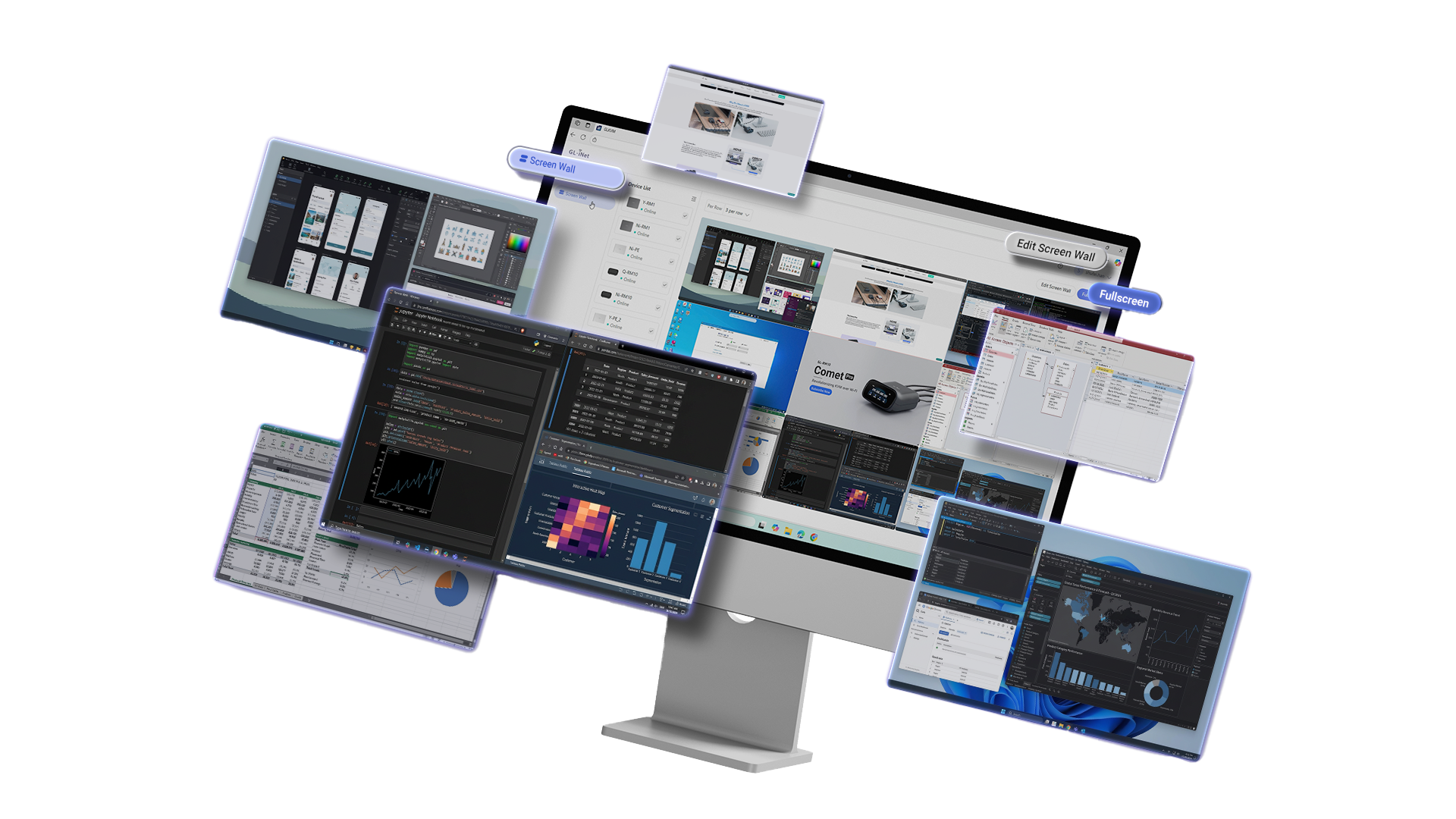
Manage Multiple KVMs on One Station

Unify all screens into a single "Video Screen Wall" via our cloud service. Control and monitor every device from one centralized dashboard.

Note: This is a premium feature currently available for free; it will be subject to subscription fees in the future.

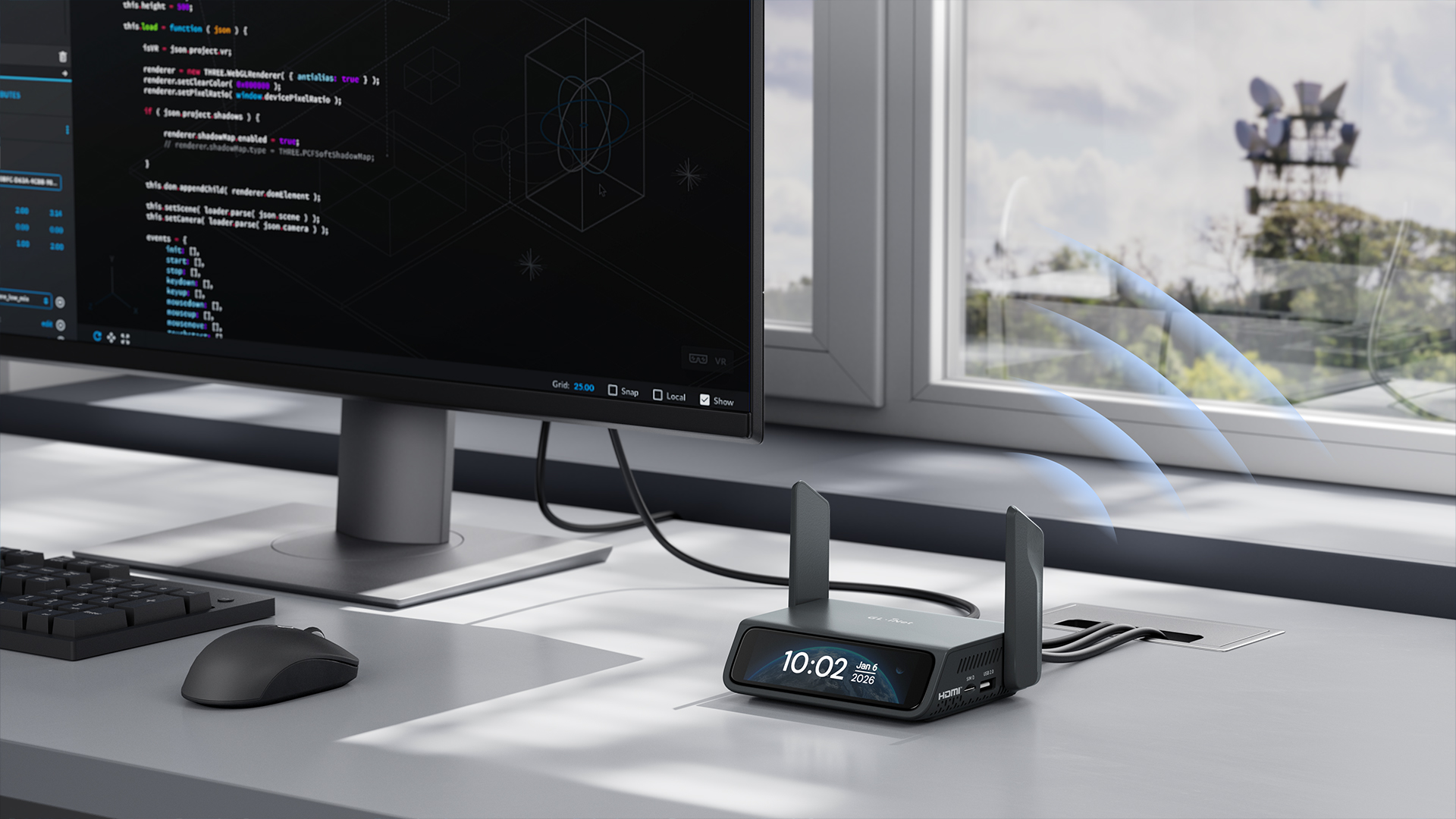
Locally Access Comet 5G with Nearby Control

Comet 5G can broadcast its own local wireless signal for a terminal device to connect to.

Nearby Control

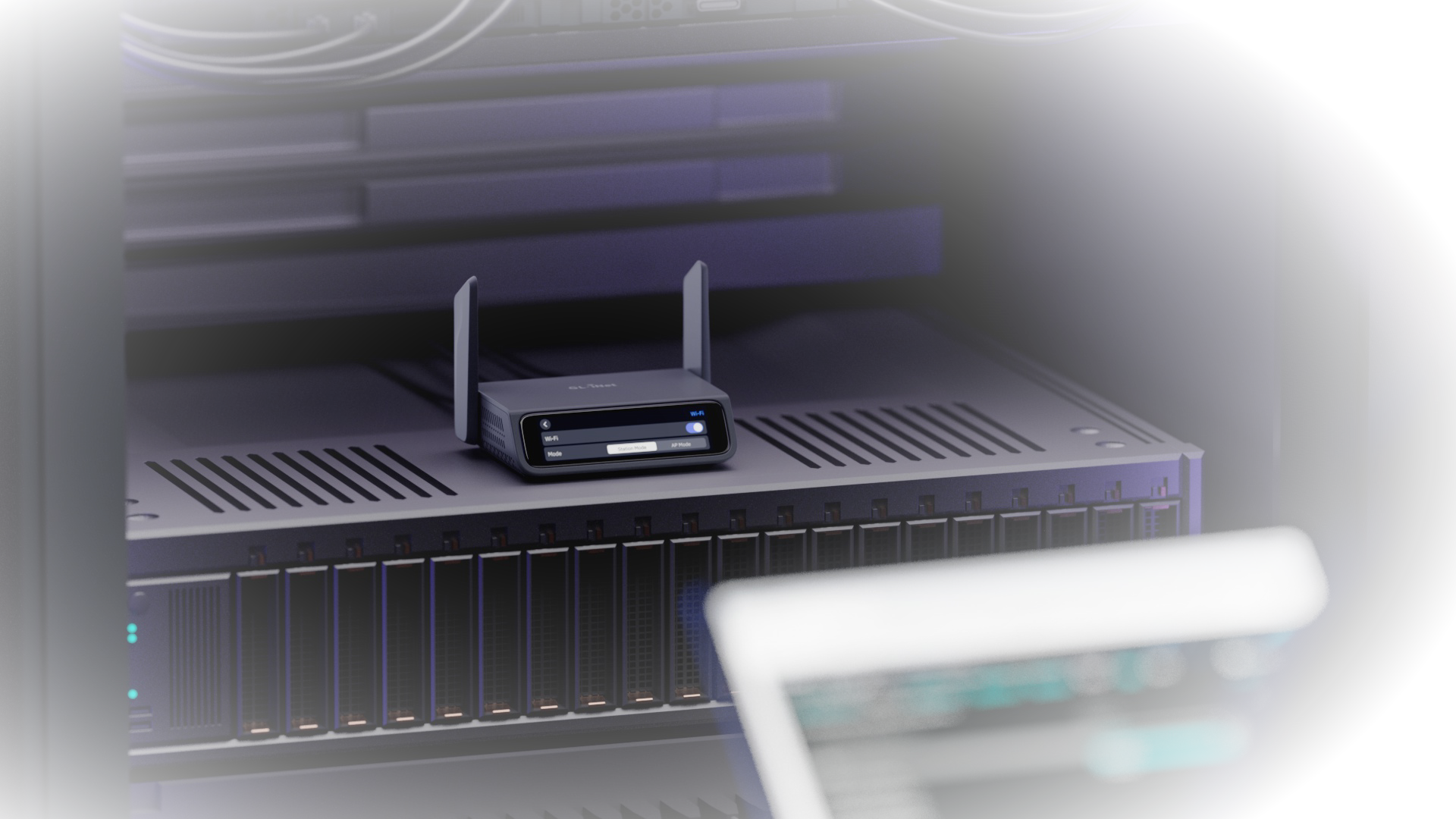
By enabling AP Mode in the Wi-Fi settings, you can locally access Comet 5G in "air-gapped" or offline environments—no internet connection, external monitors, or heavy keyboards required.

Note: The AP Mode connection is for device management only and does not provide an internet connection to the client device. Check out more details.
Browser-based Control
App Support

Clientless Browser Access, No OS Limitation

Securely manage your workstation's BIOS interface directly from any modern web browser, regardless of the operating system.

Manage BIOS and OS settings from any web browser.

Native App Support

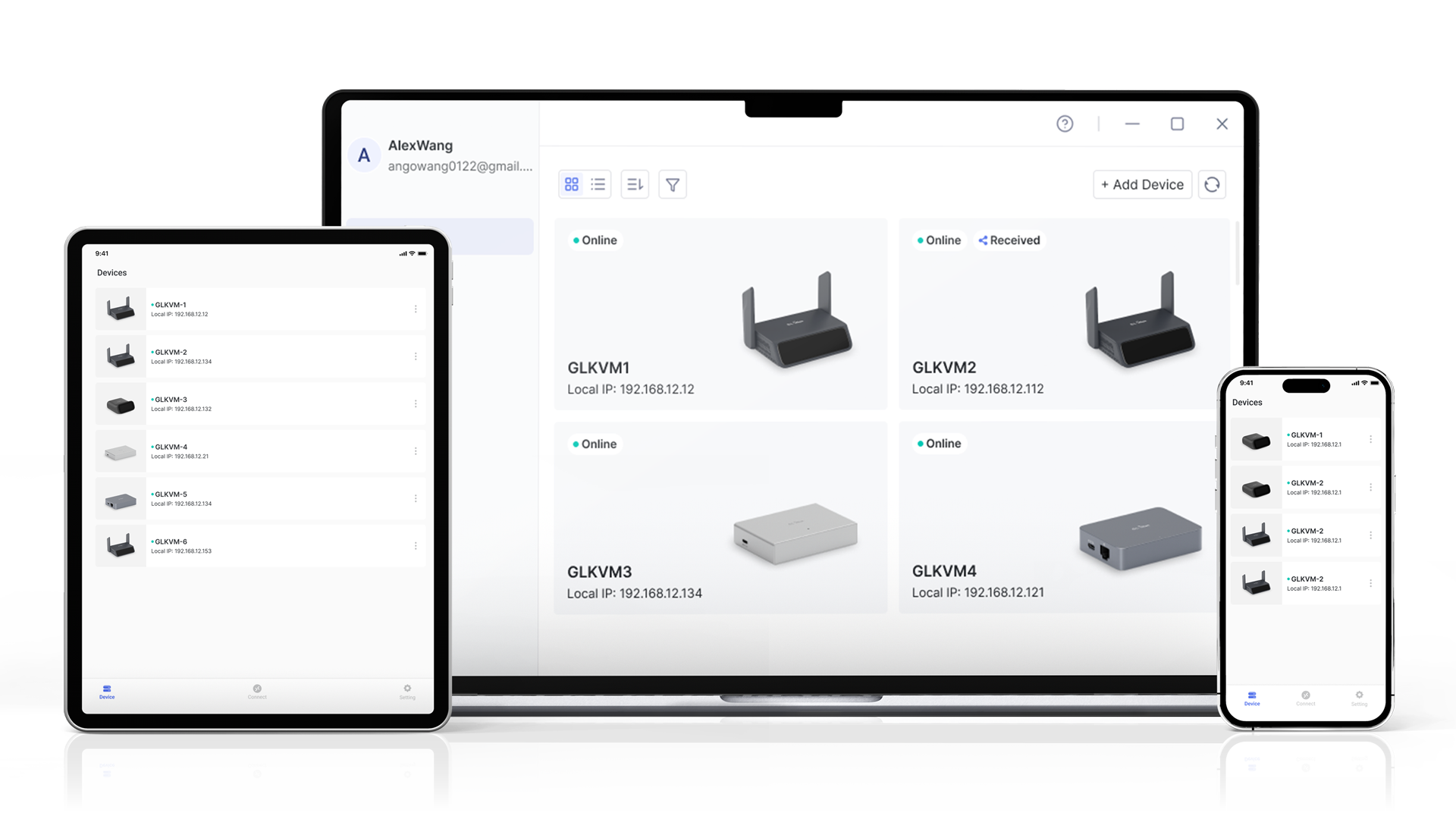
Prefer a dedicated interface? Download our app to use it on laptop, phone or tablet.
Check out the App.

Dedicated apps available for your computer, phone and a tablet.
Check out the App.

Keep Your Systems on Call, 24/7

Remotely power cycle or restart any offline devices to eliminate the need for physical site visits and reduce downtime for maintenance.

Ditch the Monitor, Keyboard, and Mouse

Managing hardware shouldn't require carrying a physical monitor, keyboard, and mouse. With Nearby Control, Comet 5G creates its own wireless management bridge by broadcasting a local SSID.

This allows you to configure and control your devices—even in network-isolated environments—using just your laptop or tablet, with no internet or physical peripherals required.

Your Ultimate Network Failsafe

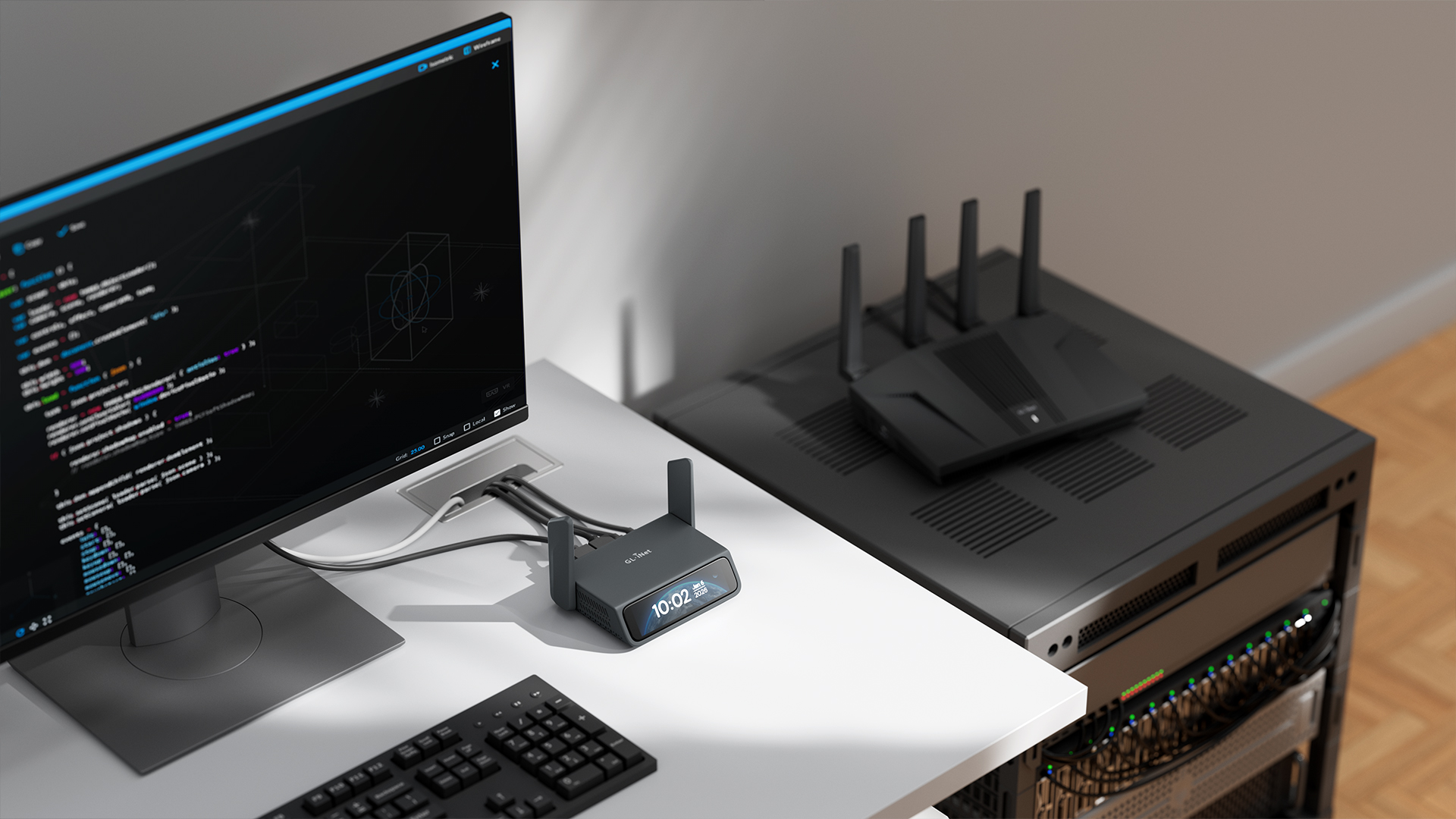
When your primary ISP goes down, your entire home lab becomes a black box. Relying on a single connection is a risk for any power user.

Comet 5G acts as your final out-of-band management tool, providing a dedicated 5G/4G cellular path back into your system. Even if your main network fails, you’re never locked out of your home infrastructure.

Maintenance Without the Miles

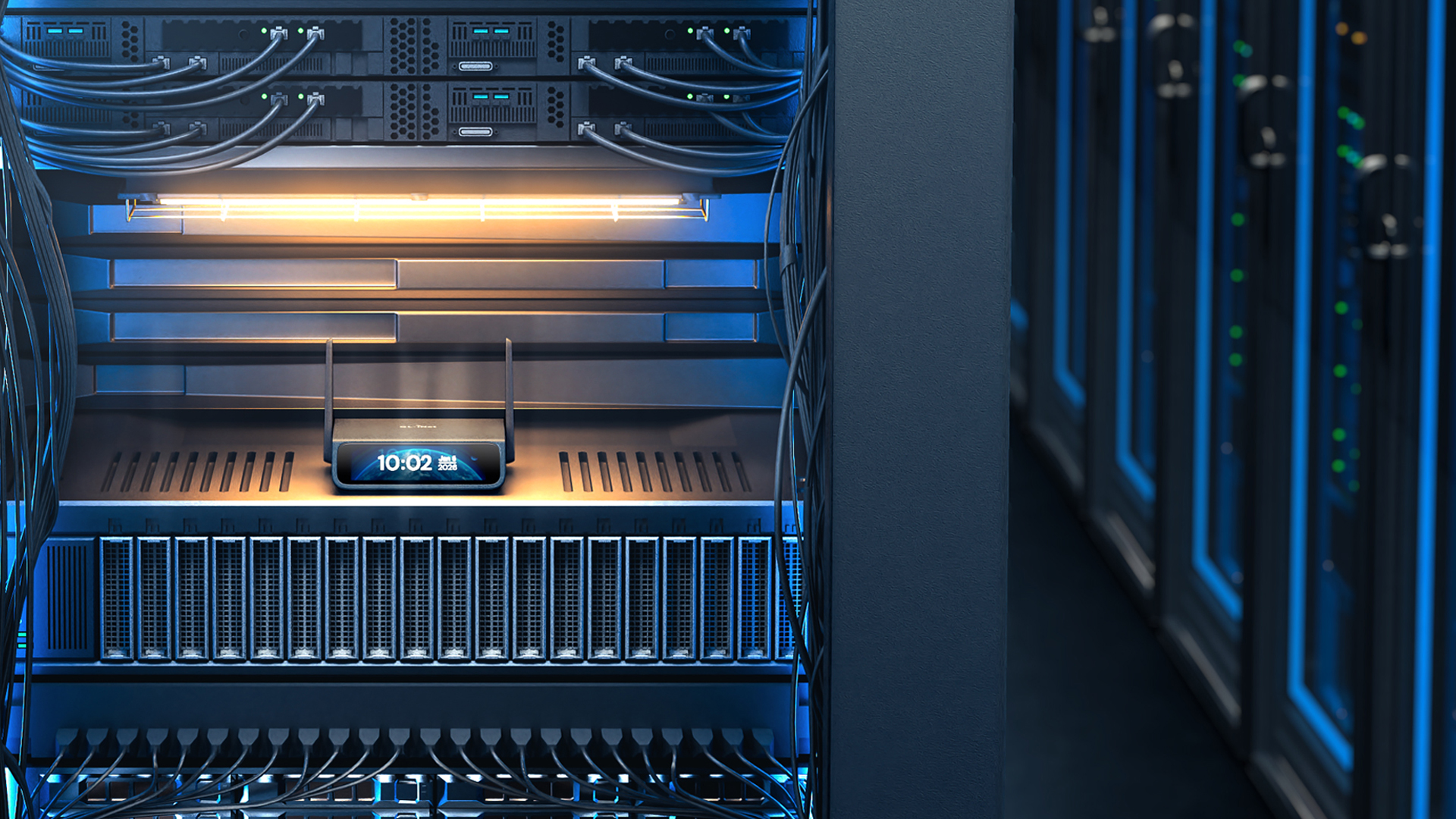
Sending a technician to a rural site just to flip a power switch is a waste of time and resources. Comet 5G provides ultra-reliable connectivity with 5G RedCap and remote power management.

Restart crashed equipment or update configurations in remote areas from the comfort of your office, reducing downtime and eliminating unnecessary travel costs.

Real-Time Tuning from Anywhere

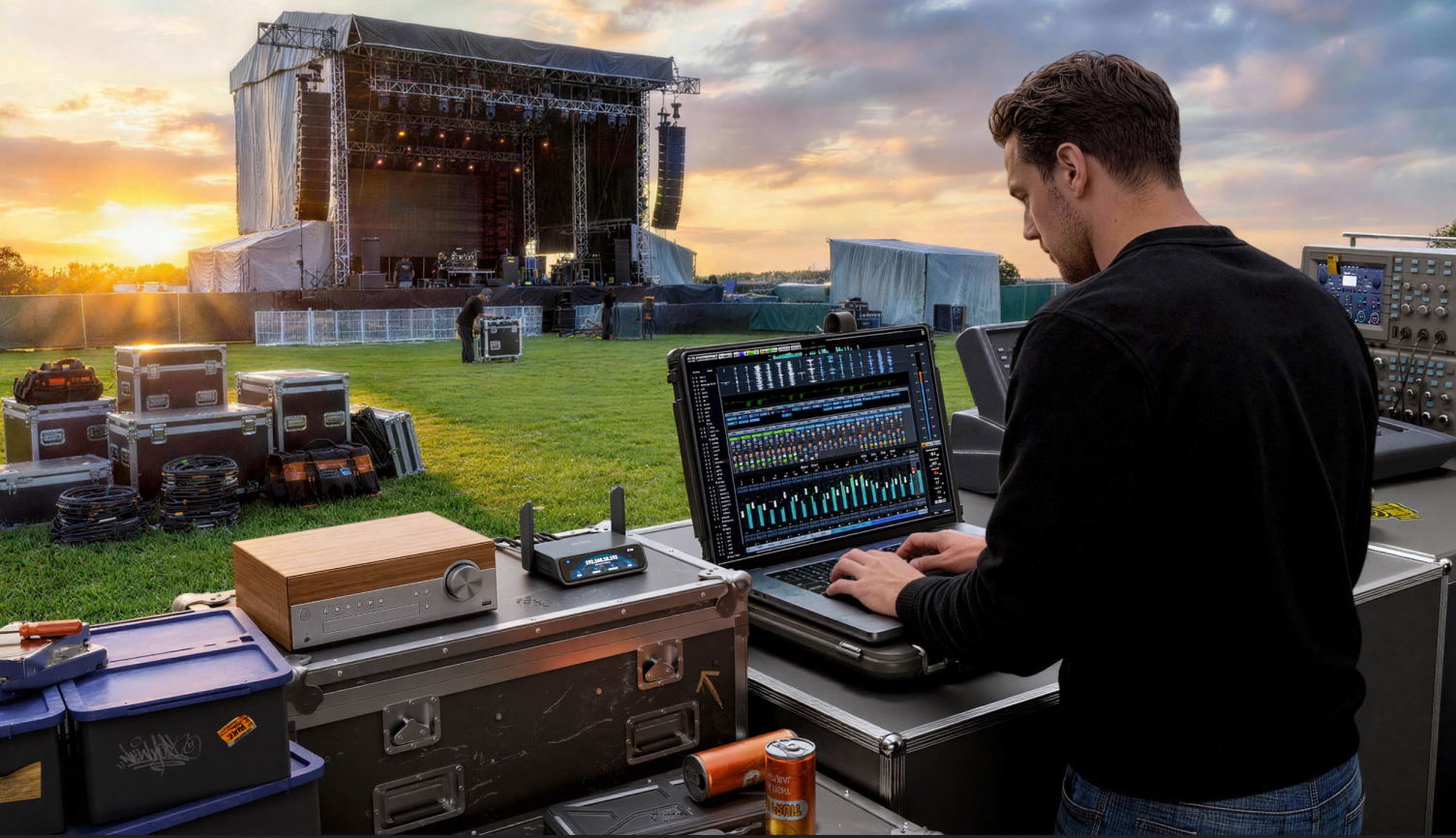
Managing complex AV systems for global tours usually requires lead engineers to be on-site at every stop. With Comet 5G, your top experts can monitor and tune equipment in real-time from anywhere in the world.

While local staff handle the physical setup, your technical team can optimize performance remotely, ensuring a perfect show without the need for international travel.

Professional Tech Press Insights

The combination of 5G failover and HDMI-based remote access positions it as a small-scale management device for distributed environments, temporary field sites or systems that require out-of-band connectivity.
With an upgraded 64 GB eMMC storage, it can easily store multiple OS images and large ISO files for repeated remote installations, allowing for remote system maintenance from anywhere.
During that review, I also connected the KVM over 4G using my Android phone as a hotspot, but the GL.iNet Comet 5G does that in a more practical way... it automatically falls back to 5G RedCap.

Product Reviews from Youtubers

Comet 5G (GL-RM10RC) Reviews
  • Gl.iNet Beryl 7, Comet 5G and Flint 3e Revealed

    Gl.iNet Beryl 7, Comet 5G and Flint 3e Revealed

  • 6 New GL.iNet Devices You NEED to See from CES 2026

    6 New GL.iNet Devices You NEED to See from CES 2026

  • Walk up, connect, and proximity control. It’s that simple. ⚡️

    Walk up, connect, and proximity control. It’s that simple. ⚡️

Compare KVMs

IT Maintenance Comet 5G (GL-RM10RC)

Comet 5G
 (GL-RM10RC)

Remote KVM over 5G RedCap

Digital Nomad Comet Pro (GL-RM10)

Comet Pro
 (GL-RM10)

Remote KVM over Wi-Fi 6

IT Maintenance Comet PoE (GL-RM1PE)

Comet PoE
 (GL-RM1PE)

Remote KVM with PoE

Home Lab Comet (GL-RM1)

Comet
 (GL-RM1)

Remote KVM over Internet

Display

Max. Resolution Max. Resolution

Max. Resolution Max. Resolution

4K@30FPS

Max. Resolution Max. Resolution

4K@30FPS

Max. Resolution Max. Resolution

4K@30FPS

Max. Resolution Max. Resolution

4K@30FPS

Latency Latency

Latency Latency

30-60ms*

Latency Latency

30-60ms*

Latency Latency

30-60ms*

Latency Latency

30-60ms*

Two-way Audio Two-way Audio

Two-way Audio Two-way Audio

Two-way Audio Two-way Audio

Two-way Audio Two-way Audio

Two-way Audio Two-way Audio

HD Passthrough HD Passthrough

HD Passthrough HD Passthrough

HD Passthrough HD Passthrough

HD Passthrough HD Passthrough

HD Passthrough HD Passthrough

Display Screen Display Screen

Display Screen Display Screen

3.69" touchscreen

Display Screen Display Screen

2.22" touchscreen

Display Screen Display Screen

Display Screen Display Screen

System & Connectivity

Processor Processor

Processor Processor

Quad-core Cortex-A53

Processor Processor

Quad-core Cortex-A53

Processor Processor

Quad-core Cortex-A53

Processor Processor

Quad-core Cortex-A7

Memory / Storage Memory / Storage

Memory / Storage Memory / Storage

DDR3L 1 GB / 64 GB eMMC

Memory / Storage Memory / Storage

DDR3L 1 GB / 32 GB eMMC

Memory / Storage Memory / Storage

DDR3L 1 GB / 32 GB eMMC

Memory / Storage Memory / Storage

DDR3L 1 GB / 8 GB eMMC

Operating System Operating System

Operating System Operating System

Linux-6.1

Operating System Operating System

Linux-6.1

Operating System Operating System

Linux-6.1

Operating System Operating System

Linux-4.19

Wi-Fi Wi-Fi

Wi-Fi Wi-Fi

2.4 GHz: 286 Mbps
5 GHz: 286 Mbps

Wi-Fi Wi-Fi

2.4 GHz: 286 Mbps
5 GHz: 286 Mbps

Wi-Fi Wi-Fi

Wi-Fi Wi-Fi

Cellular Cellular

Cellular Cellular

4G LTE & 5G RedCap

Cellular Cellular

Cellular Cellular

Cellular Cellular

LAN Port LAN Port

LAN Port LAN Port

1 Gbps

LAN Port LAN Port

1 Gbps

LAN Port LAN Port

1 Gbps

LAN Port LAN Port

1 Gbps

Power Input Power Input

Power Input Power Input

Type-C, 5V/3A,
PD-compatible

Power Input Power Input

Type-C, 5V/2A,
PD-compatible

Power Input Power Input

Ethernet (PoE) / Type-C,
5V/2A, PD-compatible

Power Input Power Input

Type-C, 5V/2A

Dimensions Dimensions

Dimensions Dimensions

128 x 93 x 33mm / 285g

Dimensions Dimensions

93 x 84 x 47mm / 170g

Dimensions Dimensions

102 x 70 x 22mm / 140g

Dimensions Dimensions

80 x 60 x 17.5mm / 85g

* Tests conducted on a local network. Real-world speeds may differ depending on your network configuration.

5G RedCap
5G RedCap*
4K@30FPS HDMI Passthrough
4K@30FPS
HDMI Passthrough
H.264 hardware encoding with 30-60ms latency
H.264 hardware encoding
with 30-60ms latency
BIOS Access
BIOS Access
USB 2.0 External Extension
USB 2.0
External Extension
Two-way Audio
Two-way Audio
APP or Browser Access
APP/Browser Access
Self-hosted Deployment
Self-hosted
Deployment
*Equipped with a global 5G RedCap module, the Comet 5G supports both 5G RedCap and 4G LTE connectivity.

Technical Specifications

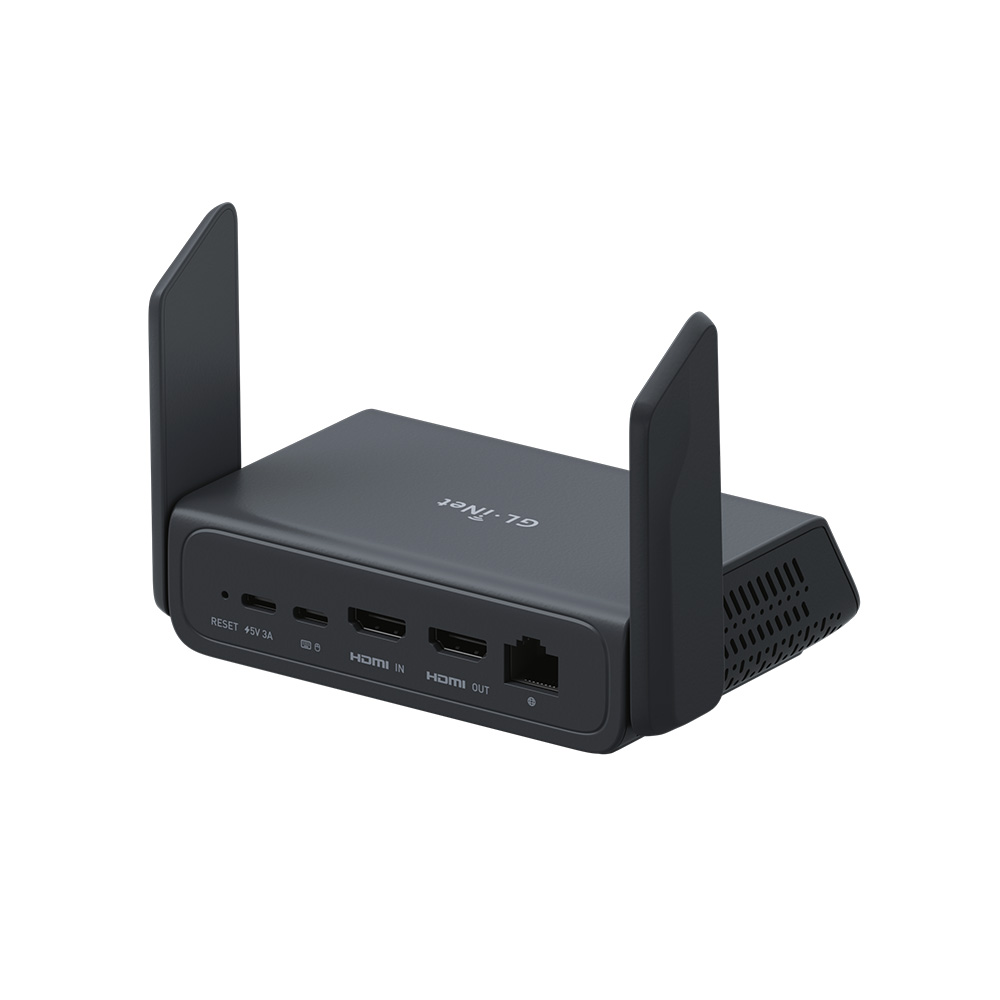
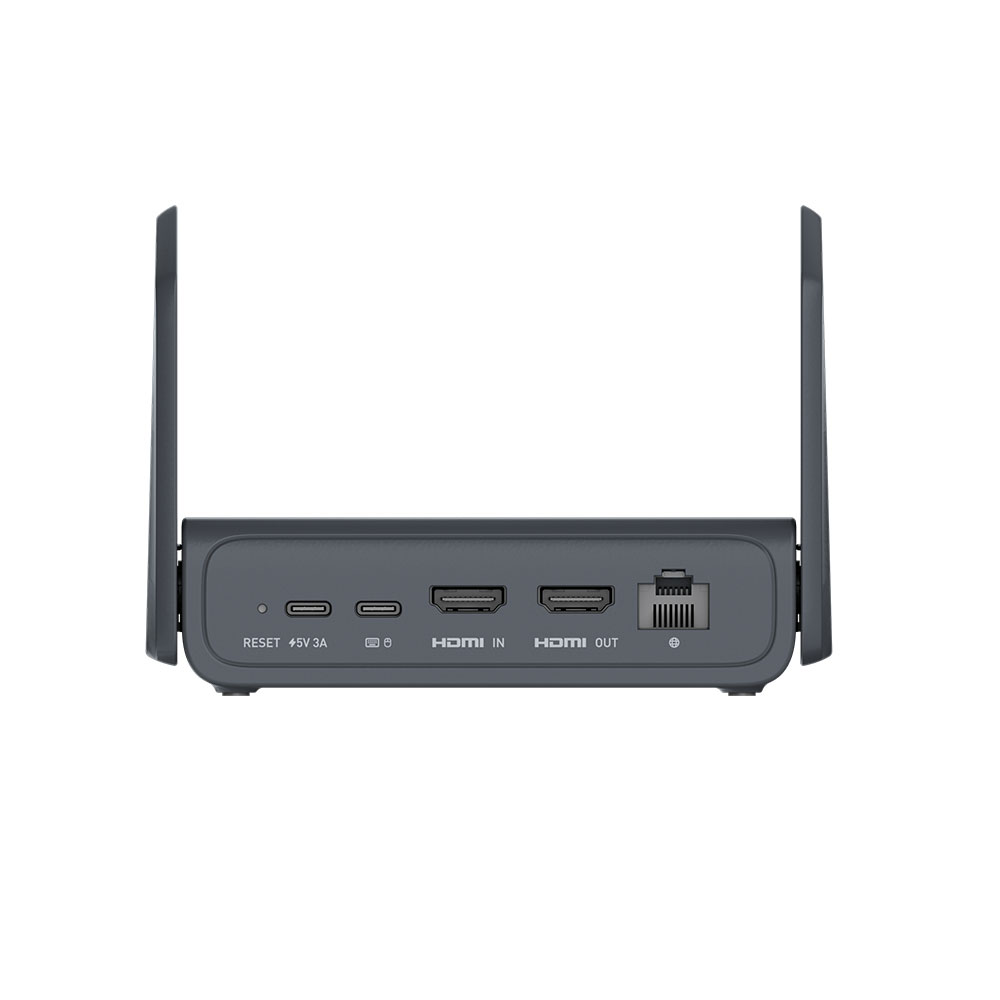
Interface 1 x USB Type-C (Keyboard, Mouse)
1 x USB 2.0 Type-A
1 x Gigabit Ethernet Port
1 x HDMI In
1 x HDMI Out
1 x Nano SIM Slot
1 x Reset Button
Operating System Linux 6.1
CPU Quad Core ARM Cortex-A53
Memory / Storage DDR3L 1GB / 64GB eMMC
Display Screen 3.69 inch, touchscreen
Wi-Fi Protocol IEEE 802.11 a/b/g/n/ac/ax
Wi-Fi Speed 286Mbps (2.4GHz), 286Mbps (5GHz)
Cellular 4G LTE & 5G RedCap
Ethernet Port 1 x RJ45
External Antennas 1 x Celluar
1 x 2.4GHz & 5GHz
Internal Antenna 1 x Celluar
Resolution 4K@30FPS
Power Input 1 x USB Type-C (5V/3A, PD-compatible)
Dimension 128 x 93 x 33mm / 285g
Tools & Downloadables Datasheet | Firmware | App | Tutorials | Media Kit

Specifications:

  • CPU: Quad-core Cortex-A53
  • Memory / Storage: DDR3L 1GB / 64GB eMMC
  • 5G Platform:
  • Protocol: N/A
  • Wi-Fi Speed: 286Mbps (2.4GHz), 286Mbps (5GHz)
  • Antennas: 1 x Celluar/1 x 2.4GHz & 5GHz
  • Cellular: 4G LTE/5G Redcap
  • Battery: N/A
  • TF Card Slot: N/A
  • USB Port: 1 x USB 2.0 port
  • Ethernet Port: 1 x LAN Ethernet port
  • Ethernet Speed: 1 Gbps
  • Power Input: Type-C, 5V/3A, PD-compatible
  • Power Consumption: N/A
  • Dimension / Weight: 128 x 93 x 33mm / 285 g

Package Content:

  • 1*Comet 5G (GL-RM10RC) remote KVM
  • 1*Power adapter (5V/3A)
  • 1*Ethernet cable
  • 1*USB cable (Type-A to Type-C)
  • 1*HDMI cable
  • 1*User Manual

Tools & Downloadables:

FAQ

User Guide for the KVM Series

Visit the User Guide page and choose the product model and specification required for setup from the options on the left-hand side of the page.

How do I access the GL.iNet KVM and the controlled device?
Can GL.iNet KVM control the power on/off of a computer?

Sure. You can achieve remote power control for the controlled device in the following ways:

Wake-on-LAN (Built-in software service)
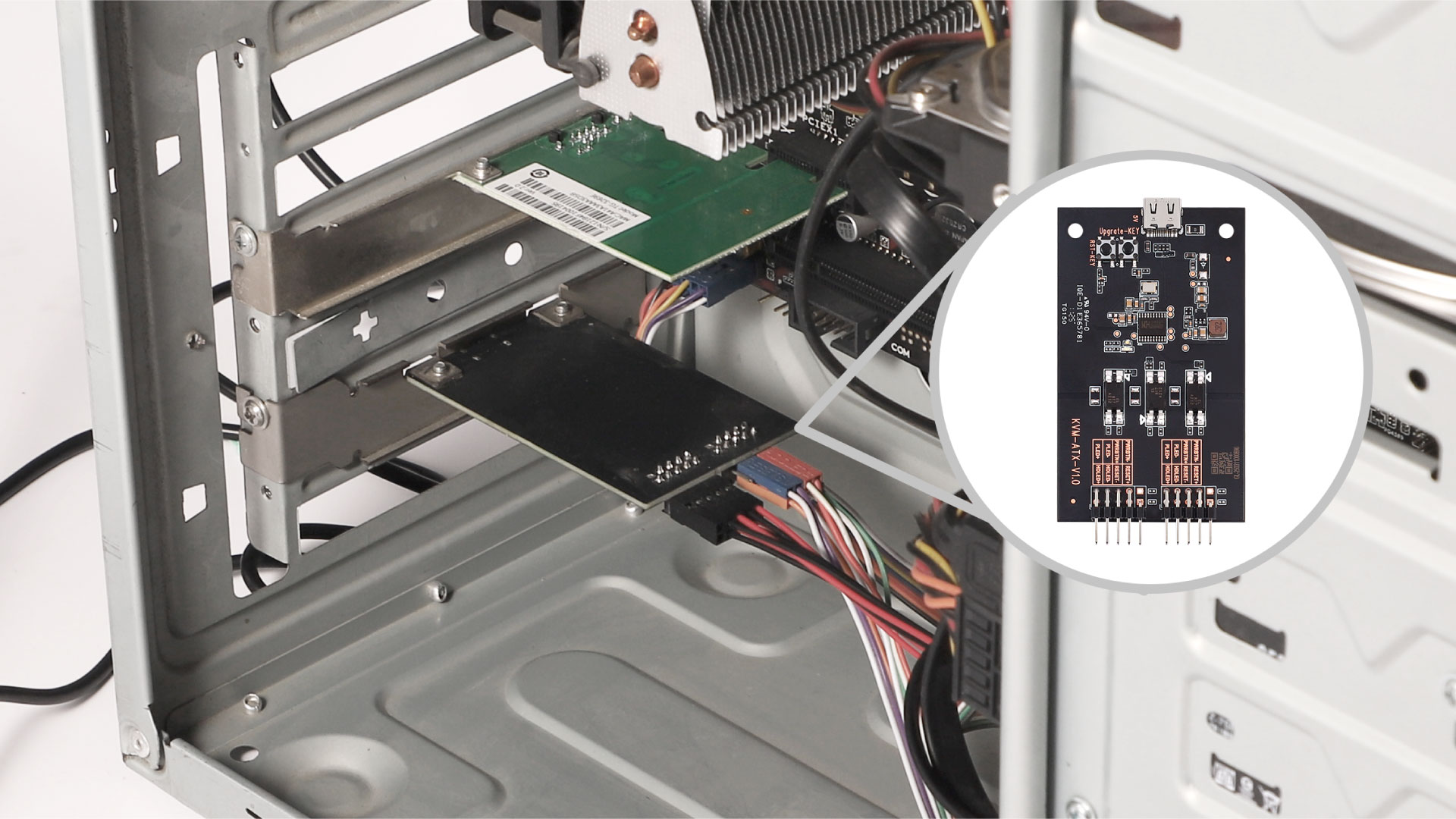
ATX board (Accessories, additional purchase required)
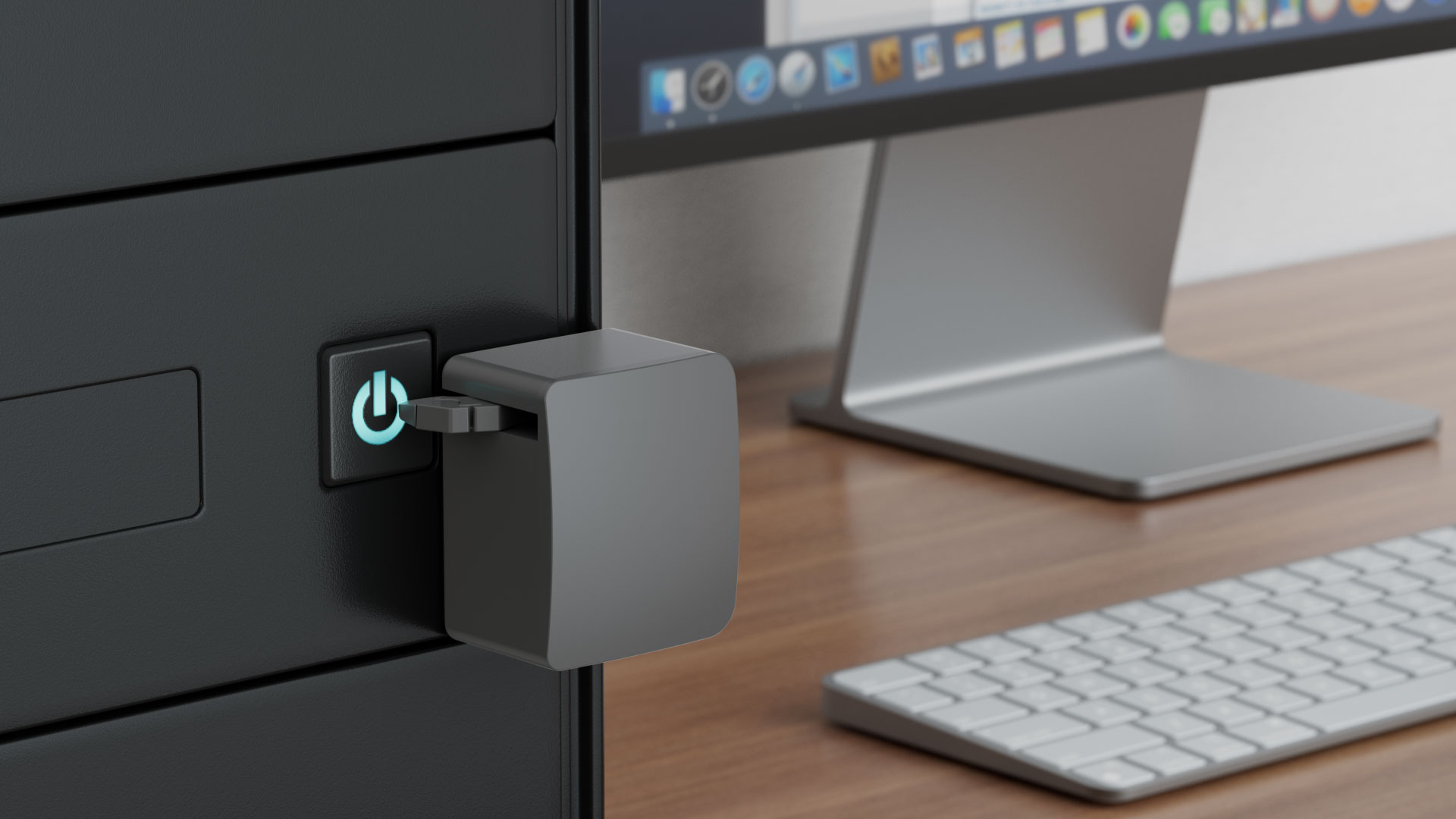
FingerBot (Accessories, additional purchase required

How to use ATX Board for remote power control?

Please refer to GL-ATX Board User Guide.

1

Comparer les produits

{"one"=>"Sélectionnez 2 ou 3 articles à comparer", "other"=>"{{ count }} éléments sélectionnés sur 3"}

Sélectionnez le premier élément à comparer

Sélectionnez le deuxième élément à comparer

Sélectionnez le troisième élément à comparer

Comparer