コンテンツにスキップ
新年、新しいお買い得品。最大 44% オフ 🎁今すぐ購入↗

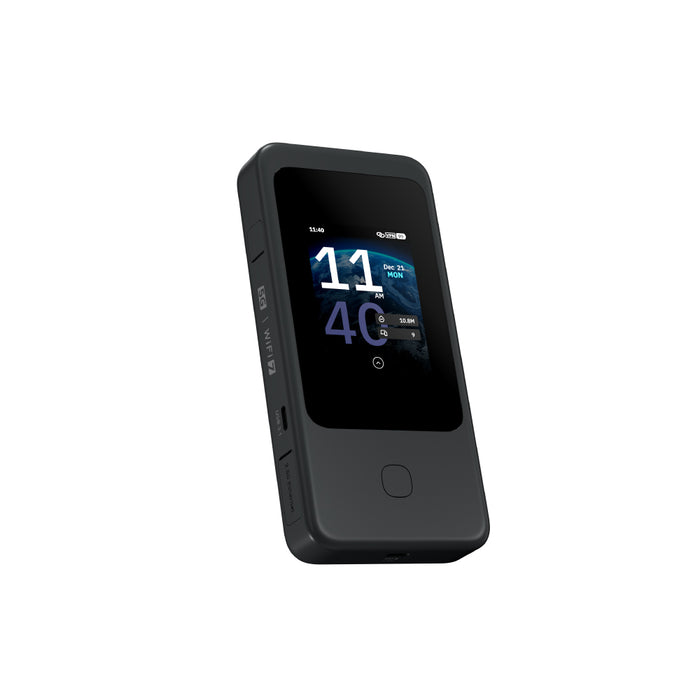
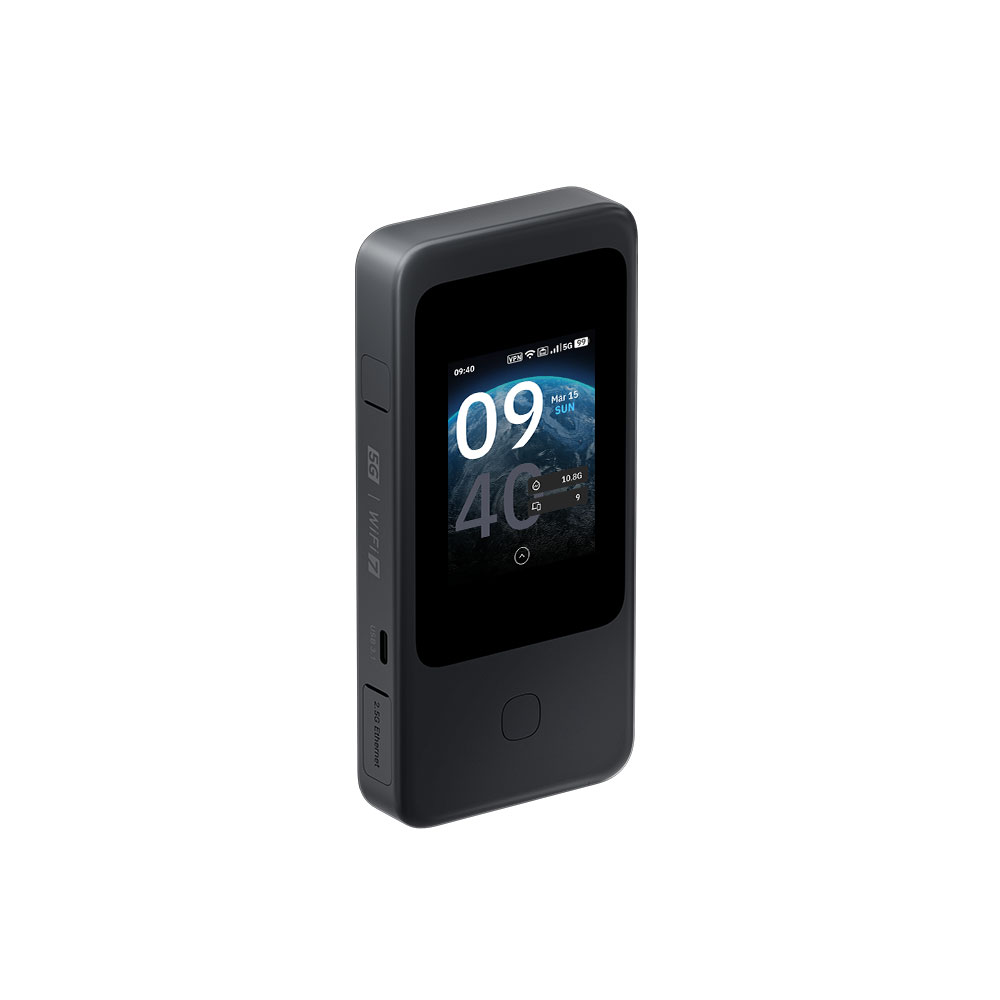
Mudi 7 (GL-E5800) | 5G NR Tri-band Wi-Fi 7 Travel Router
GL.iNet による

Super Early Bird--Earliest shipping time: Early April, 2026

Early Bird--Earliest shipping time: Early April, 2026

Pre-order--Earliest shipping time: Mid April, 2026

予約注文
元の価格 USD399.99 - 元の価格 USD399.99
元の価格 USD399.99
USD279.00
USD279.00 - USD319.00
現在の価格 USD279.00
Type(GL-E5800EU)を選択します
⚠️BEFORE YOU BUY
  • The cellular feature is restricted in Russia, Belarus, Cuba, Iran, North Korea, Syria, and the Crimean Peninsula due to modem limitations.
  • If you wish to purchase the NA version, please note it in your order or contact cs@gl-inet.com after payment.

    .

Bulk Order

For inquiries related to wholesale pricing or other questions about your order, please feel free to contact our customer service team at cs@gl-inet.com.

Meet Mudi 7

5G NR Tri-band Wi-Fi 7 Travel Router

Redefining connectivity with 5G & Wi-Fi 7.
Supported by dual SIM continuity, with effortless control at your fingertips.

Next-Gen Connectivity
Anywhere, Anytime

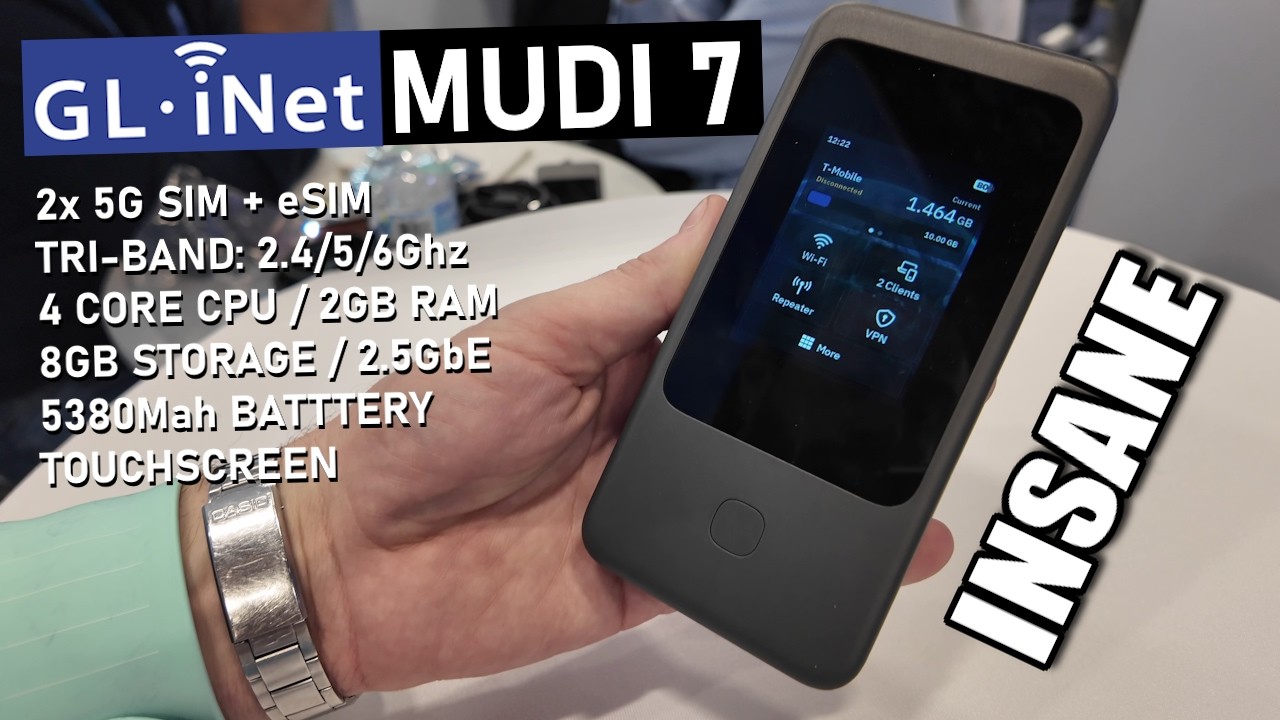
Mudi 7 (GL-E5800) delivers ultra-fast 5G speeds up to 4.67 Gbps and tri-band Wi-Fi 7 performance for reliable and secure networking. It features built-in eSIM and dual SIM dual standby support for seamless connectivity. Equipped with a 2.5G Ethernet Port, and a fast charging and long-lasting battery, Mudi 7 is your all-in-one solution for powerful, portable connectivity.

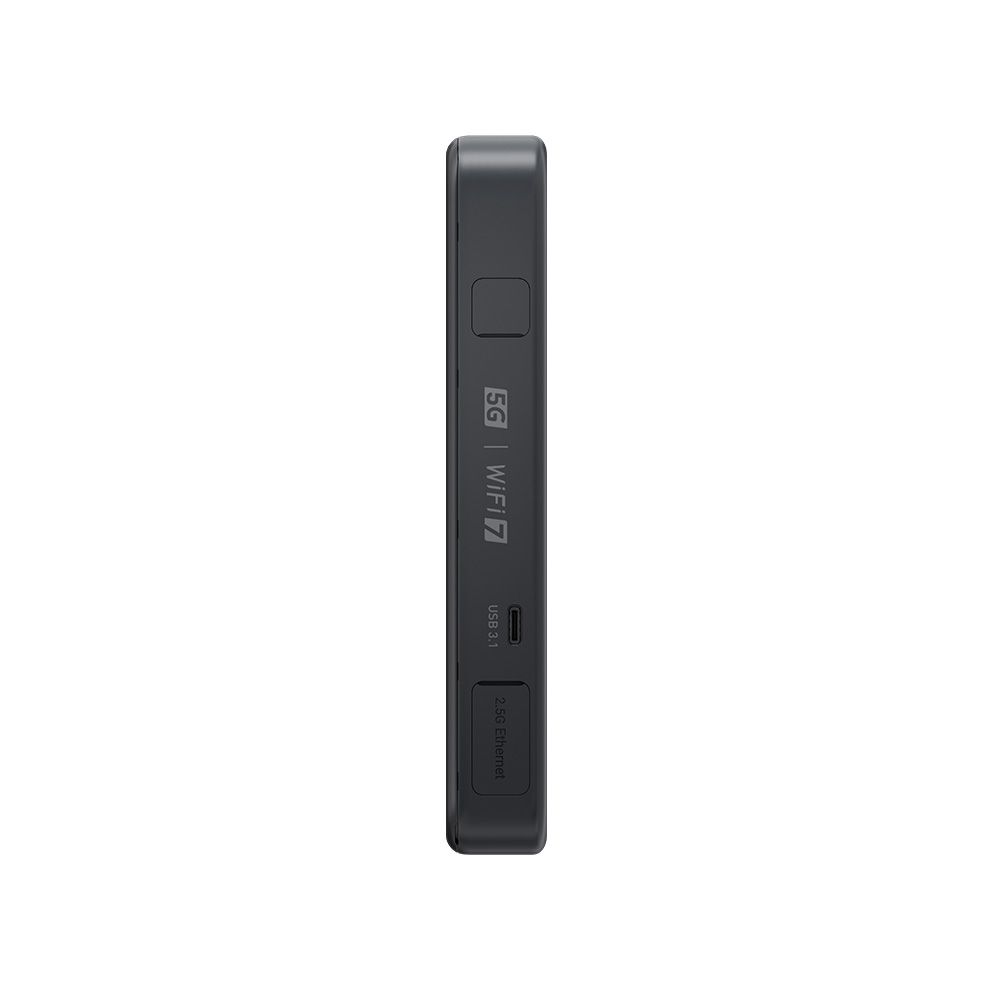
Versatile Wired, Tethering & Charging Option: 1 x 2.5Gbps Ethernet port & 2 USB-C ports

Tri-band Wi-Fi 7: Max. 688Mbps (2.4GHz) / 2882Mbps (5GHz) / 5765Mbps (6GHz)

Flexible Network Switching and Traffic Backup: Built-in eSIM & dual SIM dual standby

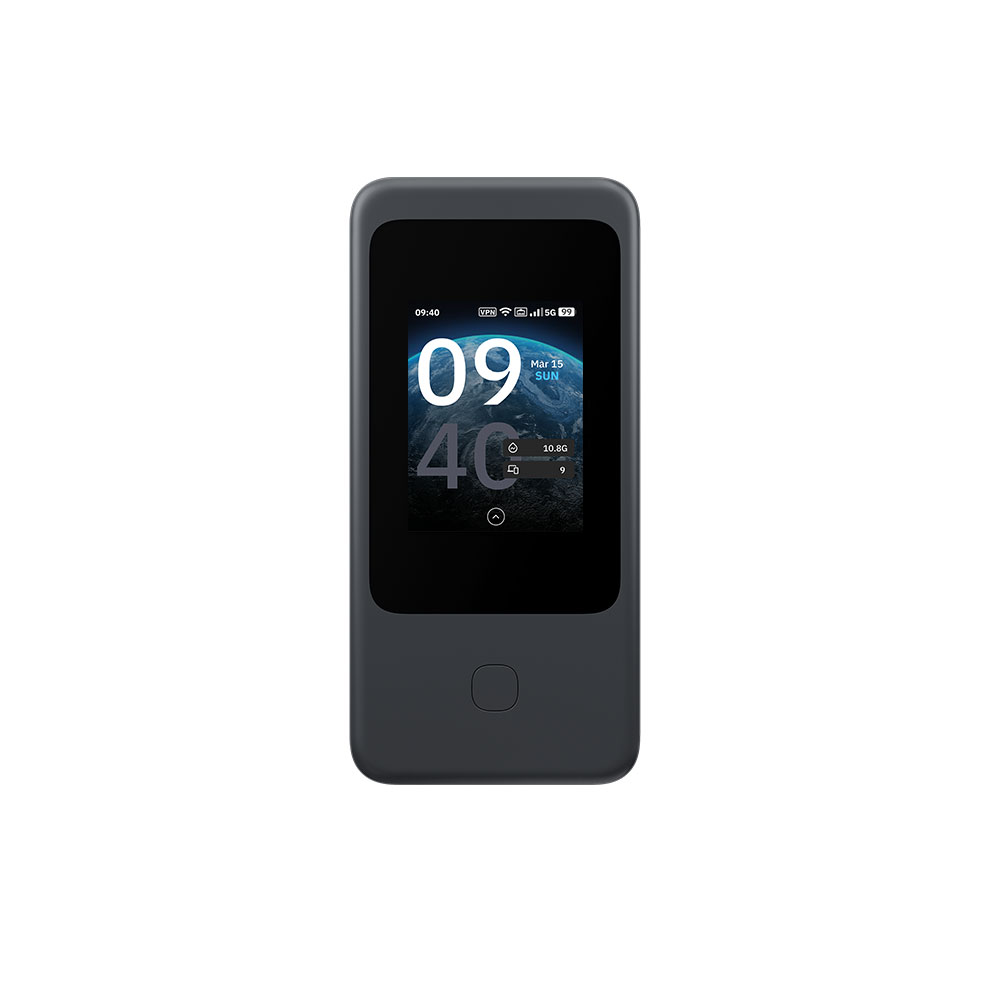
Visual Configuration and Monitoring: 2.8" touchscreen enables extensive functional control and privacy settings

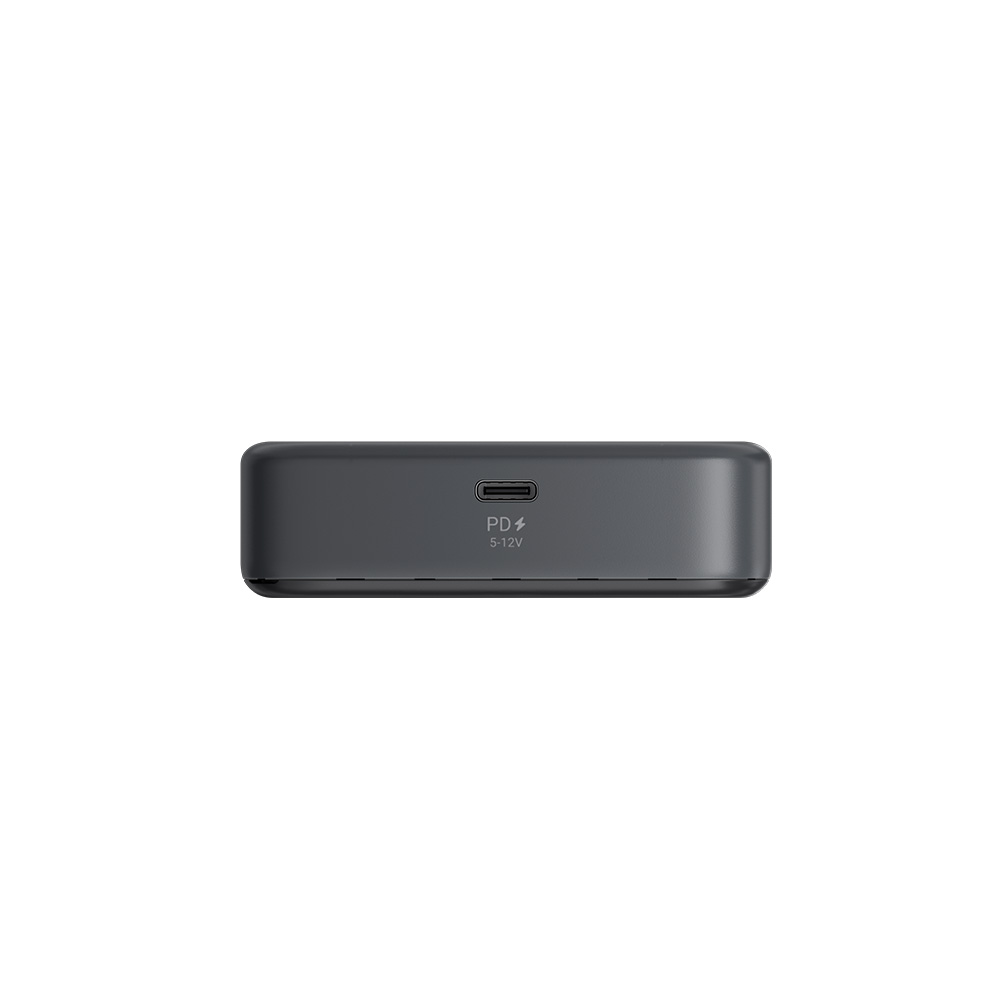
Up to 13.5h Battery Life: 5380mAh capacity with 24W PD fast charging

Powerful VPN Performance: Max. 700 Mbps on OpenVPN-DCO and 600 Mbps on WireGuard®

Product Code GL-E5800NA GL-E5800EU
5G NR Connectivity 3GPP Rel-17 NSA/SA operation, Sub-6GHz
5G NR NSA n2 / n5 / n7 / n12 / n14 / n25 / n26 / n30 / n38 / n41 / n48 / n66 / n71 / n77 / n78 n1 / n3 / n5 / n7 / n8 / n20 / n26 / n28 / n38 / n40 / n41 / n75 / n77 / n78
5G NR SA n2 / n5 / n7 / n12 / n13 / n14 / n25 / n26 / n29 / n30 / n38 / n41 / n48 / n66 / n70 / n71 / n77 / n78 n1 / n3 / n5 / n7 / n8 / n20 / n26 / n28 / n38 / n40 / n41 / n75 / n77 / n78
LTE Category Cat 20 (DL) / Cat 18 (UL)
LTE-FDD B2 / B4 / B5 / B7 / B12 / B13 / B14 / B17 / B25 / B26 / B29 / B30 / B66 / B71 B1 / B3 / B5 / B7 / B8 / B20 / B28 / B32
LTE-TDD B38 / B41 / B42 / B43 / B48 B38 / B40 / B41 / B42 / B43
WCDMA B1 / B5 / B8
Tri-band

Wi-Fi 7

5765Mbps

6GHz

2882Mbps

5GHz

688Mbps

2.4GHz

5G Connectivity

2.8” LCD Touchscreen

Dual SIM Dual Standby

Up to 13.5hrs Run Time

2 USB-C Ports

USB Tethering & OTG | PD Charging

2.5G LAN/WAN Port

High-speed VPN

OpenVPN-DCO

700+ Mbps

WireGuard®

600+ Mbps

eSIM

Activate, connect, share
All you need is a single touch

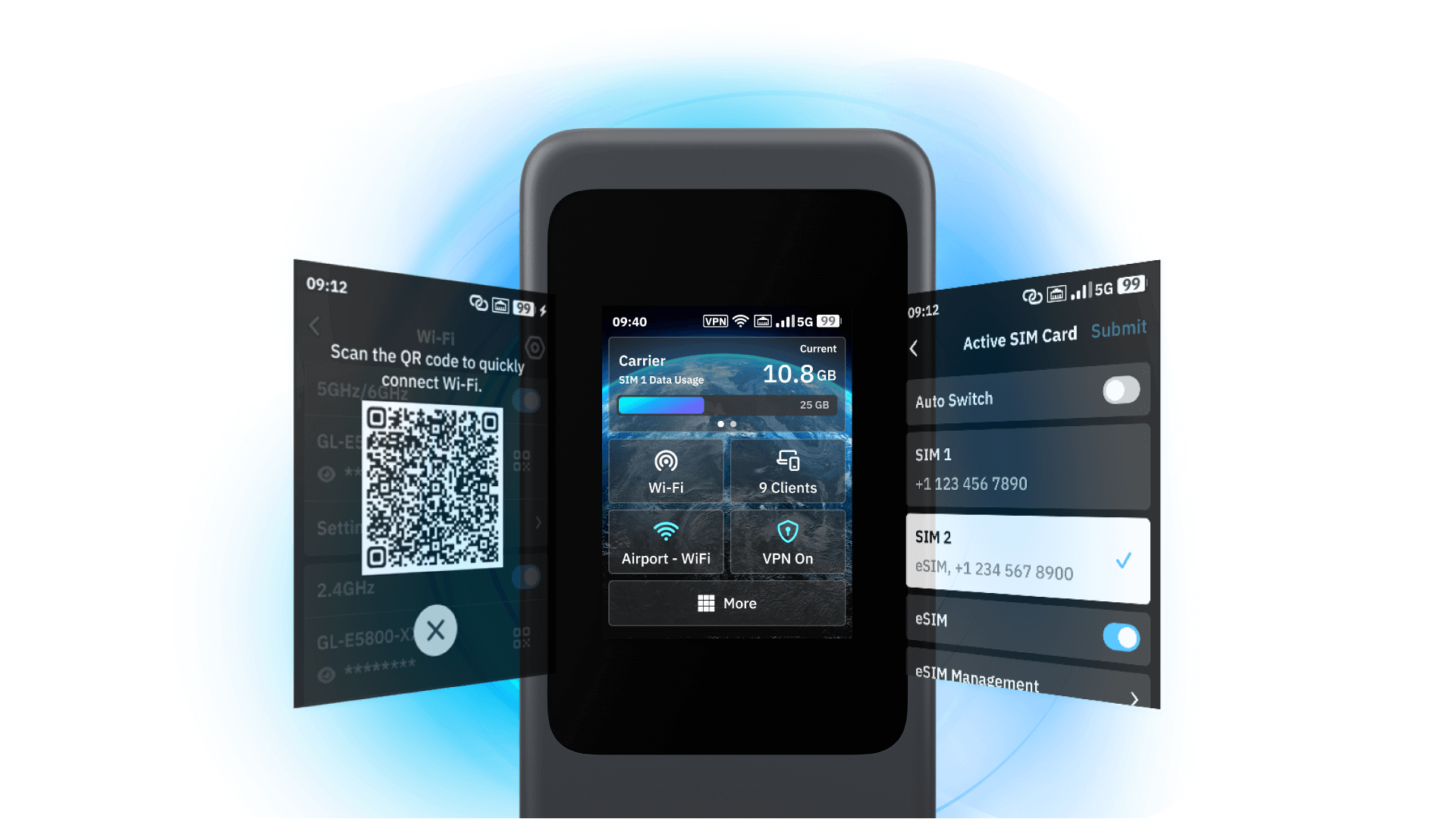
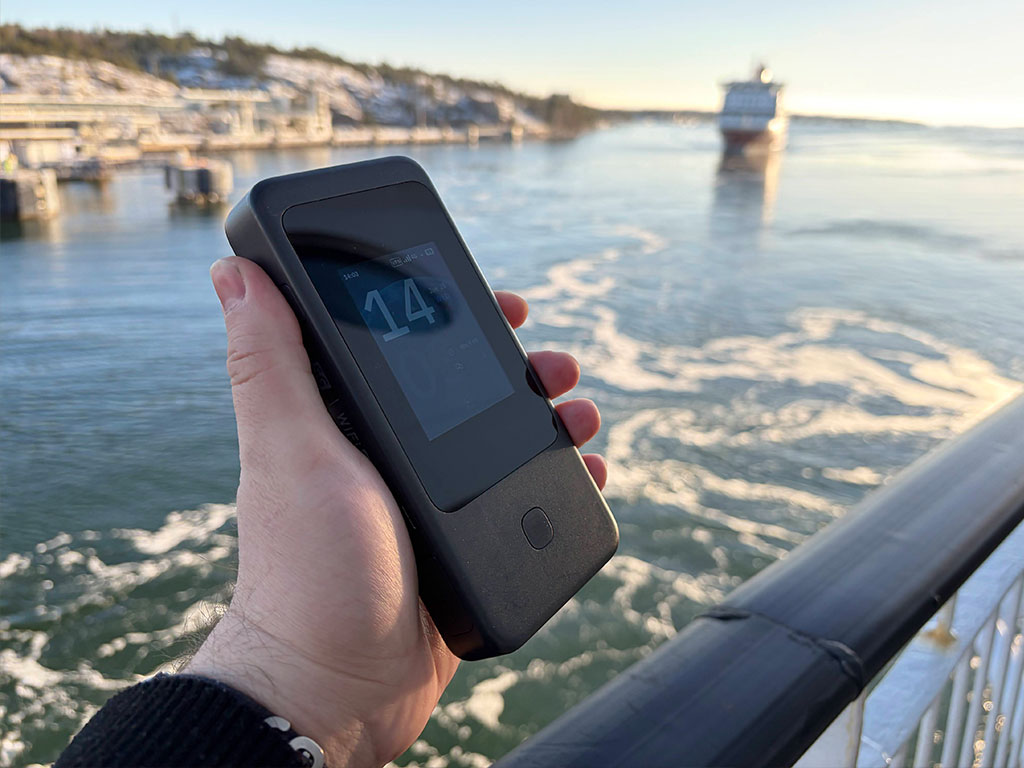
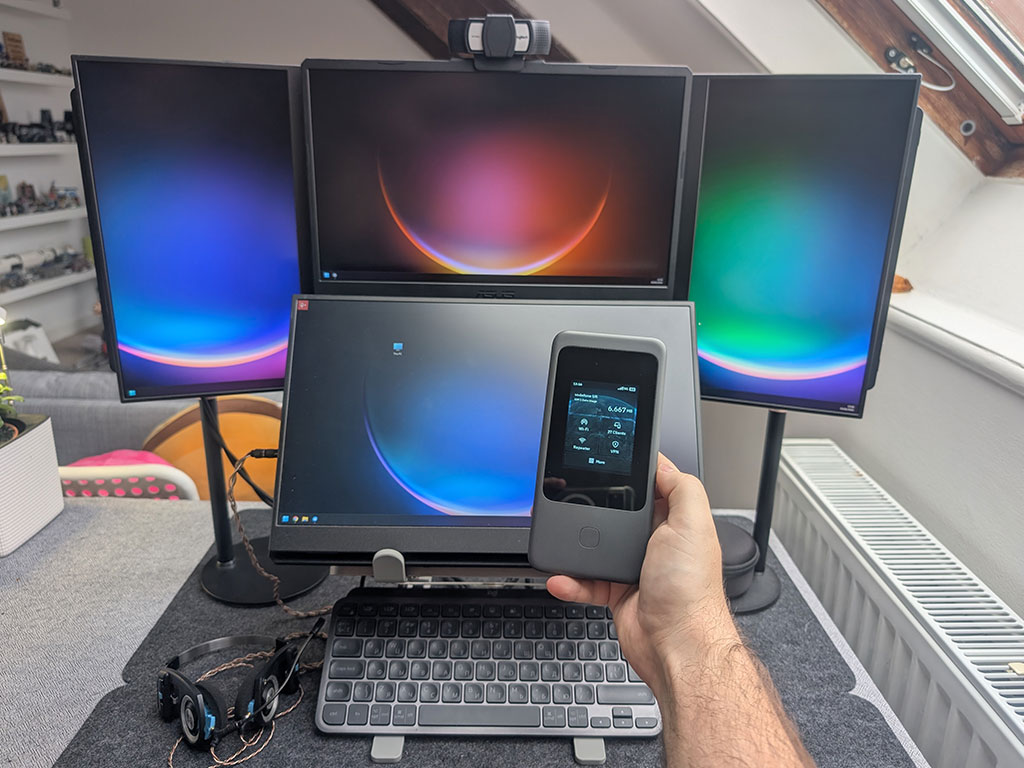
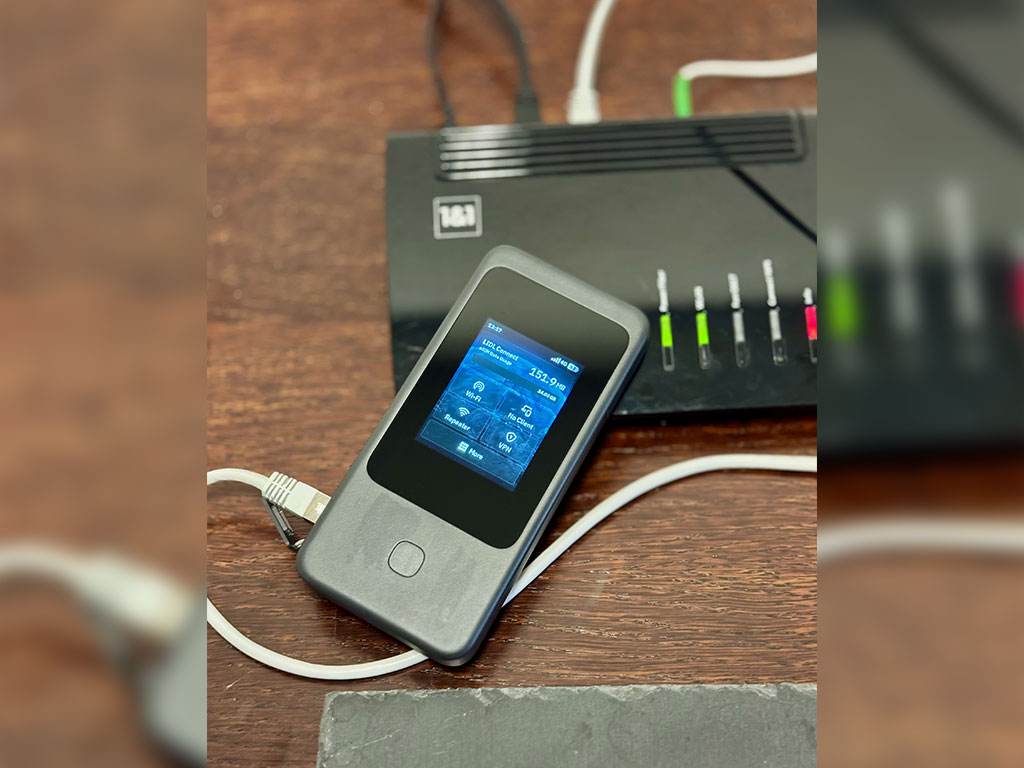
Mudi 7 places total control at your fingertips. Skip the admin panel and app—instantly view connection status, toggle VPNs, share Wi-Fi via QR codes, and manage repeater settings directly on the touchscreen.

Share Wi-Fi instantly via QR code

Mudi 7 (GL-E5800) - Wi-Fi sharing via QR code

Configure network easily, no admin panels required

Mudi 7 (GL-E5800) - Network configuration

5G meets tri-band Wi-Fi 7
Secure, stable, and always on

Mudi 7 delivers up to 5.8Gbps peak throughput, giving you the flexibility to choose  2.4GHz + 5GHz or 2.4GHz + 6GHz dual-band mode when needed.

slide 1 to 2 of 4

Dual-SIM backup, eSIM global reach
Switch networks instantly

Mudi 7 delivers the stability you need via dual SIM dual standby, and the freedom you want with built-in eSIM—letting you switch global carriers instantly without ever touching a physical card.

Enjoy every journey hassle-free

Flexible provider selection via eSIM

Broad carrier compatibility

Connect your way, anywhere
Professional interfaces in your backpack

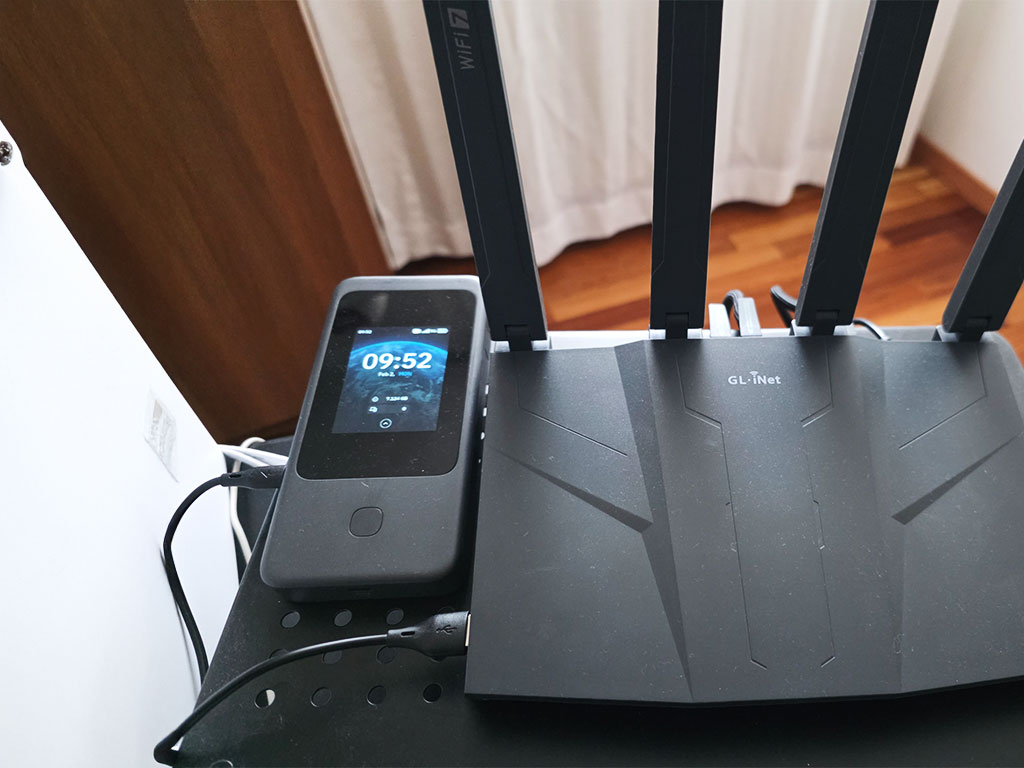
Mudi 7 combines a 2.5G Ethernet port with dual USB-C ports for power and tethering/OTG. Enhance your signal with dual TS-9 ports, ensuring stable connectivity in challenging dead zones.

*Note: TS-9 external antennas are not included in the package.

slide 1 to 2 of 4

Stop struggling with outlets
Enjoy up to 13.5 hours of untethered freedom

Equipped with a 5380mAh battery, Mudi 7 doesn't rely on power outlets. It recharges via 24W PD fast charging, minimizing downtime.

Quick charge during short breaks

Mudi 7 (GL-E5800) - Quick charge during short breaks

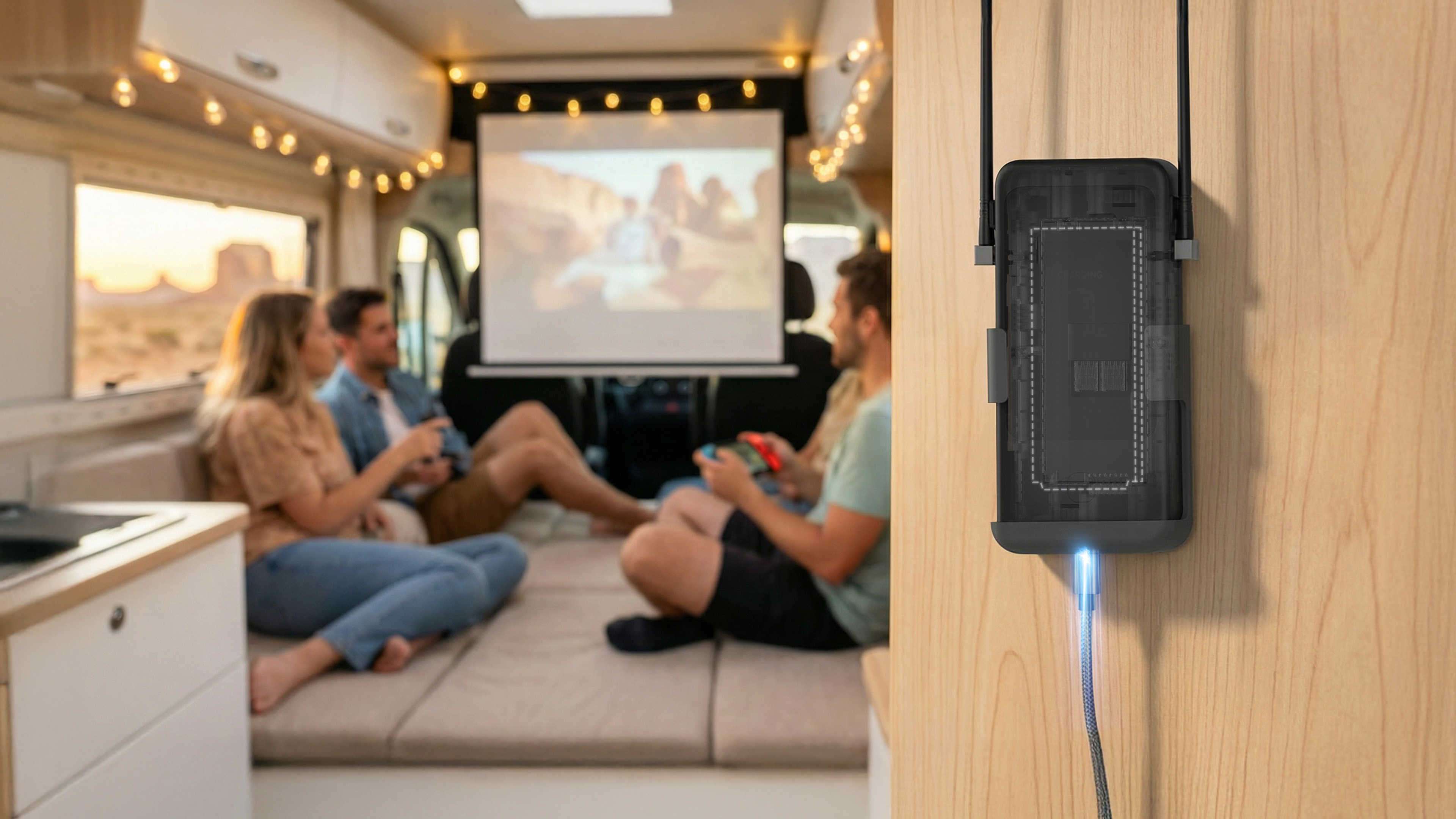
Safe battery-free operation via direct power

Mudi 7 (GL-E5800) - Safe operation without battery

Product Reviews from Youtubers

Mudi 7 (GL-E5800) Reviews
  • The Newest Travel Routers...

    The Newest Travel Routers...

  • 6 New GL.iNet Devices You NEED to See from CES 2026

    6 New GL.iNet Devices You NEED to See from CES 2026

  • Gl.iNet Mudi 7 SIM Router Revealed - The BEST SIM ROUTER EVER?

    Gl.iNet Mudi 7 SIM Router Revealed - The BEST SIM ROUTER EVER?

  • These Travel Routers Are Amazing | GL.iNet @ CES 2026

    These Travel Routers Are Amazing | GL.iNet @ CES 2026

Up to 4.67 Gbps 5G NR
Up to 4.67 Gbps
5G NR
Tri-band Wi-Fi 7 BE5800
Tri-band Wi-Fi 7
BE5800
2.5Gbps Ethernet Port
2.5Gbps
Ethernet Port
10 Gbps USB 3.1
10 Gbps
USB 3.1
OpenWrt Pre-installed
OpenWrt
Pre-installed
VPN Client / Server
VPN Client /
Server
eSIM Support
eSIM Support
Fast Charging
Fast Charging

Technical Specifications

Interface 1 x 2.5G WAN/LAN Ethernet Port
1 x 2.8” Color LCD Touchscreen
2 x Nano SIM Card Slots
1 x Onboard eSIM Chipset
1 x USB Type-C (Power only; power input & output)
1 x USB Type-C (10Gbps; power input & output, USB tethering, USB OTG)
2 x TS-9 Ports
1 x Power Button
1 x Reset Button
5G Platform Qualcomm Dragonwing MBB Gen 3 (X72)
CPU Qualcomm, Quad-core @2.2GHz
Protocol 802.11a/b/g/n/ac/ax/be
Wi-Fi Speed 688Mbps (2.4GHz), 2882Mbps (5GHz), 5764Mbps (6GHz)
Antenna 8 x Internal Antennas (6 x cellular antennas, 2 x 2.4GHz & 5GHz & 6GHz Wi-Fi antennas)
Ethernet Speed 100/1000/2500Mbps
Built-in Battery 3.85V/5380mAh/20.72Wh
Power Input USB PD/PPS 5-12V, 30W Max.
Power Consumption <30W
Operating Temperature 0 ~ 40°C (32 ~ 104°F)
Dimension / Weight 157 x 75 x 22.8mm / 300g
Tools & Downloadables App | Unboxing | Tutorials | Media Kit

Specifications:

  • CPU: Qualcomm, Quad-core @2.2GHz
  • Memory / Storage:  /
  • 5G Platform: Qualcomm Dragonwing MBB Gen 3 (X72)
  • Protocol: 802.11a/b/g/n/ac/ax/be
  • Wi-Fi Speed:  688Mbps (2.4GHz), 2882Mbps (5GHz), 5764Mbps (6GHz)
  • Antennas: 8 x Internal Antennas (6 x cellular antennas, 2 x 2.4GHz & 5GHz & 6GHz Wi-Fi antennas)
  • Cellular: 5G NR
  • Battery: 3.85V/5380mAh/20.72Wh
  • TF Card Slot: N/A
  • USB Port: 1
  • Ethernet Port: 1
  • Ethernet Speed: 100/1000/2500Mbps
  • Power Input: USB PD/PPS 5-12V, 30W Max.
  • Power Consumption:  <30W
  • Dimension / Weight: 157 x 75 x 22.8mm / 300 g

Package Content:

  • 1 x Mudi 7 (GL-E5800) Router
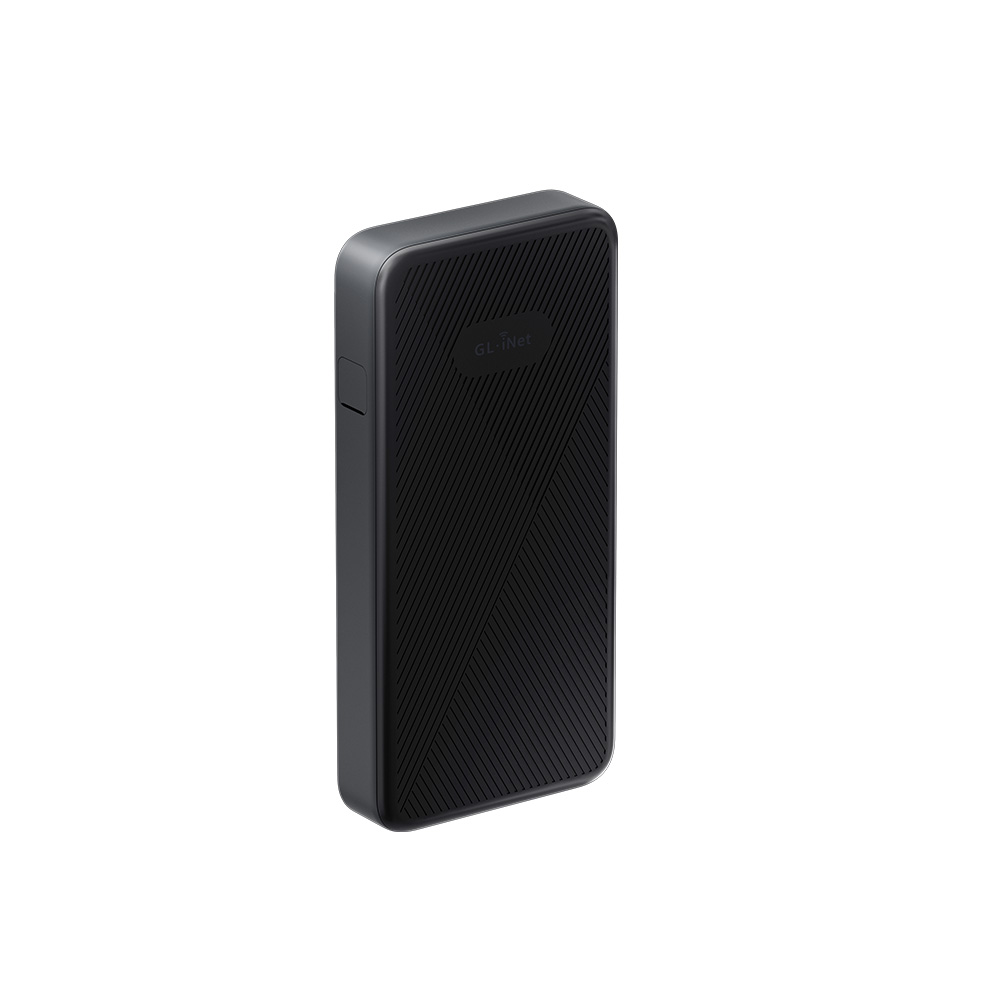
  • 1 x Battery pack
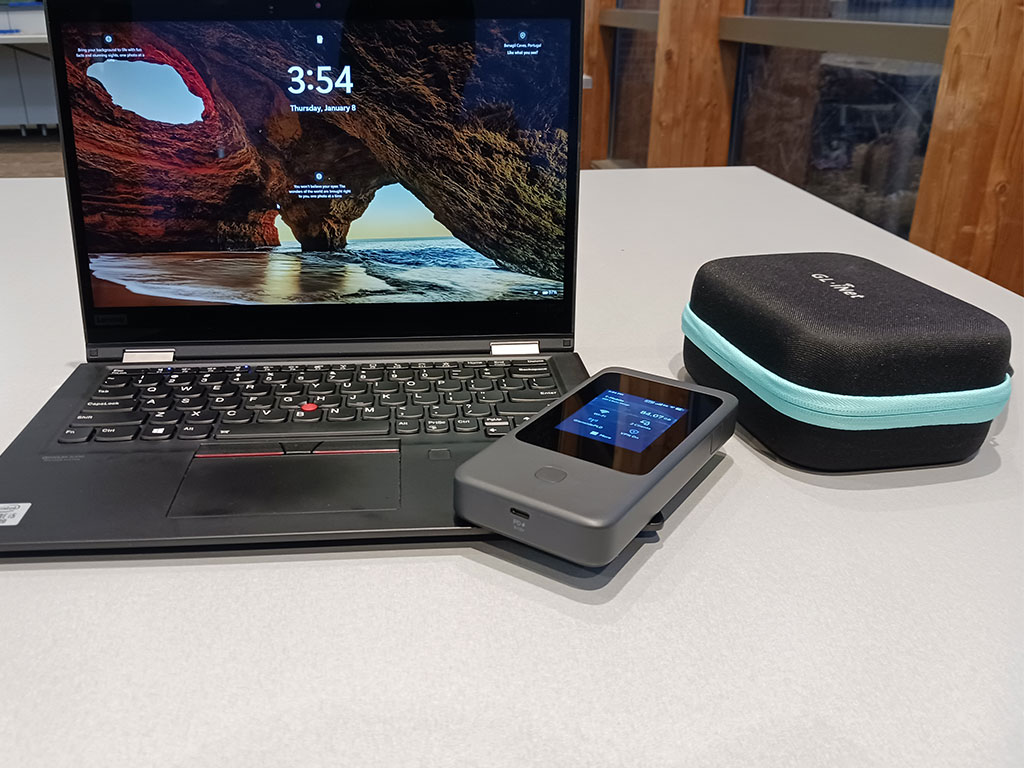
  • 1 x Travel pouch
  • 1 x 10Gbps USB-C cable
  • 1 x User Manual

Tools & Downloadables:

FAQ

Product Initial Setup Guide

Visit the User Guide page and choose the product model and specification required for setup from the options on the left-hand side of the page.

How to Set Up OpenVPN Client on GL.iNet Router

Navigate to the OpenVPN Client Configuration section, where you can follow the provided guide to effortlessly unlock NordVPN and OpenVPN settings, ensuring seamless VPN functionality.

How to Set Up WireGuard Client on GL.iNet Router

Visit the WireGuard VPN Client page and refer to the guide to effortlessly configure settings for AzireVPN, Mullvad, and other WireGuard client features.

How to Connect to the Internet via an existing Wi-Fi by Repeater

Repeater Mode Basic Setup Guide

How to Build Your Own WireGuard Home Server

Proceed to the Tutorials section and refer to the guide to effortlessly complete the setup of your WireGuard Home Server.

How to do if Can't access web Admin Panel

Visit the FAQ page and search for the "Can't access the web Admin Panel" section to find the specific reasons and solutions for this issue.

1

製品の比較

{"one"=>"比較する2つまたは3つのアイテムを選択します", "other"=>"選択された3つのアイテムの{{ count }}"}

比較する最初のアイテムを選択します

比較する2番目の項目を選択します

比較する3番目の項目を選択

比較