Skip to content
New Arrival: Mudi 7 (GL-E5800) 5G NR Tri-band Wi-Fi 7 Travel Router
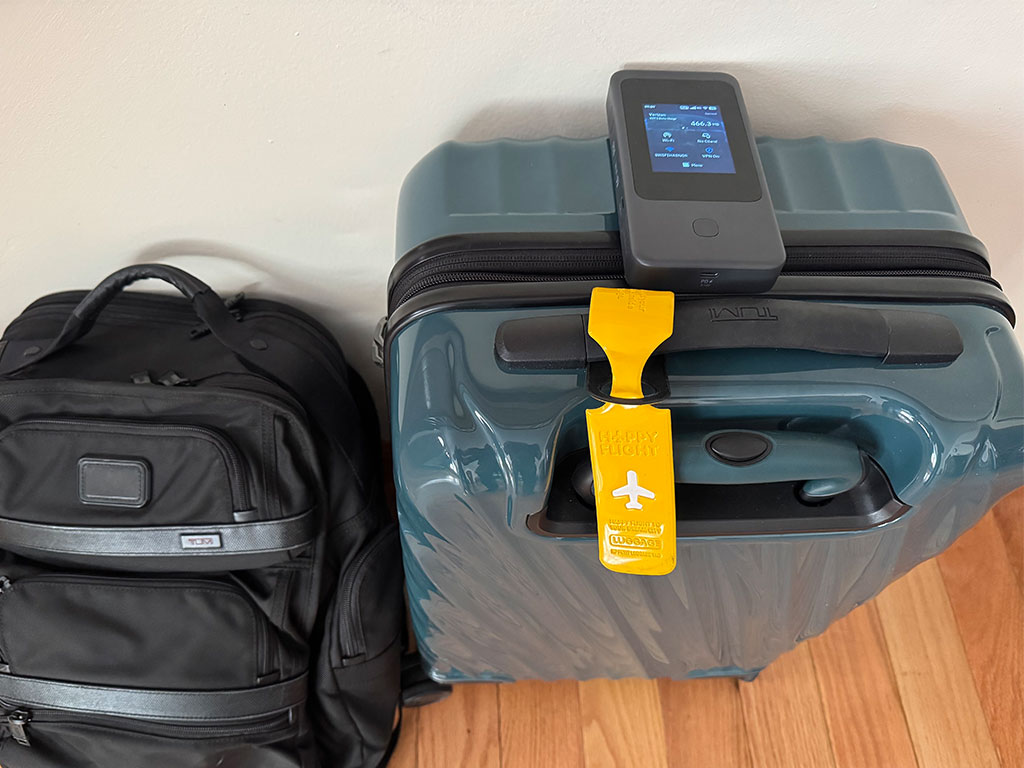

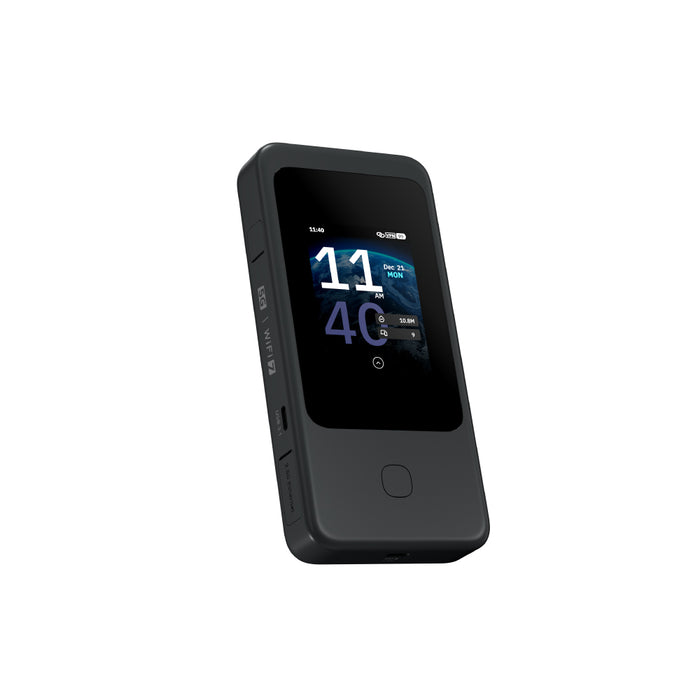
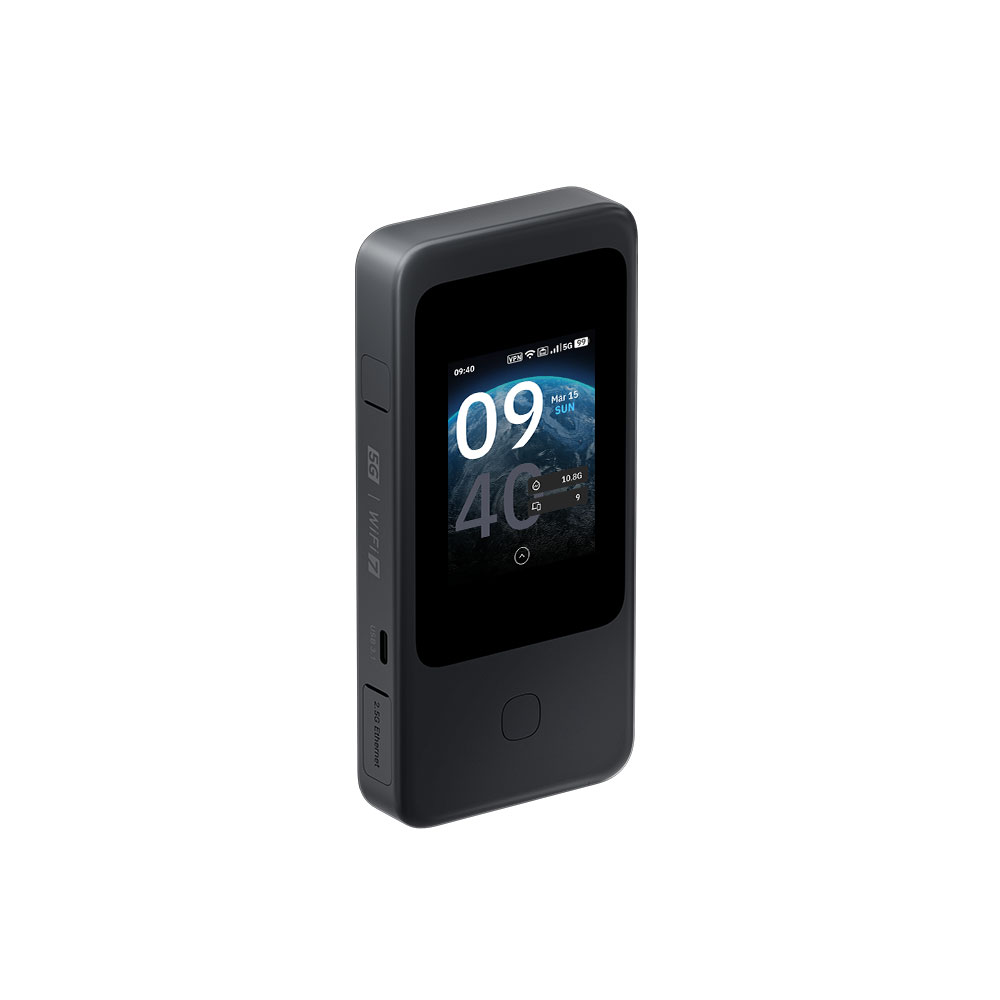
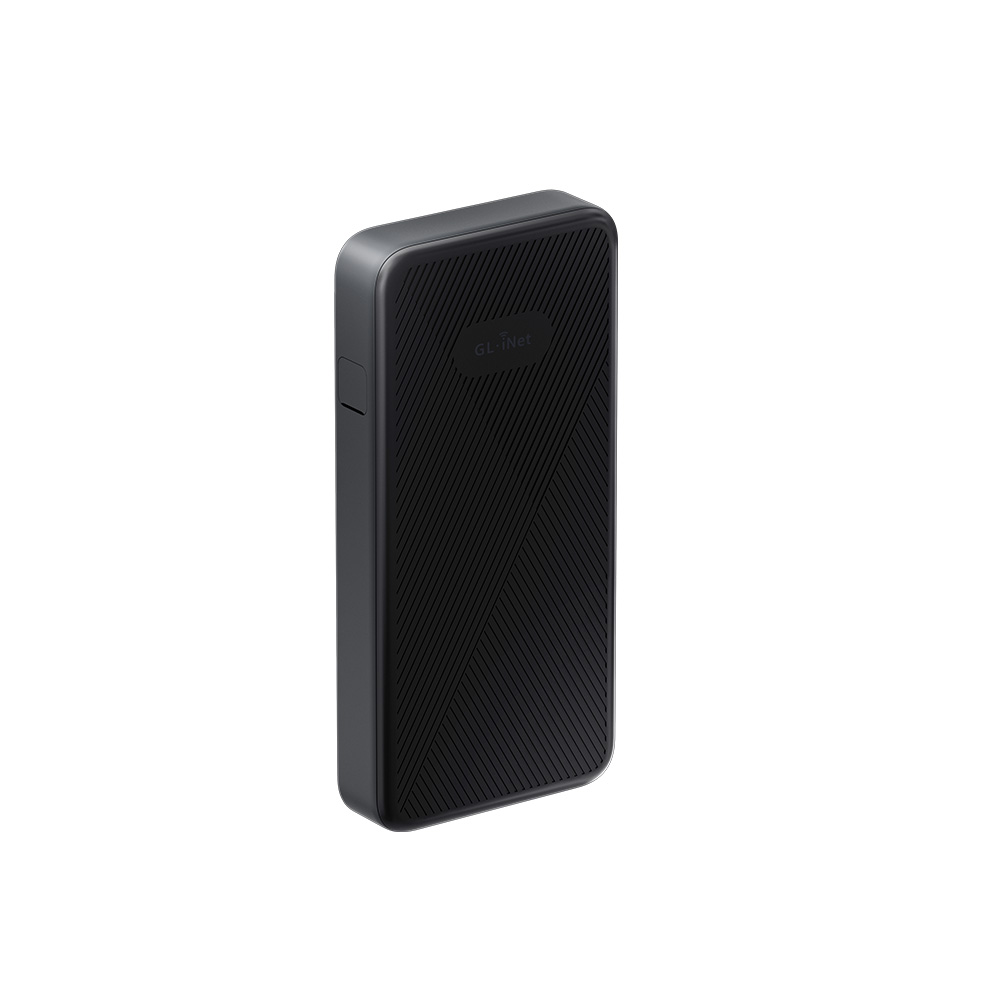
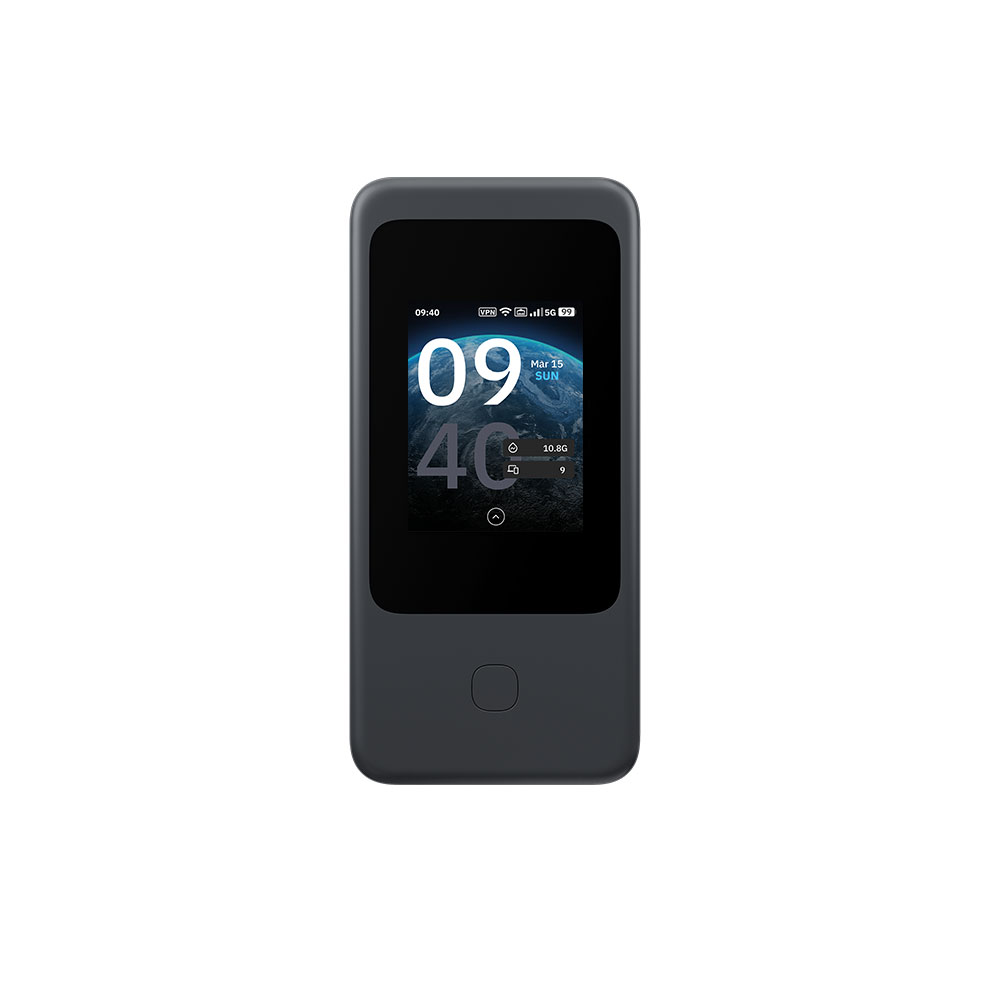
Mudi 7 (GL-E5800) | 5G NR Tri-band Wi-Fi 7 Travel Router

by GL.iNet

Super Early Bird--Earliest shipping time: Early April, 2026

Early Bird--Earliest shipping time: Early April, 2026

Pre-order--Earliest shipping time: Mid April, 2026

Pre-order
Original price USD399.99 - Original price USD399.99
Original price USD399.99
USD279.00
USD279.00 - USD319.00
Current price USD279.00
Choose a Modual
Choose a Type
⚠️BEFORE YOU BUY
  • The cellular feature is restricted in Russia, Belarus, Cuba, Iran, North Korea, Syria, and the Crimean Peninsula due to modem limitations.
  • If you wish to purchase the NA version, please note it in your order or contact cs@gl-inet.com after payment.

    .

Bulk Order

For inquiries related to wholesale pricing or other questions about your order, please feel free to contact our customer service team at cs@gl-inet.com.

Meet Mudi 7

5G NR Tri-band Wi-Fi 7 Travel Router

Product Code GL-E5800NA GL-E5800EU
5G NR Connectivity 3GPP Rel-17 NSA/SA operation, Sub-6GHz
5G NR NSA n2 / n5 / n7 / n12 / n14 / n25 / n26 / n30 / n38 / n41 / n48 / n66 / n71 / n77 / n78 n1 / n3 / n5 / n7 / n8 / n20 / n26 / n28 / n38 / n40 / n41 / n75 / n77 / n78
5G NR SA n2 / n5 / n7 / n12 / n13 / n14 / n25 / n26 / n29 / n30 / n38 / n41 / n48 / n66 / n70 / n71 / n77 / n78 n1 / n3 / n5 / n7 / n8 / n20 / n26 / n28 / n38 / n40 / n41 / n75 / n77 / n78
LTE Category Cat 20 (DL) / Cat 18 (UL)
LTE-FDD B2 / B4 / B5 / B7 / B12 / B13 / B14 / B17 / B25 / B26 / B29 / B30 / B66 / B71 B1 / B3 / B5 / B7 / B8 / B20 / B28 / B32
LTE-TDD B38 / B41 / B42 / B43 / B48 B38 / B40 / B41 / B42 / B43
WCDMA B1 / B5 / B8

Redefining connectivity with 5G & Wi-Fi 7.
Supported by dual SIM continuity, with effortless control at your fingertips.

Next-Gen Connectivity
Anytime, on the go

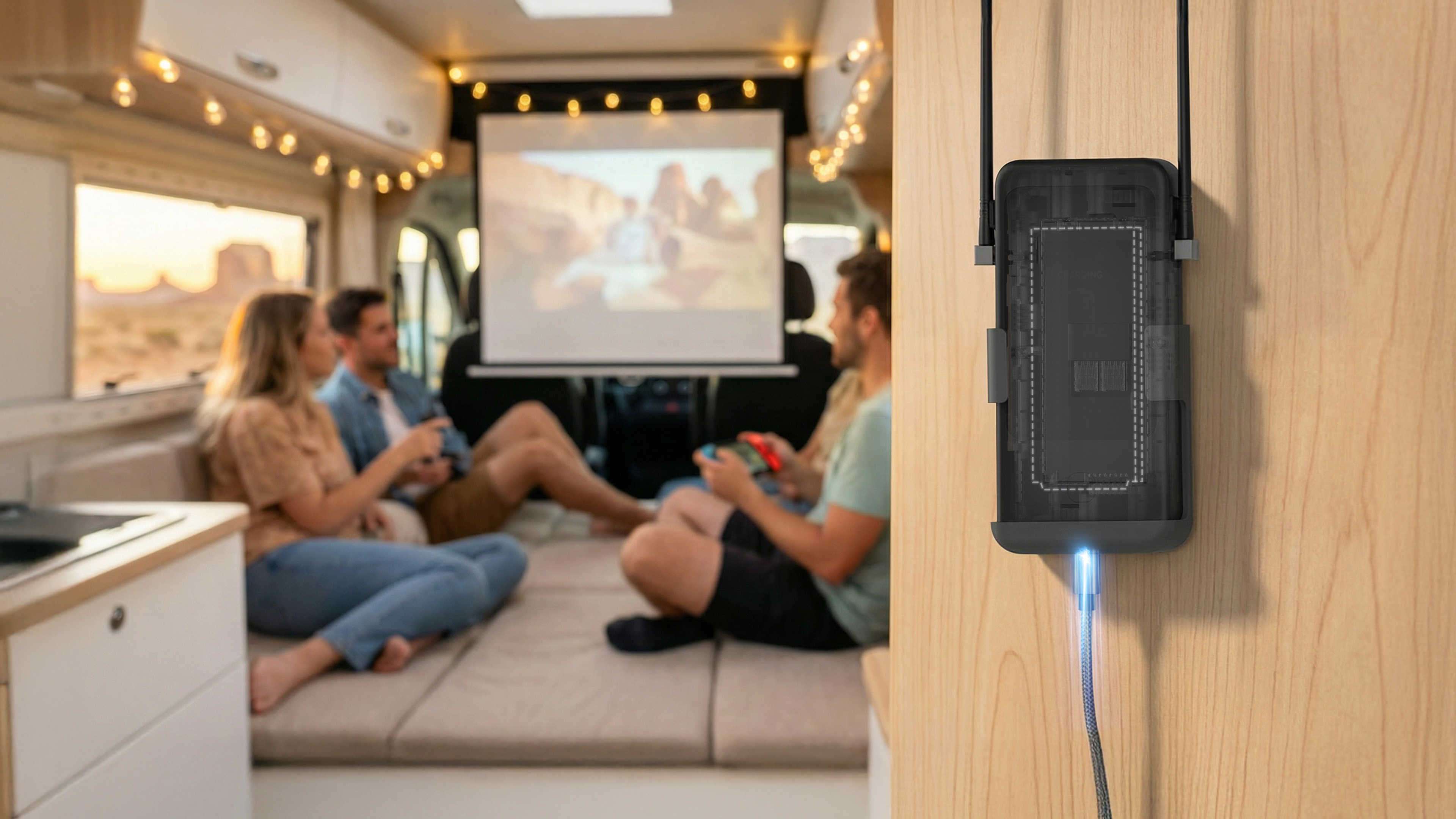
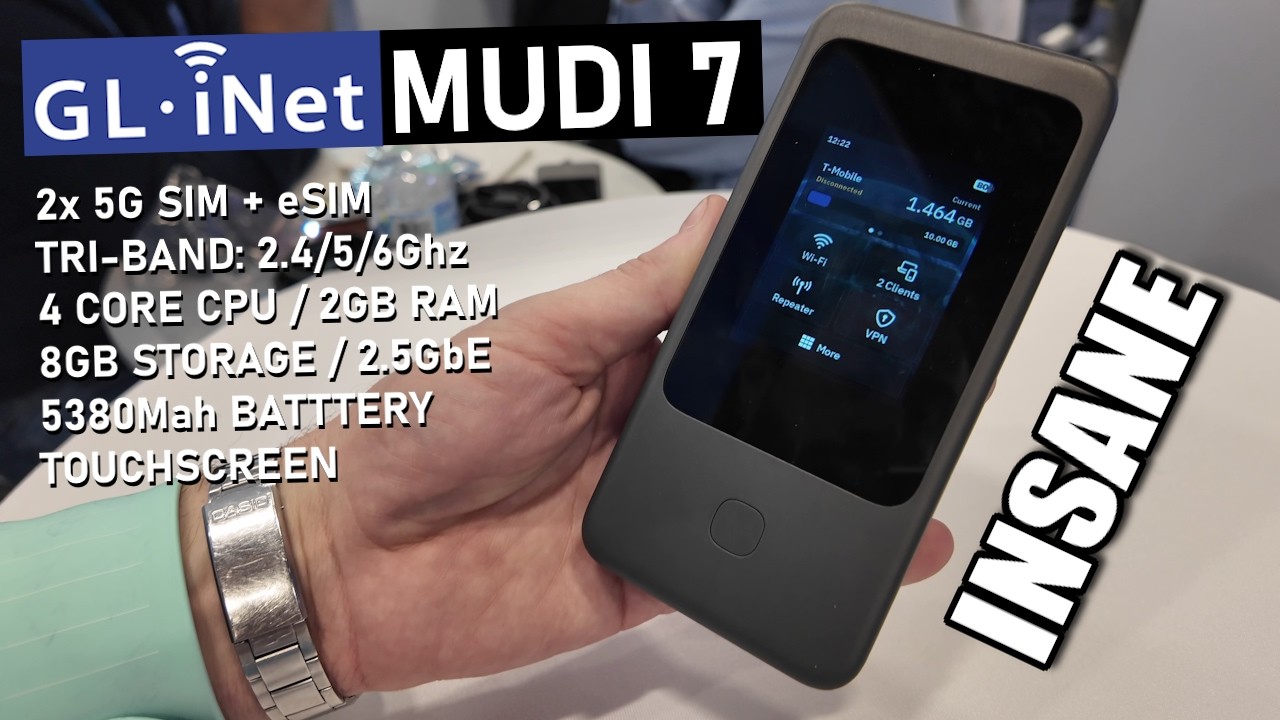
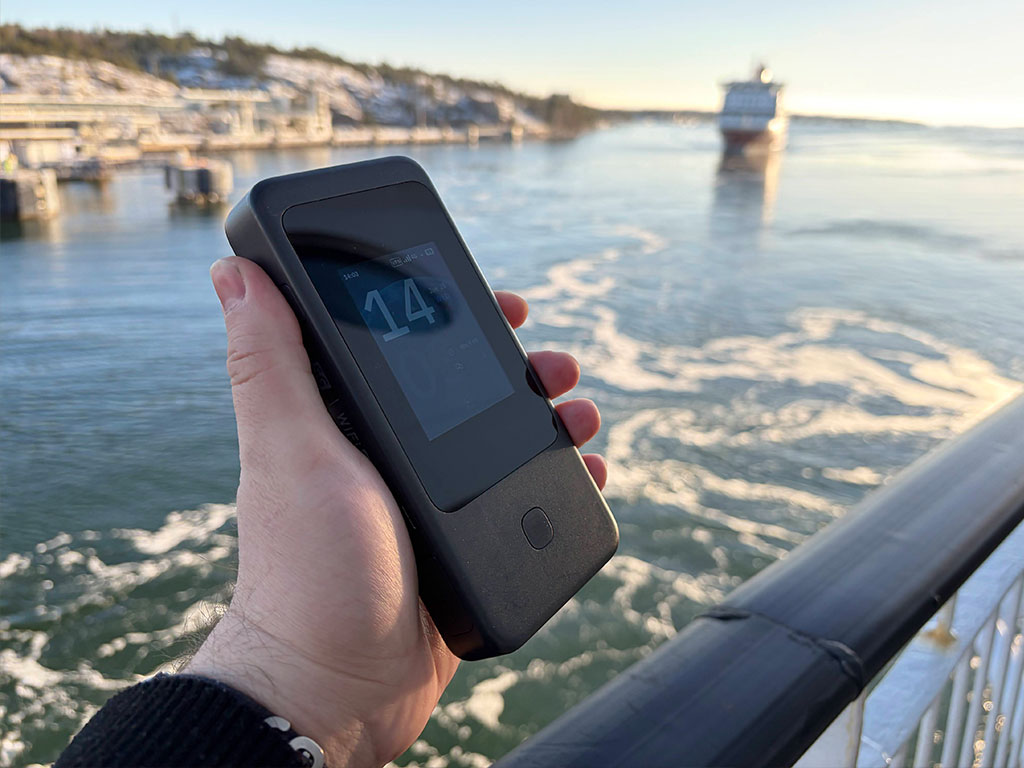
Mudi 7 (GL-E5800) delivers ultra-fast 5G speeds up to 4.67 Gbps and tri-band Wi-Fi 7 performance for reliable and secure networking. It features built-in eSIM and dual SIM dual standby support for seamless connectivity. Equipped with a 2.5G Ethernet Port, and a fast charging and long-lasting battery, Mudi 7 is your all-in-one solution for powerful, portable connectivity.

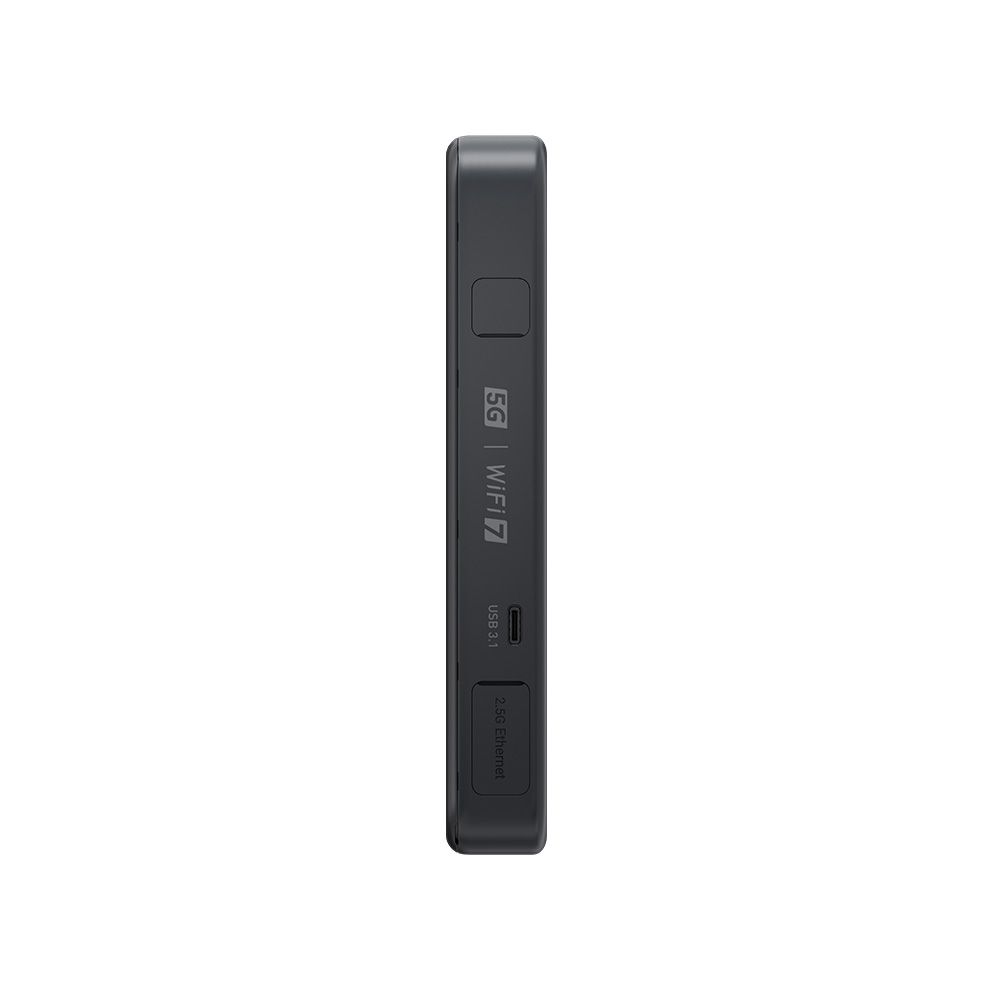
Versatile Wired, Tethering & Charging Option: 1 x 2.5Gbps Ethernet port & 2 USB-C ports

Tri-band Wi-Fi 7: Max. 688Mbps (2.4GHz) / 2882Mbps (5GHz) / 5765Mbps (6GHz)

Flexible Network Switching and Traffic Backup: Built-in eSIM & dual SIM dual standby

Visual Configuration and Monitoring: 2.8" touchscreen enables extensive functional control and privacy settings

Up to 13.5h Battery Life: 5380mAh capacity with 24W PD fast charging

Powerful VPN Performance: Max. 700 Mbps on OpenVPN-DCO and 600 Mbps on WireGuard®

Tri-band

Wi-Fi 7

5765Mbps

6GHz

2882Mbps

5GHz

688Mbps

2.4GHz

5G Connectivity

2.8” LCD Touchscreen

Dual SIM Dual Standby

Up to 13.5hrs Run Time

2 USB-C Ports

USB Tethering & OTG | PD Charging

2.5G LAN/WAN Port

High-speed VPN

OpenVPN-DCO

700+ Mbps

WireGuard®

600+ Mbps

eSIM

Activate, connect, share
All you need is a single touch

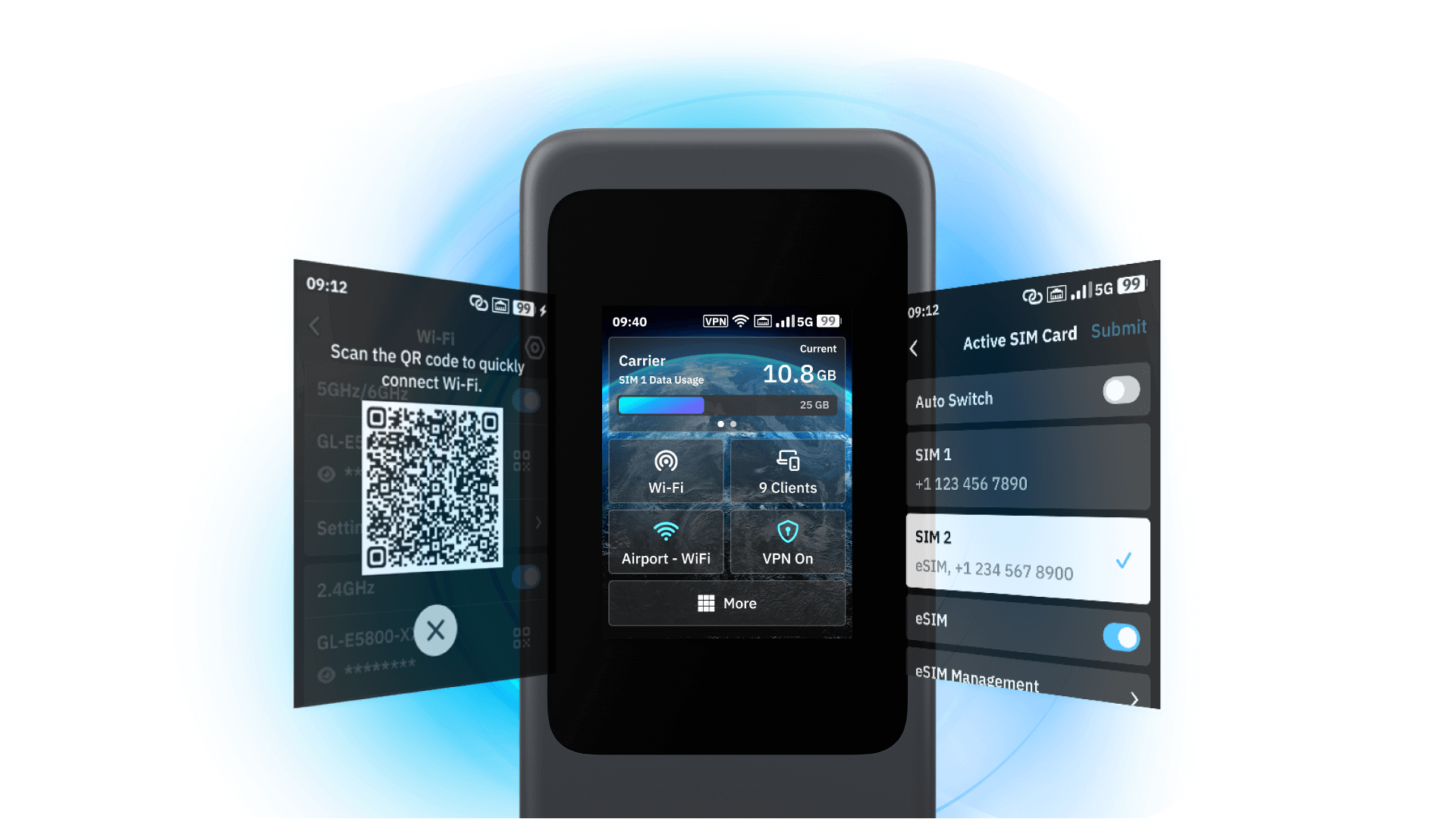
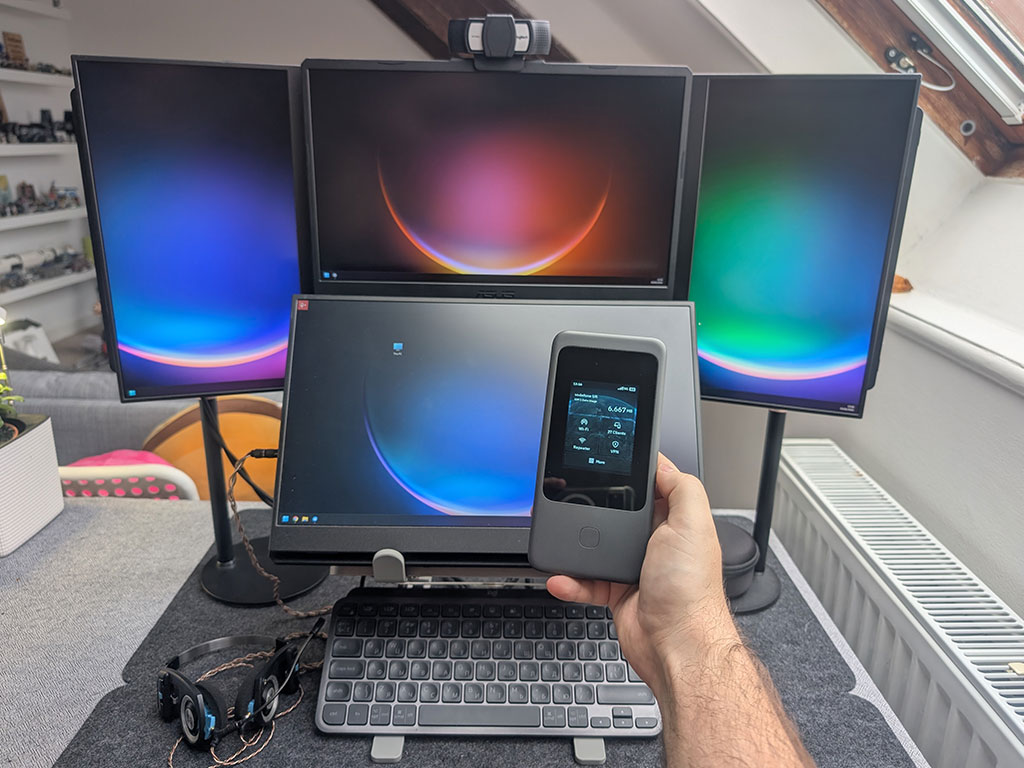
Mudi 7 places total control at your fingertips. Skip the admin panel and app—instantly view connection status, toggle VPNs, share Wi-Fi via QR codes, and manage repeater settings directly on the touchscreen.

Share Wi-Fi instantly via QR code

Mudi 7 (GL-E5800) - Wi-Fi sharing via QR code

Configure network easily, no admin panels required

Mudi 7 (GL-E5800) - Network configuration

5G meets tri-band Wi-Fi 7
Secure, stable, and always on

Mudi 7 delivers up to 5.8Gbps peak throughput, giving you the flexibility to choose  2.4GHz + 5GHz or 2.4GHz + 6GHz dual-band mode when needed.

slide 1 to 2 of 4

Dual-SIM backup, eSIM flexibility
Switch networks instantly

Mudi 7 delivers the stability you need via dual-SIM dual-standby, and the freedom you want with built-in eSIM—letting you switch carriers instantly without ever touching a physical card.

Enjoy every journey hassle-free

One-tap carrier connection

Seamless SIM & eSIM toggle

Connect your way, with versatility
Professional interfaces in your backpack

Mudi 7 combines a 2.5G Ethernet port with dual USB-C ports for power and tethering/OTG. Enhance your signal with dual TS-9 ports, ensuring stable connectivity in challenging dead zones.

*Note: TS-9 external antennas are not included in the package.

slide 1 to 2 of 4

Stop struggling with outlets
Enjoy up to 13.5 hours of untethered freedom

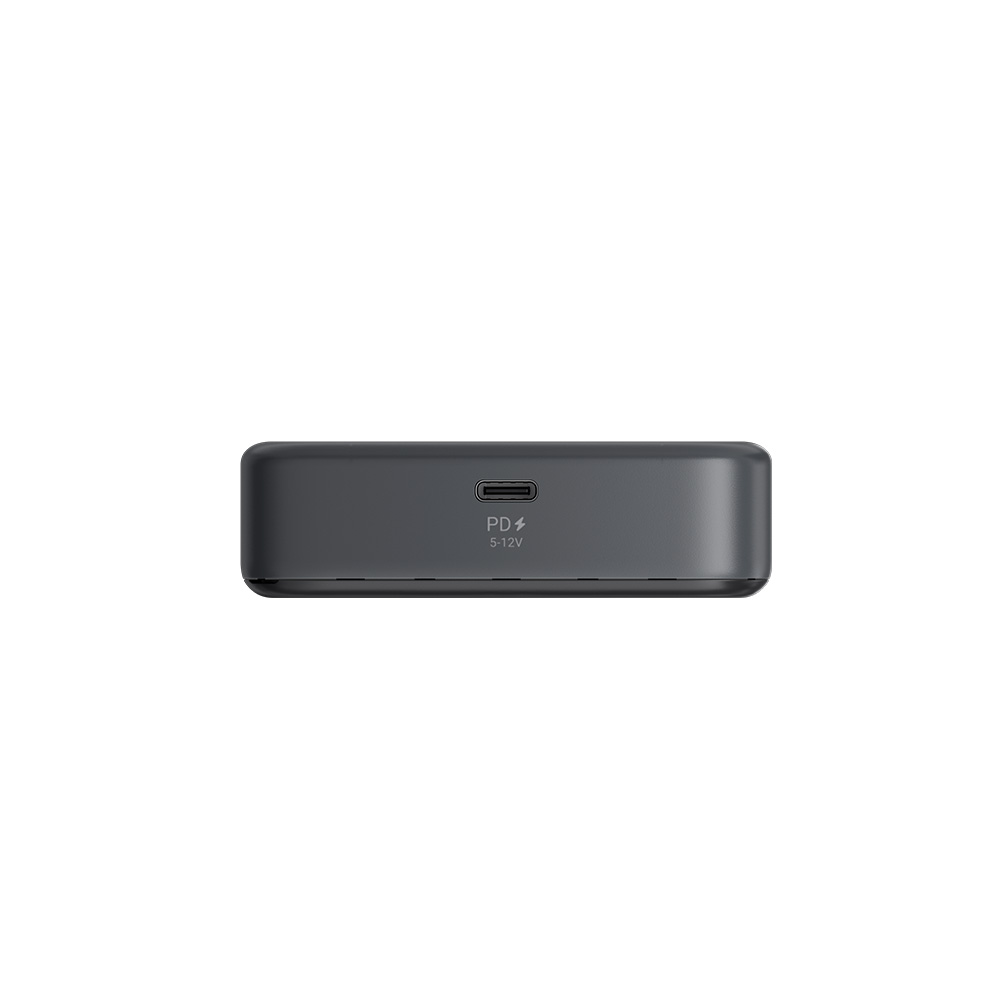
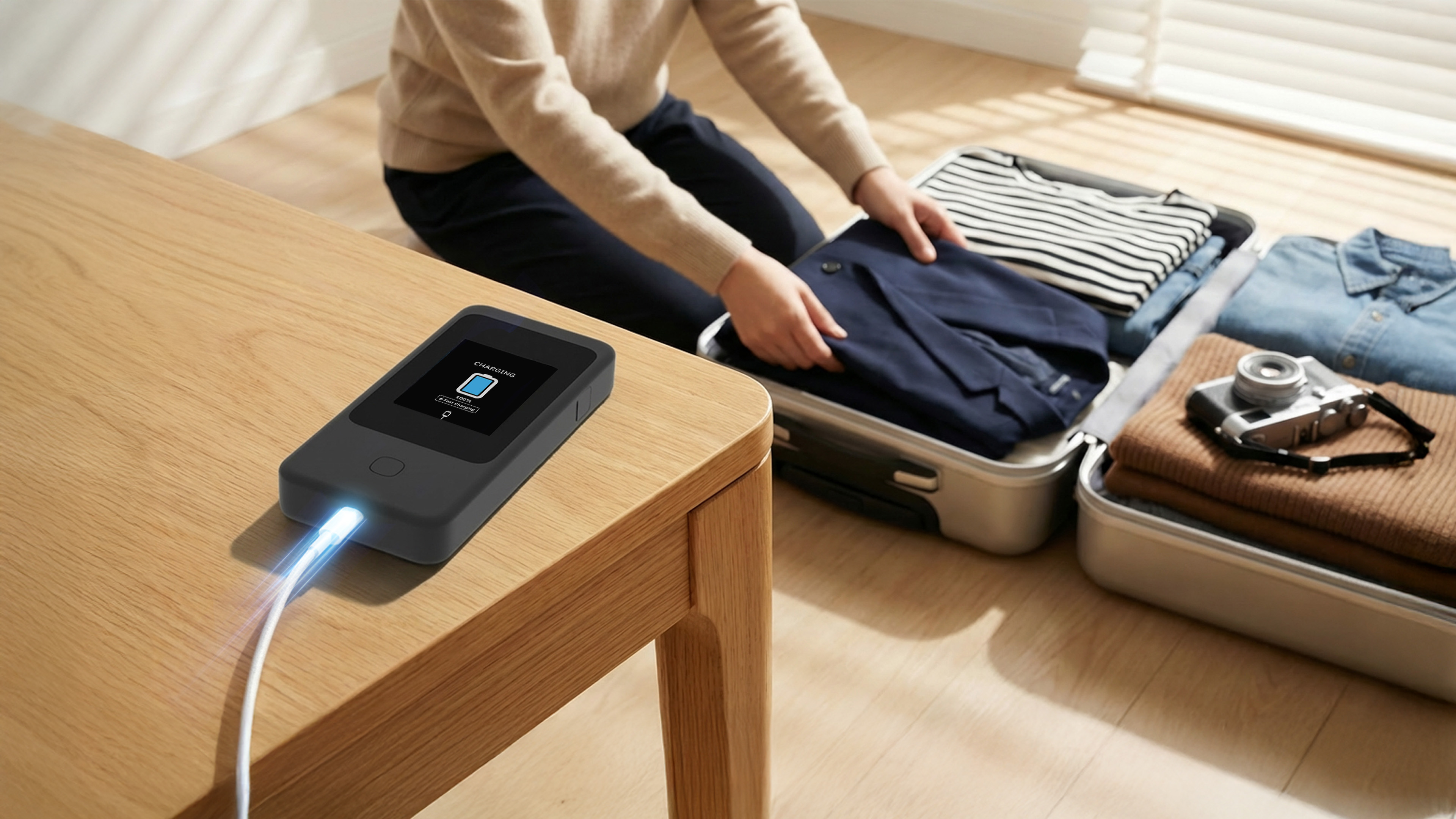
Equipped with a 5380mAh battery, Mudi 7 doesn't rely on power outlets. It recharges via 24W PD fast charging, minimizing downtime.

Quick charge during short breaks

Mudi 7 (GL-E5800) - Quick charge during short breaks

Safe battery-free operation via direct power

Mudi 7 (GL-E5800) - Safe operation without battery

Product Reviews from Youtubers

Mudi 7 (GL-E5800) Reviews
  • The Newest Travel Routers...

    The Newest Travel Routers...

  • 6 New GL.iNet Devices You NEED to See from CES 2026

    6 New GL.iNet Devices You NEED to See from CES 2026

  • Gl.iNet Mudi 7 SIM Router Revealed - The BEST SIM ROUTER EVER?

    Gl.iNet Mudi 7 SIM Router Revealed - The BEST SIM ROUTER EVER?

  • These Travel Routers Are Amazing | GL.iNet @ CES 2026

    These Travel Routers Are Amazing | GL.iNet @ CES 2026

What Beta Testers are Saying

tar_xvf

What I love most is the ecosystem—I host my own VPN server on GL-iNet hardware at home and connect the Mudi 7 to it from wherever I am. It’s the ultimate setup for working abroad. The built-in LAN port is also a huge plus for privacy; by hardwiring my laptop, I can kill the wireless radios and keep my location completely off the grid.

@tar_xvf
amuzyche

This seemingly mobile router provides connectivity not only for laptops and TVs but for an entire smart home ecosystem. Handling work by day, 4K streaming by night, and simultaneous climate/lighting control is effortless.

@amuzyche
Vulcan

I can’t say enough good things about the Mudi 7. I needed something dependable for work on the go, but it’s quickly turned into our family’s all-around internet solution.

@Vulcan
mmavis29

Pocket‑friendly and simple to set up, it pairs solid hardware and mature software with quick, reliable Wi‑Fi and consistently strong VPN performance. The long battery life means fewer outlets and more productivity on the go. In short, it’s the ultimate mobile router—a must‑have travel companion.

@mmavis29
_DaNobody

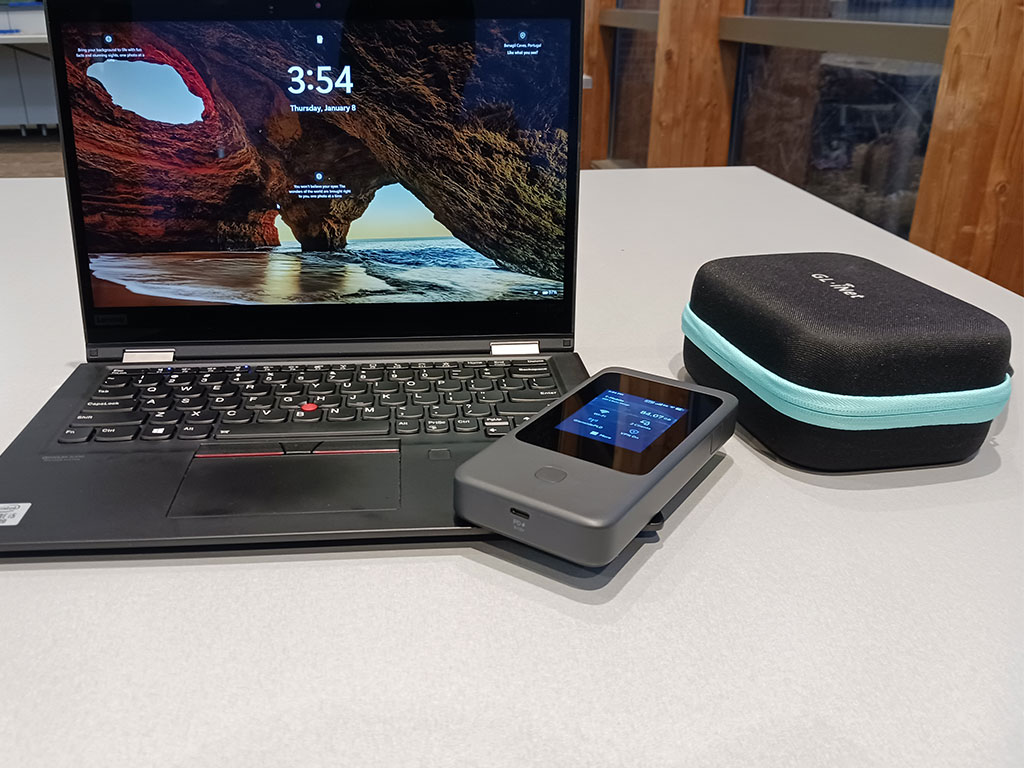
The most underrated accessory included with each Mudi 7 is the travel case. It protected my Mudi 7 from the heavy rain while only having surface moisture on the outside. Unfortunately the rain got to my books and soaked them, but the travel case having protected my Mudi 7 gives me peace whenever I travel with it. Absolute 10/10 in my opinion.

@_DaNobody
admonstrator

It is most effective during on-site client visits: When I'm working directly at a server room rack, I use it to hook up to the internet on my own. This bypasses the need for local firewall configurations, and the built-in VPN ensures that I always have secure access to our company servers. I can easily access my secure data and tools without compromising the client's infrastructure.

@admonstrator
tomp5138

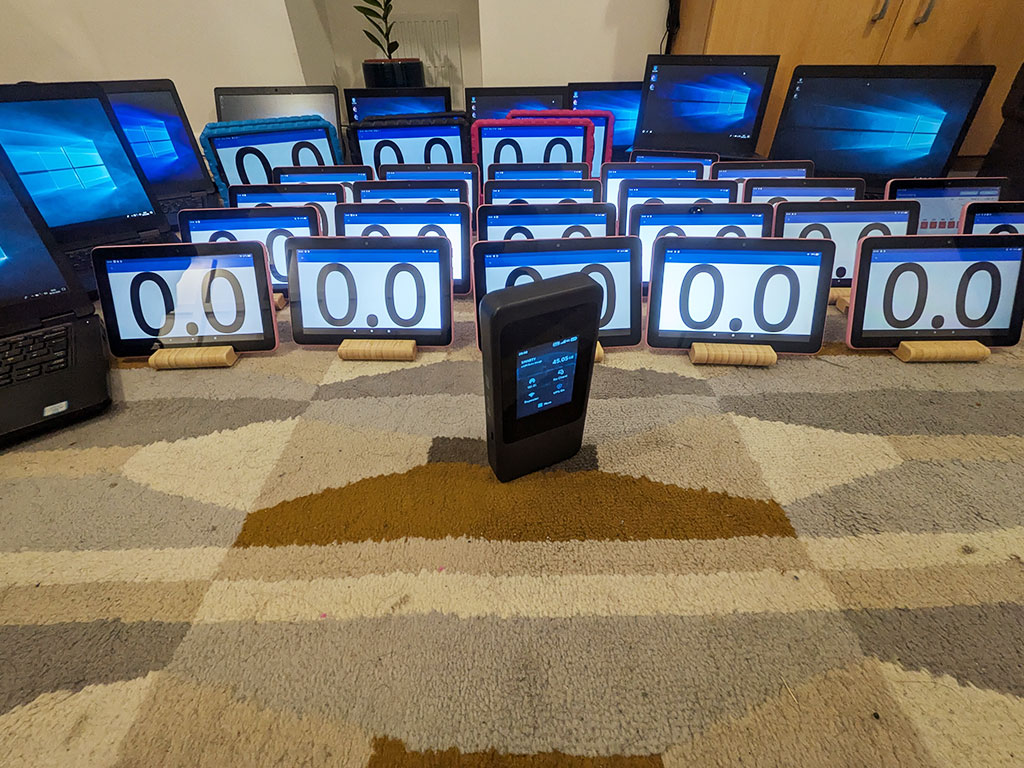
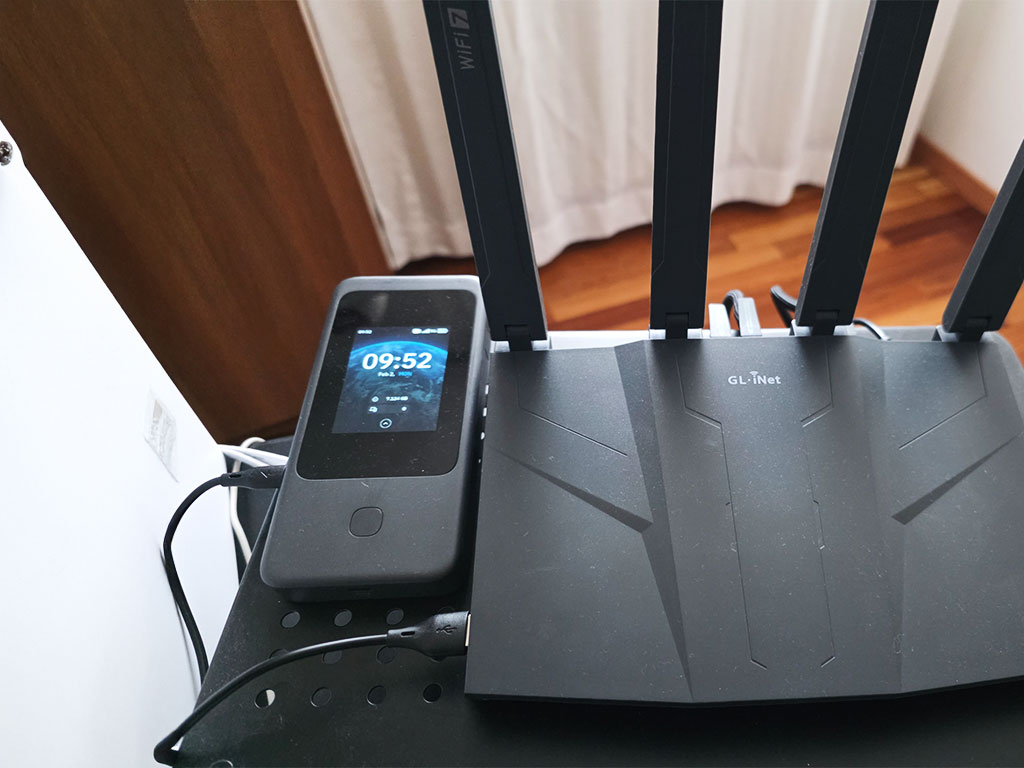
We had 36 tablets, 14 laptops and 1 printer connected over WiFi to the mudi, plus a Poe switch on the ethernet port connected to 6 Poe cameras and a comet Poe. Spectators were able to live stream the event from the cameras and get real time results, all passed through the mudi. And just to add this was all on battery the entire time.

@tomp5138
mniko_tech

Battery life has been excellent – it easily lasts through long travel days and extended usage, which is exactly what I was hoping for in a mobile router. Performance has been stable, and I especially appreciate the support for the latest channels, which helps maintain strong and reliable connections in different environments.

@mniko_tech
jl_blackbriar

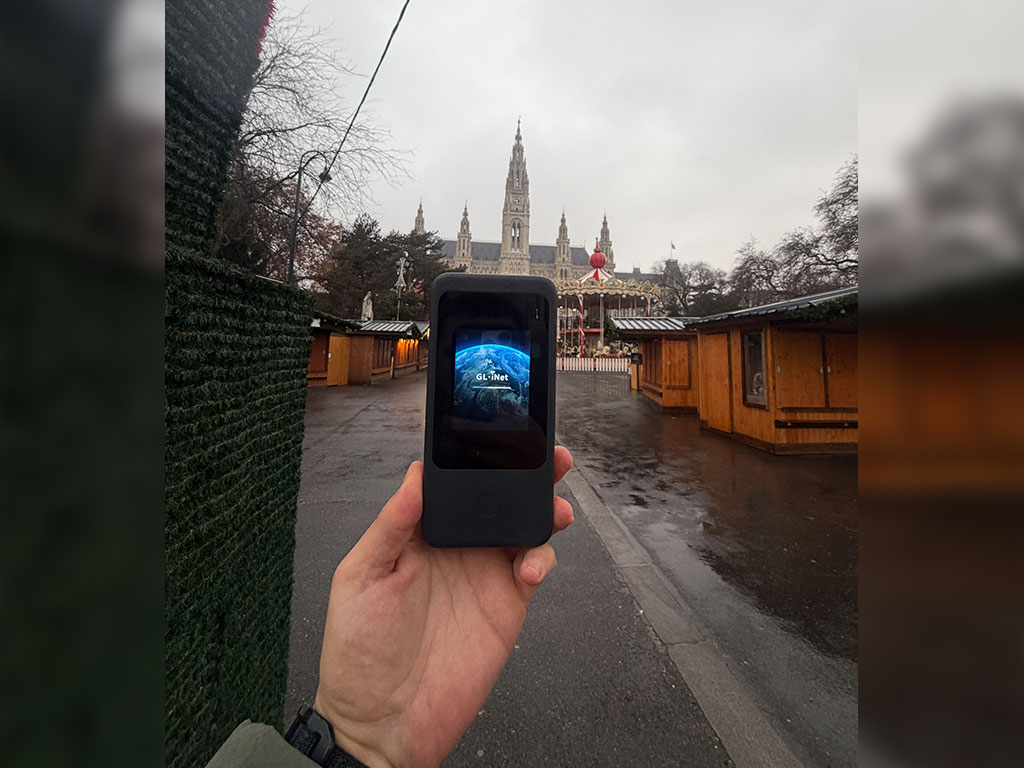
Arrived at an Airbnb, first thing unpacked is the Mudi7.

@jl_blackbriar
Earendilsi

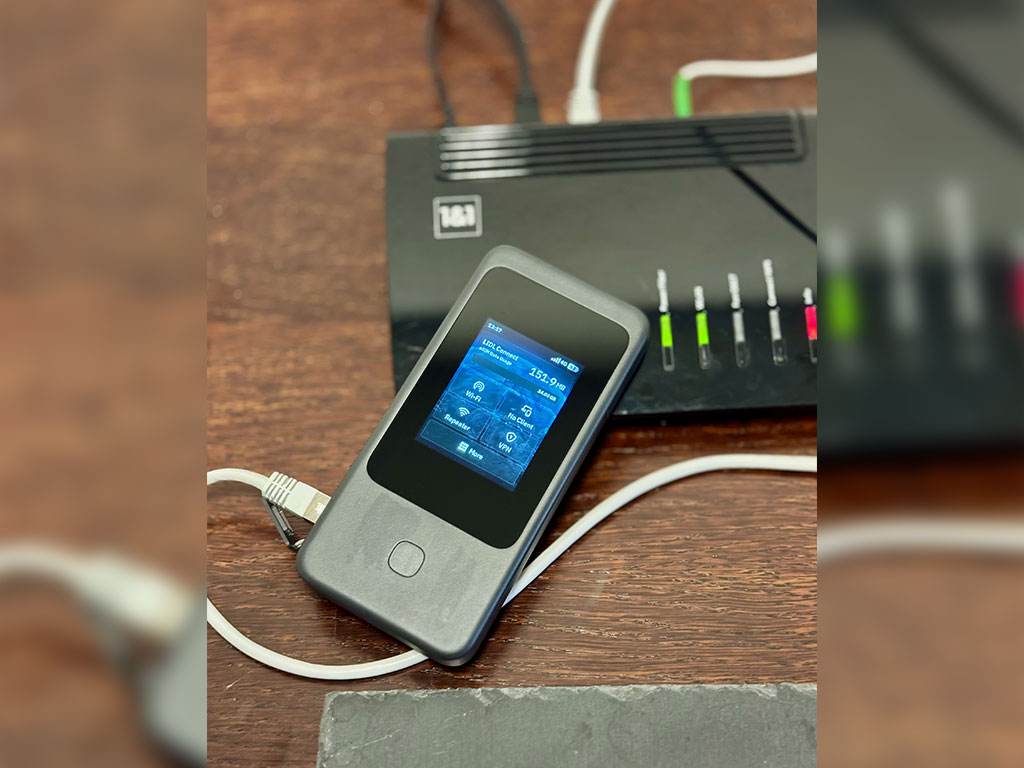
At home, I use it in tethering mode with my Flint 3, ensuring a reliable backup connection ready to take over if my fiber line goes down. As always, GL‑iNet’s interface is outstanding: clean, intuitive, and powerful.

@Earendilsi
bonedaddy4538

The Mudi 7 is a game changing device that puts other 5G hotspots to shame. The features are unmatched and will perform in the most demanding use-cases.

@bonedaddy4538
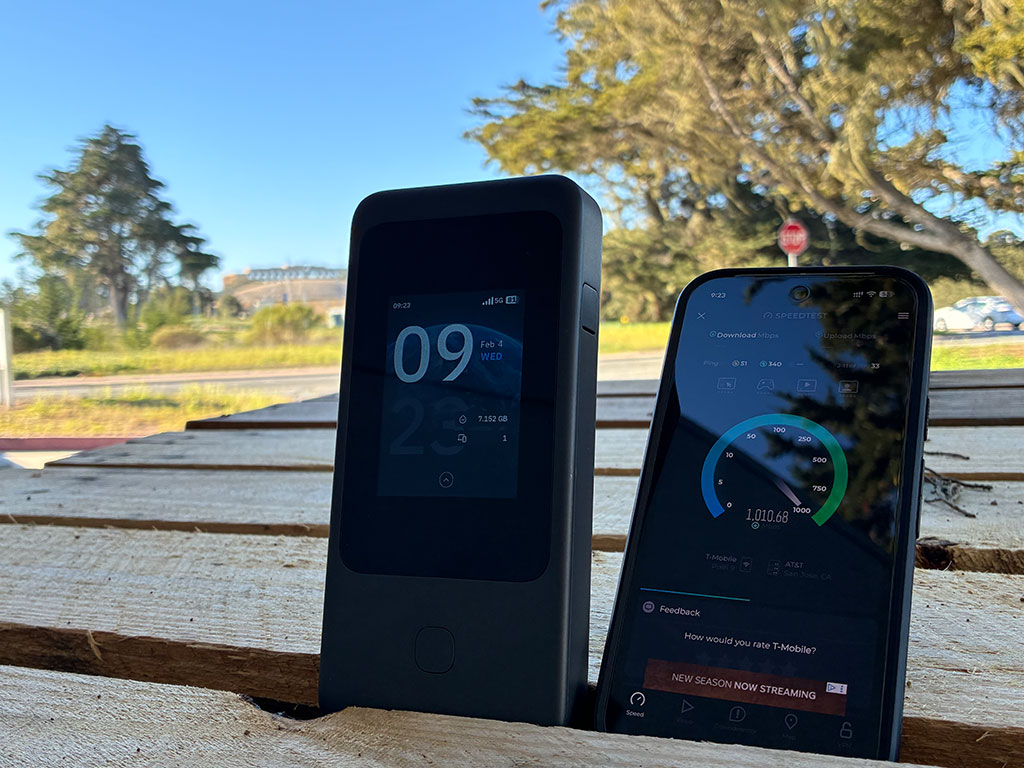
Up to 4.67 Gbps 5G NR
Up to 4.67 Gbps
5G NR
Tri-band Wi-Fi 7 BE5800
Tri-band Wi-Fi 7
BE5800*
2.5Gbps Ethernet Port
2.5 Gbps
Ethernet Port
10 Gbps USB 3.1
10 Gbps
USB 3.1
OpenWrt Pre-installed
OpenWrt
Support
VPN Client / Server
VPN Client /
Server
eSIM Support
eSIM Support
Fast Charging
Fast Charging

*Dual-band Simultaneous (DBS) Wi-Fi 7 BE5800: 2.4GHz Only, 5GHz Only, 6GHz Only, 2.4GHz+5GHz, 2.4GHz+6GHz

Technical Specifications

Mudi 7(GL-E5800) 5G NR Frequency Bands

Product Code GL-E5800NA GL-E5800EU
5G NR Connectivity 3GPP Rel-17 NSA/SA operation, Sub-6GHz
5G NR NSA n2 / n5 / n7 / n12 / n14 / n25 / n26 / n30 / n38 / n41 / n48 / n66 / n71 / n77 / n78 n1 / n3 / n5 / n7 / n8 / n20 / n26 / n28 / n38 / n40 / n41 / n75 / n77 / n78
5G NR SA n2 / n5 / n7 / n12 / n13 / n14 / n25 / n26 / n29 / n30 / n38 / n41 / n48 / n66 / n70 / n71 / n77 / n78 n1 / n3 / n5 / n7 / n8 / n20 / n26 / n28 / n38 / n40 / n41 / n75 / n77 / n78
LTE Category Cat 20 (DL) / Cat 18 (UL)
LTE-FDD B2 / B4 / B5 / B7 / B12 / B13 / B14 / B17 / B25 / B26 / B29 / B30 / B66 / B71 B1 / B3 / B5 / B7 / B8 / B20 / B28 / B32
LTE-TDD B38 / B41 / B42 / B43 / B48 B38 / B40 / B41 / B42 / B43
WCDMA B1 / B5 / B8
Interface 1 x 2.5G WAN/LAN Ethernet Port
1 x 2.8” Color LCD Touchscreen
2 x Nano SIM Card Slots
1 x Onboard eSIM Chipset
1 x USB Type-C (Power only; power input & output)
1 x USB Type-C (10Gbps; power input & output, USB tethering, USB OTG)
2 x TS-9 Ports
1 x Power Button
1 x Reset Button
5G Platform Qualcomm Dragonwing MBB Gen 3 (X72)
CPU Qualcomm, Quad-core @2.2GHz
Protocol 802.11a/b/g/n/ac/ax/be
Wi-Fi Speed 688Mbps (2.4GHz), 2882Mbps (5GHz), 5764Mbps (6GHz)
Antenna 8 x Internal Antennas (6 x cellular antennas, 2 x 2.4GHz & 5GHz & 6GHz Wi-Fi antennas)
Ethernet Speed 100/1000/2500Mbps
Built-in Battery 3.85V/5380mAh/20.72Wh
Whole Device Power Input USB PD/PPS 5-12V, 30W Max.
Power Consumption <30W
Operating Temperature 0 ~ 40°C (32 ~ 104°F)
Dimension / Weight 157 x 75 x 22.8mm / 300g
Tools & Downloadables App | Unboxing | Tutorials | Media Kit

Specifications:

  • CPU: Qualcomm, Quad-core @2.2GHz
  • Memory / Storage:  /
  • 5G Platform: Qualcomm Dragonwing MBB Gen 3 (X72)
  • Protocol: 802.11a/b/g/n/ac/ax/be
  • Wi-Fi Speed:  688Mbps (2.4GHz), 2882Mbps (5GHz), 5764Mbps (6GHz)
  • Antennas: 8 x Internal Antennas (6 x cellular antennas, 2 x 2.4GHz & 5GHz & 6GHz Wi-Fi antennas)
  • Cellular: 5G NR
  • Battery: 3.85V/5380mAh/20.72Wh
  • TF Card Slot: N/A
  • USB Port: 1
  • Ethernet Port: 1
  • Ethernet Speed: 100/1000/2500Mbps
  • Power Input: USB PD/PPS 5-12V, 30W Max.
  • Power Consumption:  <30W
  • Dimension / Weight: 157 x 75 x 22.8mm / 300 g

Package Content:

  • 1 x Mudi 7 (GL-E5800) Router
  • 1 x Battery pack
  • 1 x Travel pouch
  • 1 x 10Gbps USB-C cable
  • 1 x User Manual

Tools & Downloadables:

FAQ

Product Initial Setup Guide

Visit the User Guide page and choose the product model and specification required for setup from the options on the left-hand side of the page.

How to Set Up OpenVPN Client on GL.iNet Router

Navigate to the OpenVPN Client Configuration section, where you can follow the provided guide to effortlessly unlock NordVPN and OpenVPN settings, ensuring seamless VPN functionality.

How to Set Up WireGuard Client on GL.iNet Router

Visit the WireGuard VPN Client page and refer to the guide to effortlessly configure settings for AzireVPN, Mullvad, and other WireGuard client features.

How to Connect to the Internet via an existing Wi-Fi by Repeater

Repeater Mode Basic Setup Guide

How to Build Your Own WireGuard Home Server

Proceed to the Tutorials section and refer to the guide to effortlessly complete the setup of your WireGuard Home Server.

How to do if Can't access web Admin Panel

Visit the FAQ page and search for the "Can't access the web Admin Panel" section to find the specific reasons and solutions for this issue.

1

Compare products

{"one"=>"Select 2 or 3 items to compare", "other"=>"{{ count }} of 3 items selected"}

Select first item to compare

Select second item to compare

Select third item to compare

Compare